Smart budgets

Easily gain insight into revenue with budgets

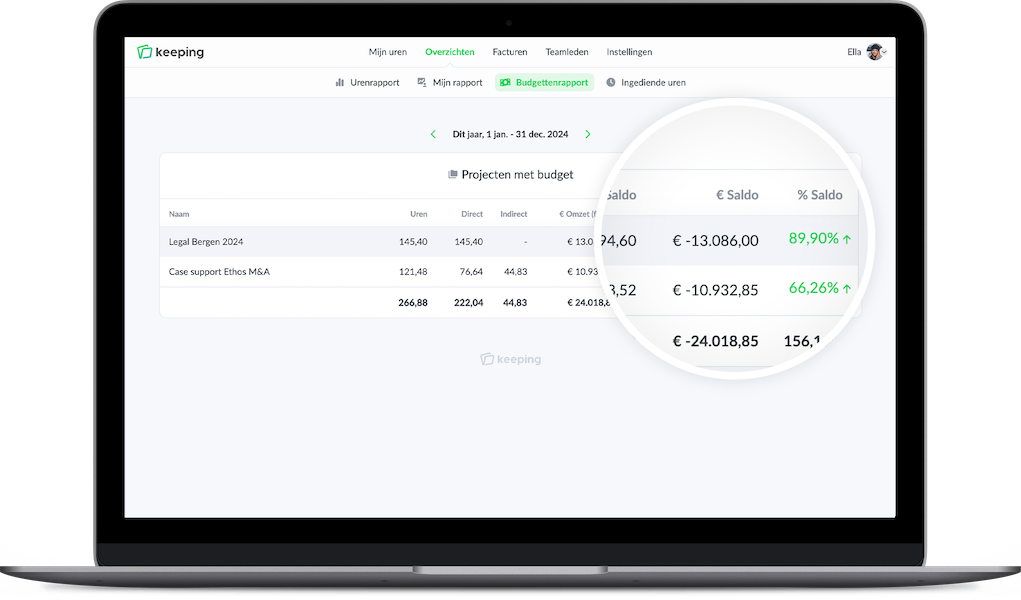
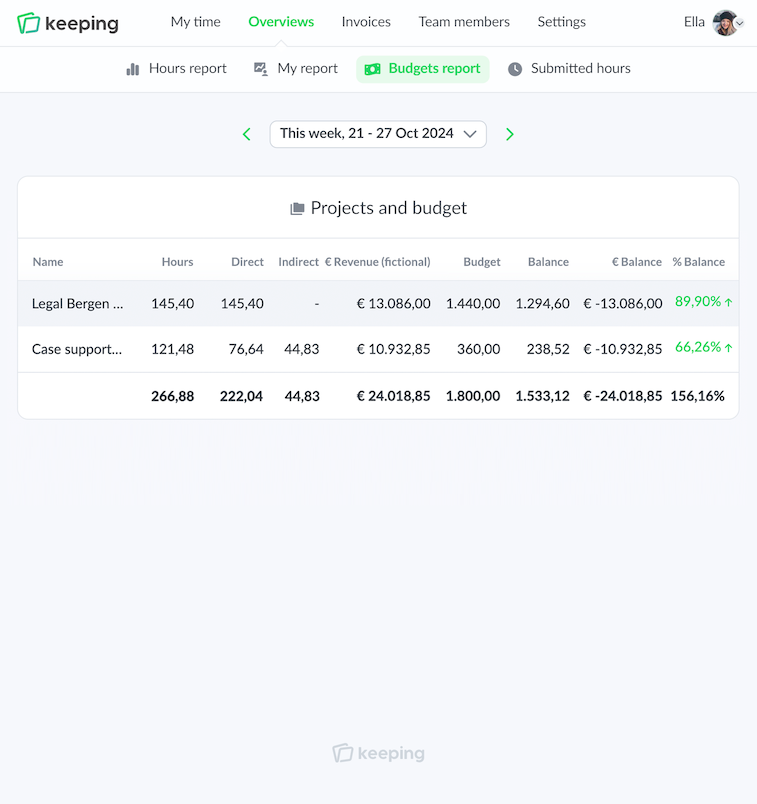
Within the reports there is a budget report. This gives you a clear view of the (fictional) revenue based on the entered rates and hours. This can be done through the Pro budget report or via the project budgets.

Budget report of Doorn Consultancy displayed in large.

Pro Finance

Budget reports

Within the reports, there is a budget report, which provides a clear overview of the (fictional) revenue based on the entered rates and hours of all projects. With these insights, you can adjust your organization where necessary.

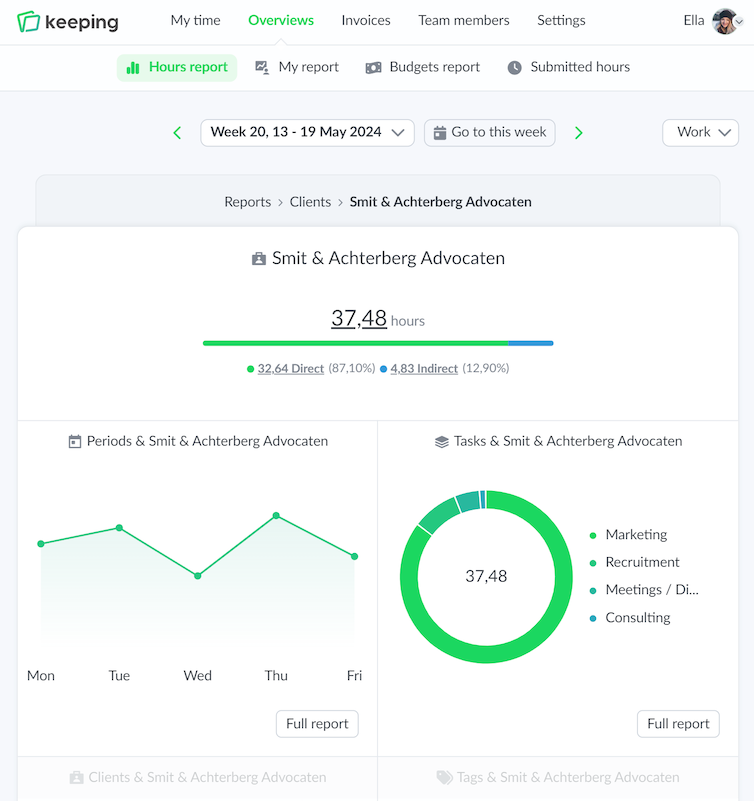
A distinction can be made between direct and indirect hours, providing clear insight into a team member's efficiency.

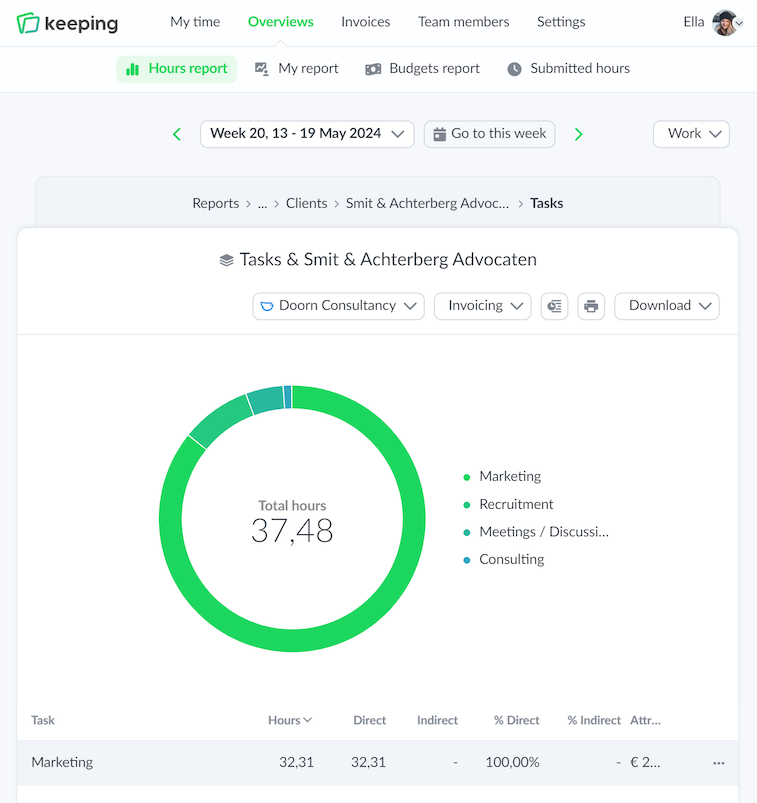
The rates used for these reports can be set separately at the client, project, and task levels. Additionally, it is possible to add rate changes so that the rate applicable during a particular period is used.

  • Immediate (financial) insight via rates; Clear (fictional) revenue based on the rates.
  • Adjust based on the budget report; More insight into your organization enables adjustments.
Overview of time registration specifically set for task-based hours.
Overview of time registration specifically set for task-based hours
Team overview of Doorn Consultancy, for viewing the hours of a team member

Smart budgets

Stay within budget with project budgets

In addition to the comprehensive budget report, you can also track the budget for each project.

This budget pertains to hours and can be tracked in three different ways: monthly, yearly, or total hours. Through the reports dashboards, you can see immediately whether the hours fall within or exceed the budget for the set period.

If desired, administrators can receive a email notification when the budget is exceeded.

  • Set Budgets in multiple ways; Set the budget per month, year, or total hours.
  • Clear insight into budgets; Insight provided via the reports dashboards.
  • Notifications when exceeding budget; Optional email notifications when the budget is exceeded.

Improve your time tracking with Keeping

Starting with Keeping is free. Discover it yourself.

Stopwatch to clock hours illustration