Complete
Track and Submit Hours
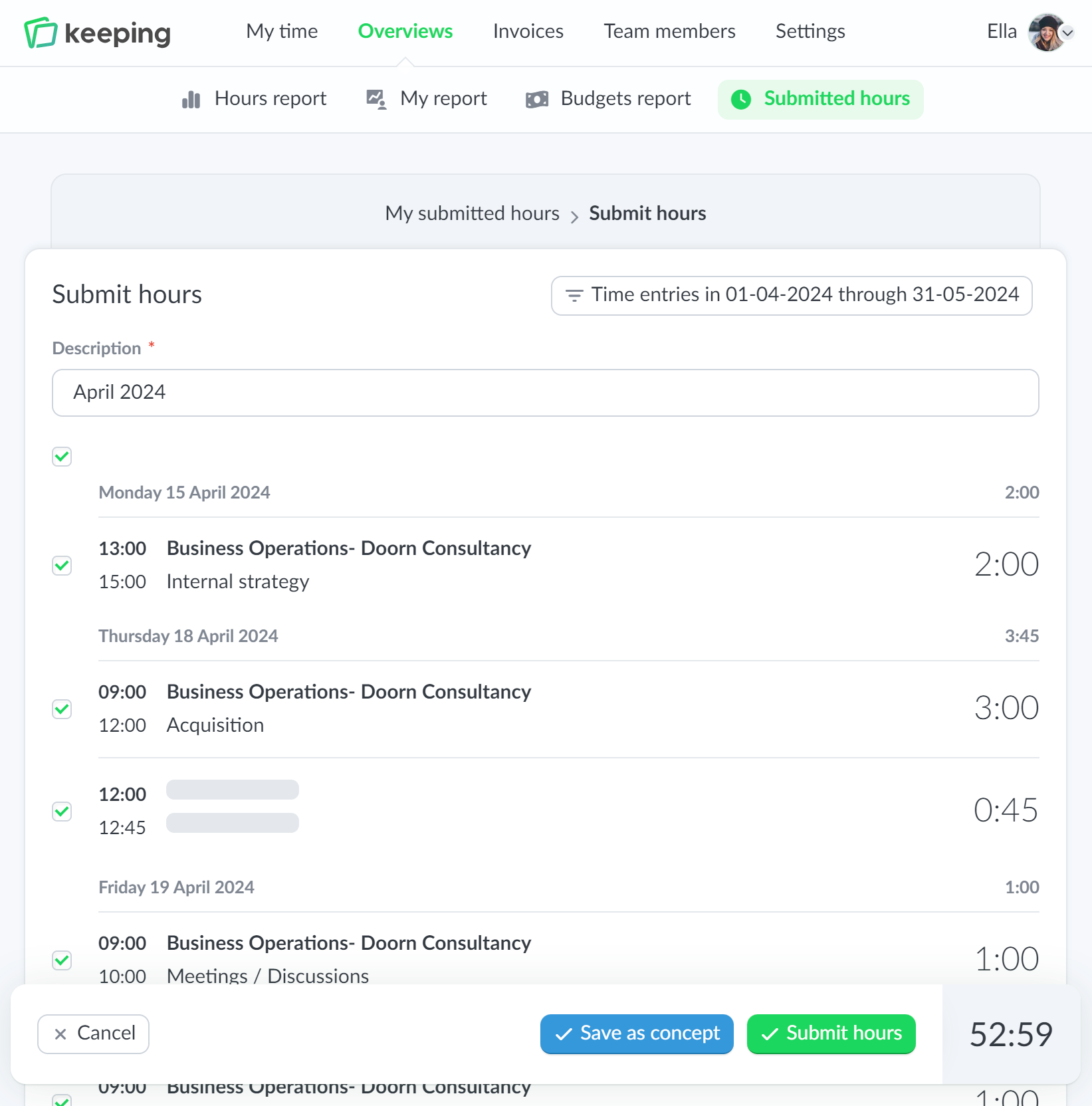
As a team member, you can track your hours with Keeping. Then proceed to select the hours you want to submit. With just one click, these can be processed in payroll.

Pro Approve hours
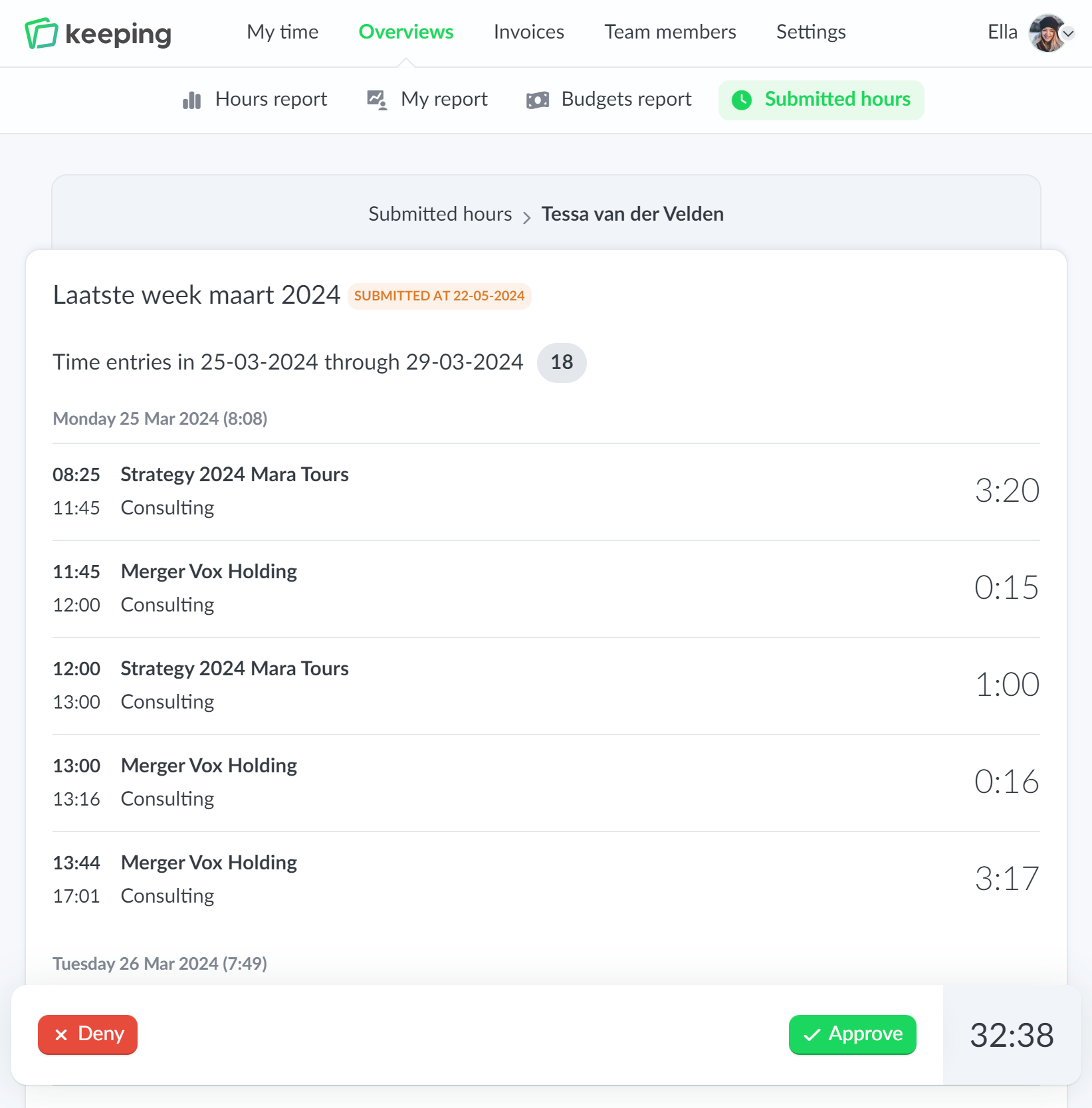
Approving your team's hours becomes significantly easier with Keeping! Since the team is already tracking hours in Keeping, you can easily approve hours and directly process them in the payroll.
Complete
As a team member, you can track your hours with Keeping. Then proceed to select the hours you want to submit. With just one click, these can be processed in payroll.
Safe and Clear
Your company's hour administration must be airtight; therefore, submitted hours are locked. They cannot be modified by a team member anymore. This way, the time administration always matches the hours submitted for payment.
Flexibility
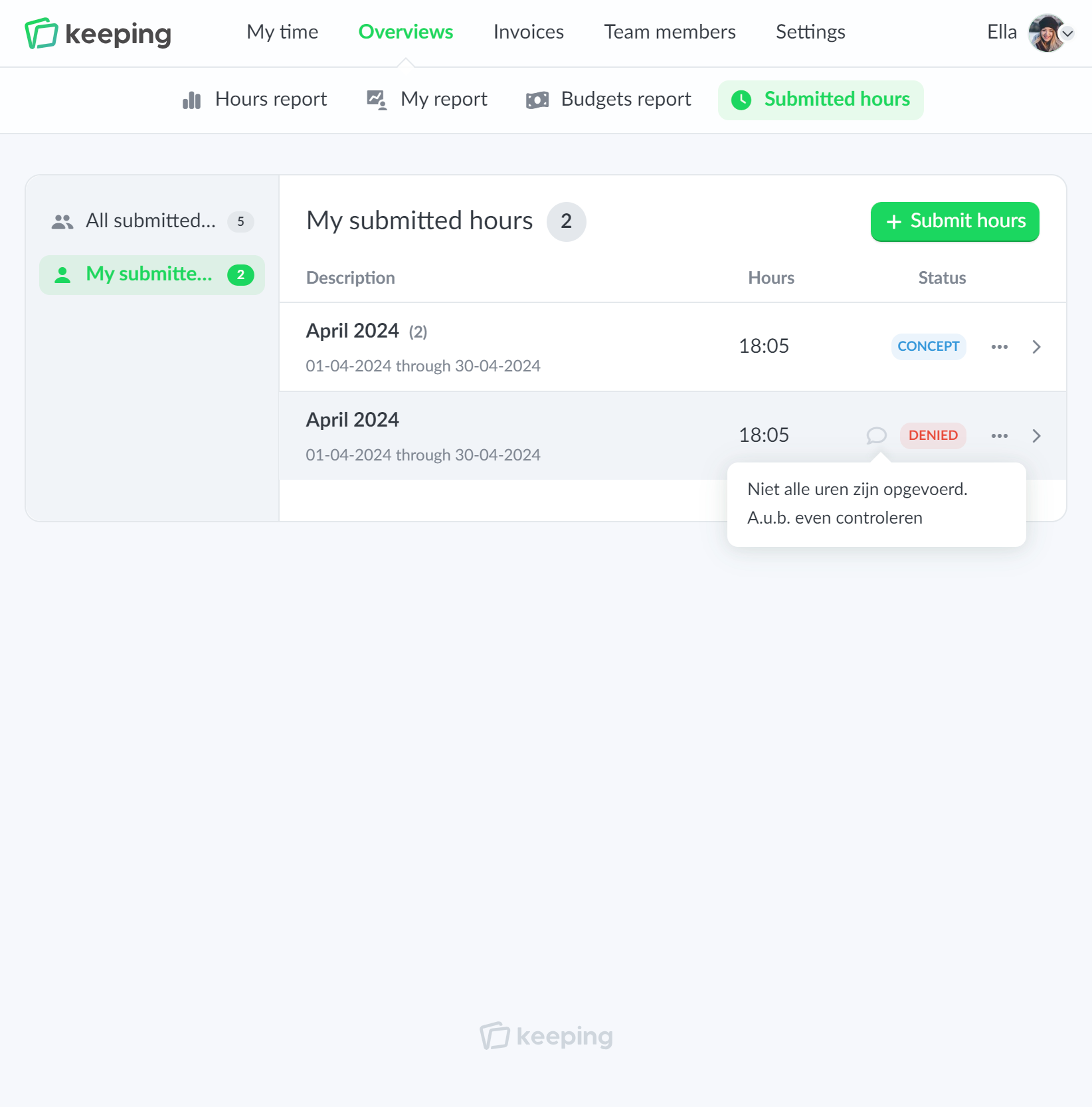
When you are about to submit your hours, you can save them as drafts. This allows you to comfortably select and adjust the submitted hours until they are finalized.

Pro Safe and clear
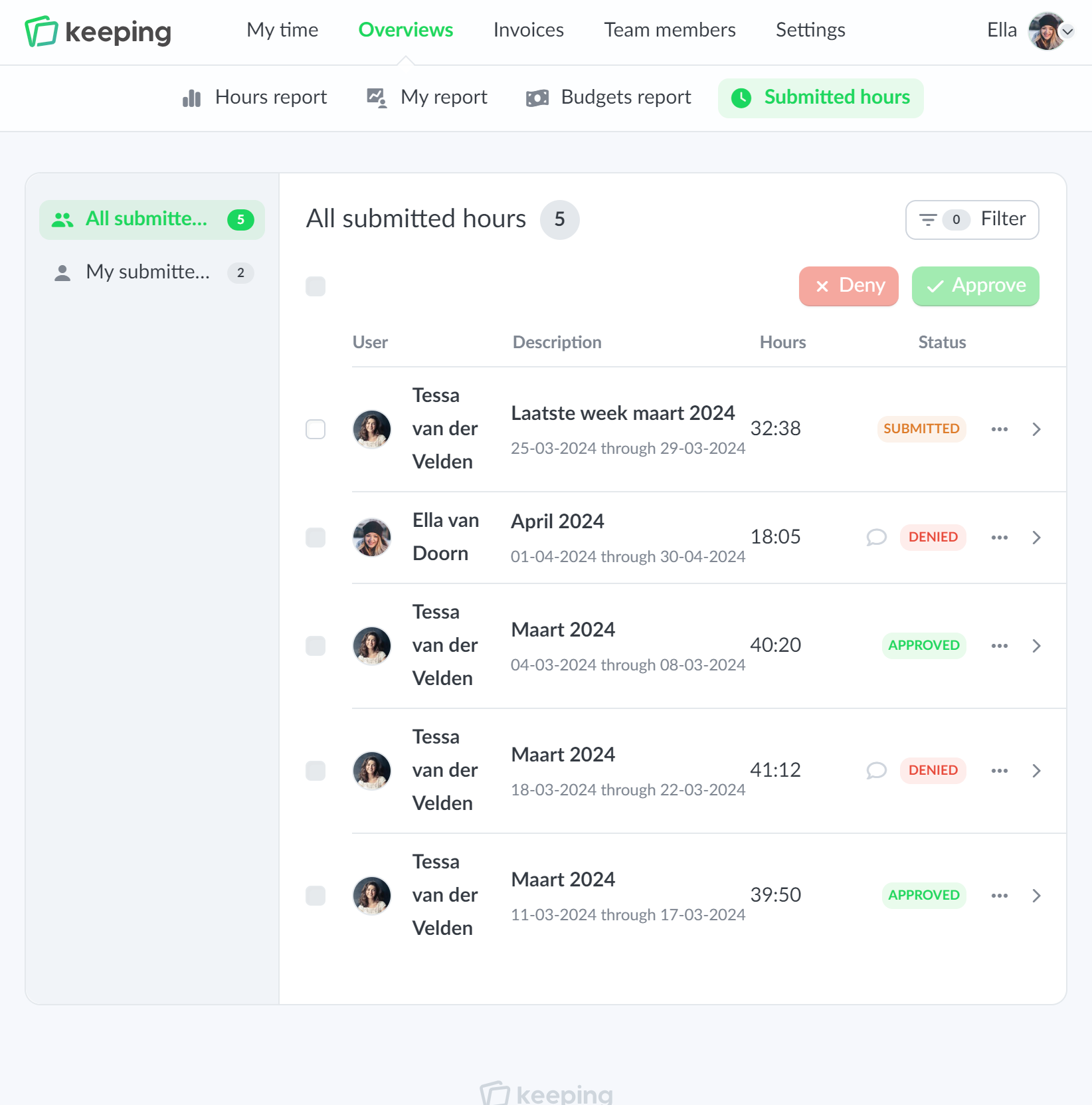
As a manager or supervisor, you can easily approve or reject your team's hours. Sometimes there may be questions about the submitted hours. In that case, you can reject the hours and provide an email notification.
The team member will be notified so they can submit the hours with the desired adjustments. They will also receive a notification upon approval.
Submitted hours are automatically locked to prevent any further changes.
Pro Simple
As a team member, you can submit your hours weekly or monthly, depending on how your organization operates. With Keeping, we offer you flexibility by saving submitted hours as a draft. This way, you can choose when to select your hours for submission, rather than being tied to a specific day each week or month.
Once your submitted hours are processed, you will receive a notification.
Keeping is free without any restrictions for the first 30 days.

