Smart rates

Simple insight into revenue with rates

In Keeping, it is all about time, but with the smart rates feature you can easily gain insight into your earnings.

Discover how you can level-up your time tracking with Keeping.

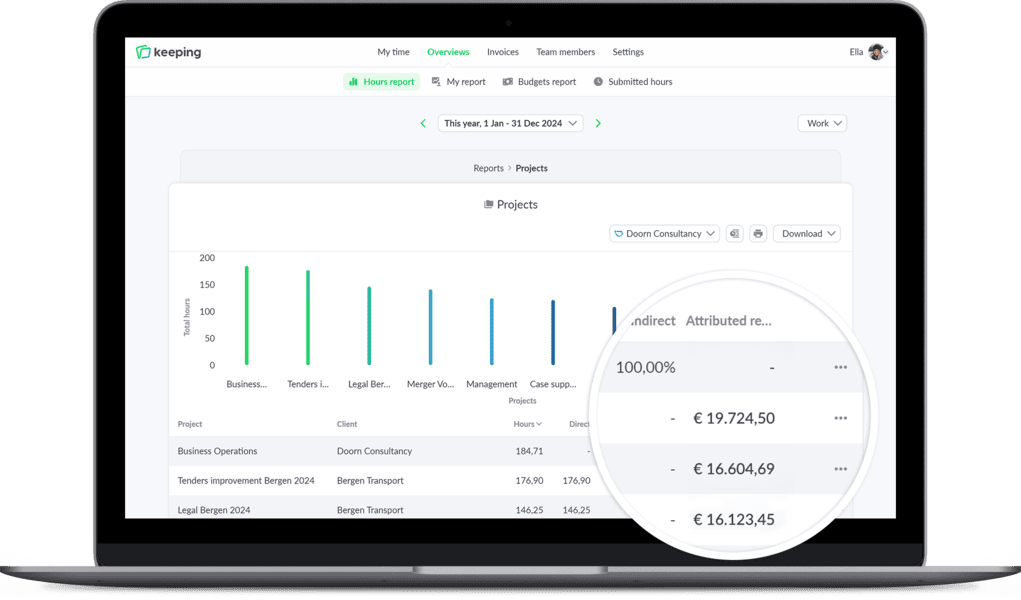
Project overview of Doorn Consultancy displayed on a large screen.

Different rates

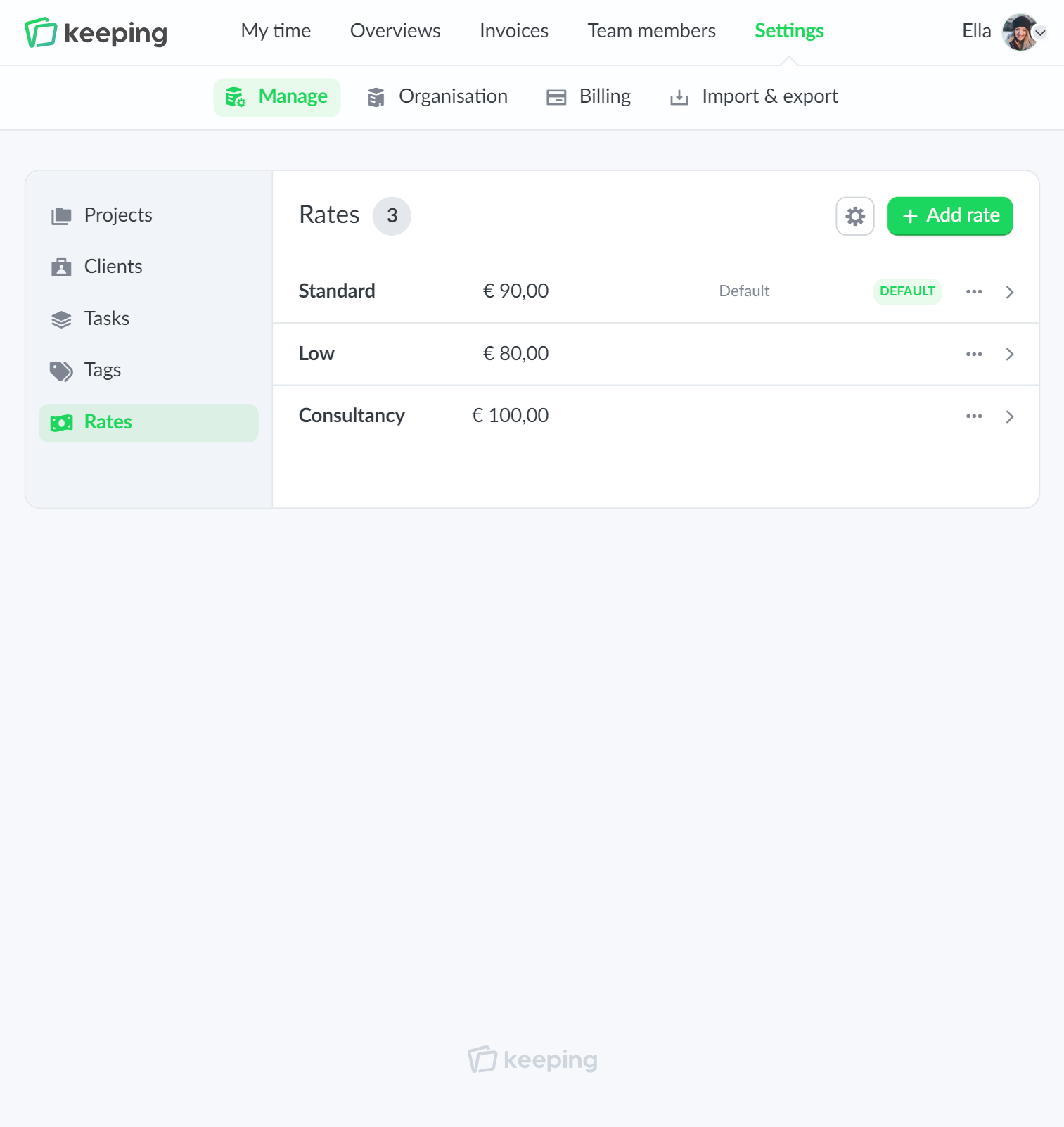
Set different rates at a global level

With Keeping, you can set different rates. This gives you the flexibility to configure Keeping to fit your organization.

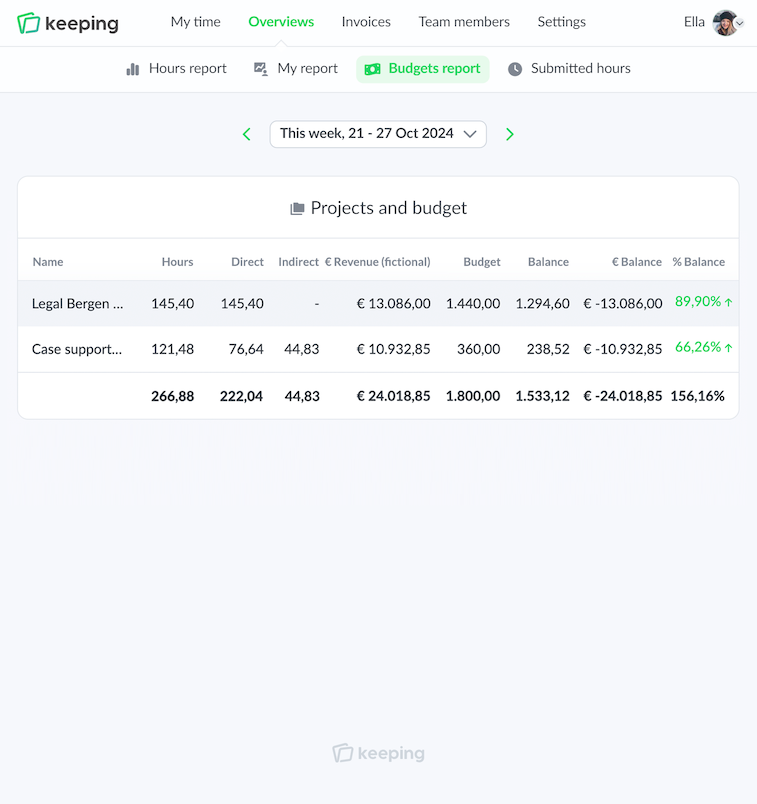
The rates are included in the budget report, an overview showing fictitious revenue based on (direct) hours.

The rates work smartly with rate changes; you can assign dates to rates so that reports from the past can be linked to the correct rate. Future rates can also be entered with a date.

  • Flexibility with different rates; Enter rates by type of activity.
  • Rate changes with dates; So that rate increases are included in the reports.
  • Direct (financial) insight via rates; The budget report works in conjunction with the rates.
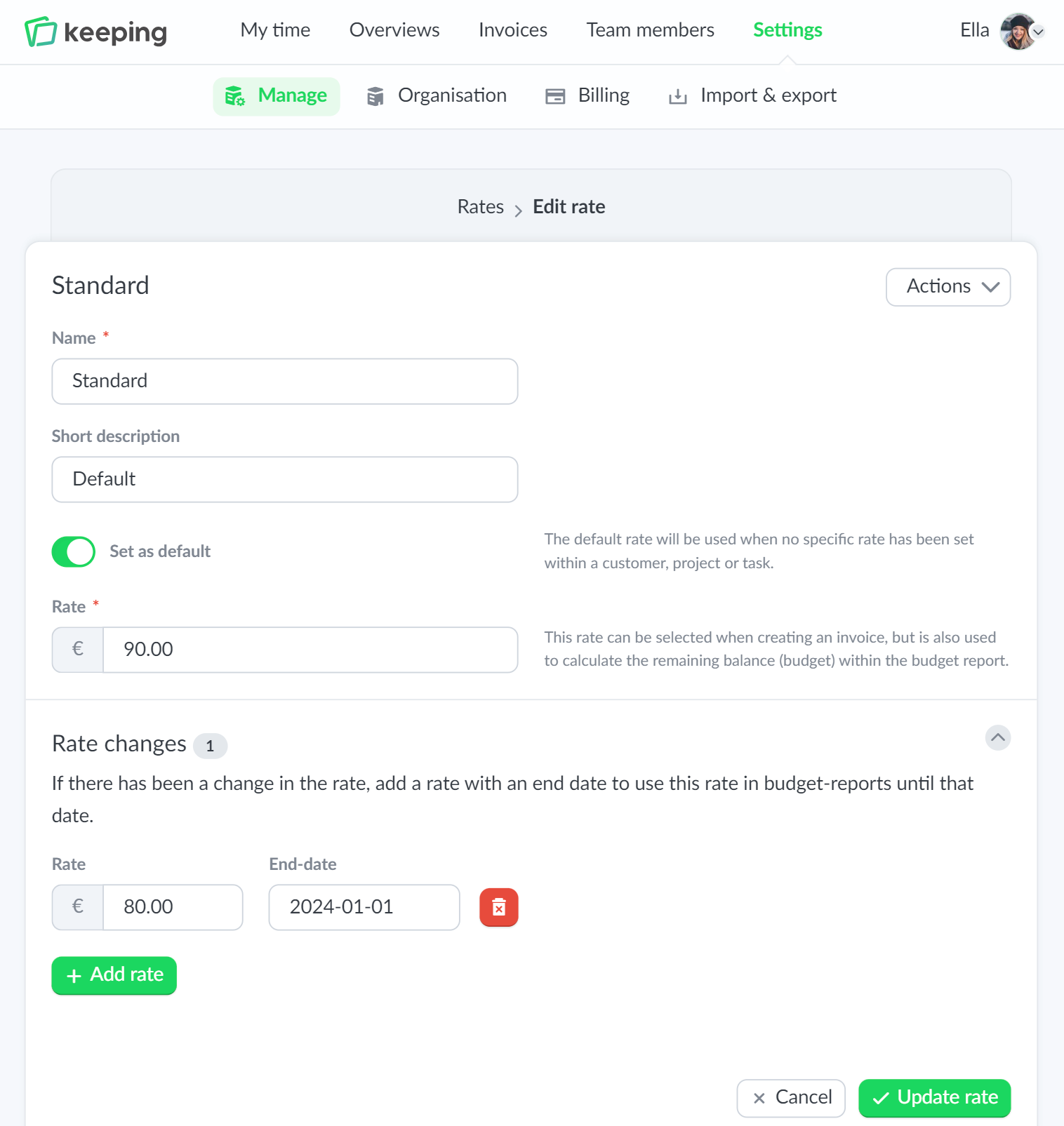
Overview of rate settings specifically configured for task hours
Overview of time registration specifically set to hours per task

Pro flexibility

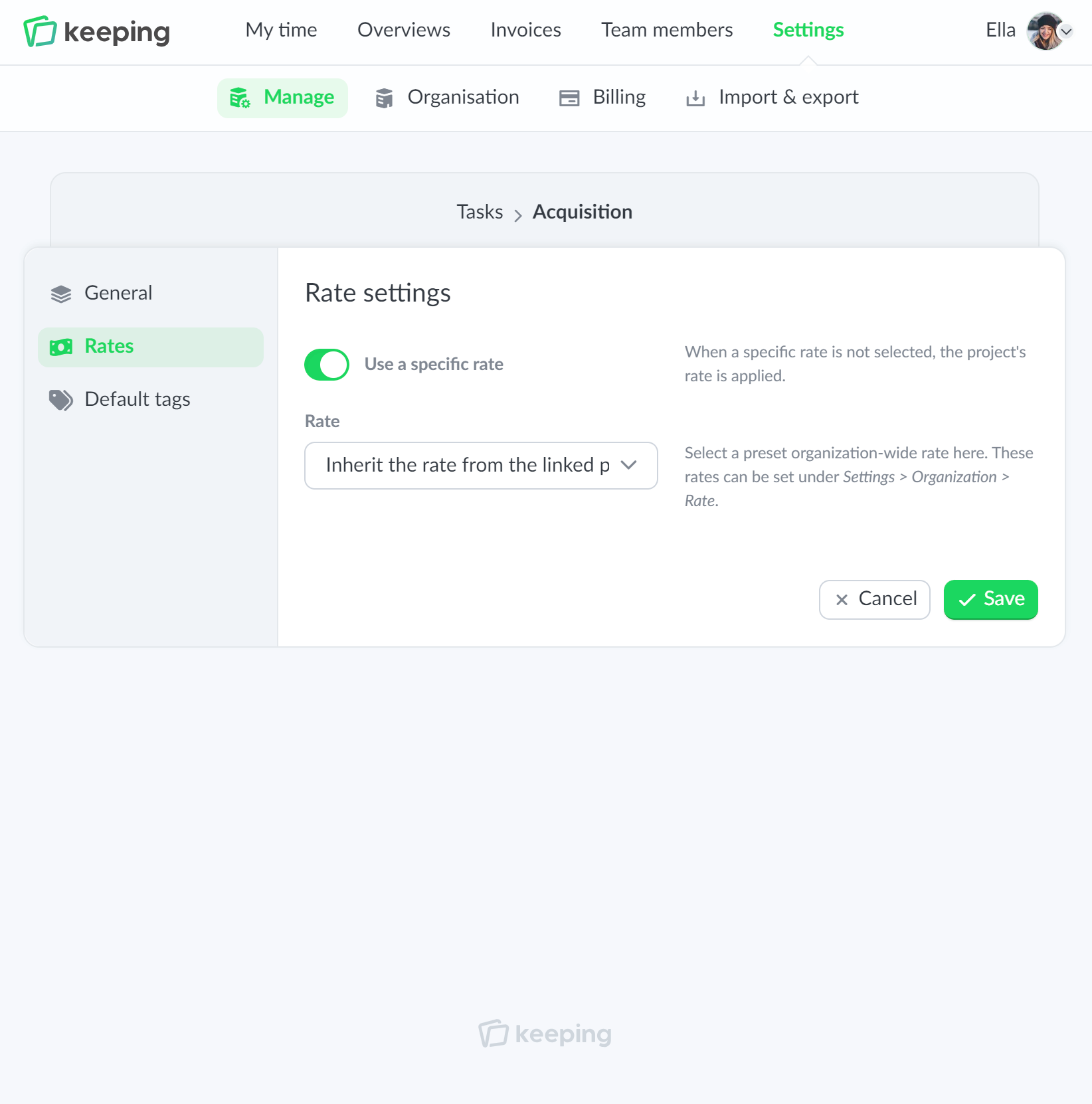
Rates per client, project, or task

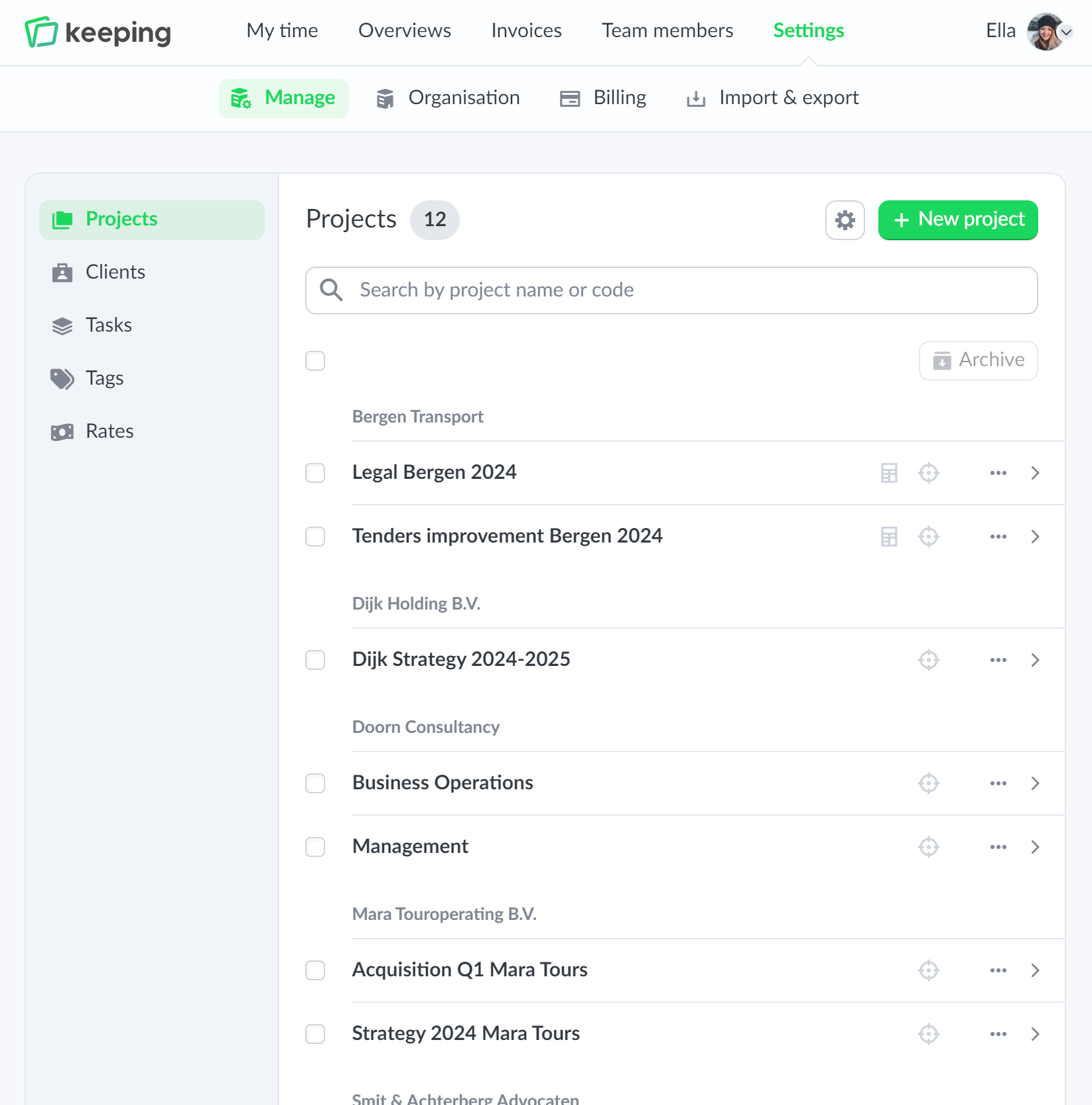
The rates created at a global level can be linked to clients, projects, and tasks. This allows the financial side of your organization to be managed effectively. The linking of rates works hierarchically; for example, you can assign a different rate to a project that falls under a client, or give a specific task a different rate compared to the project it belongs to.

  • Flexibility by linking rates at multiple levels; Hierarchical workflow within clients, projects, and tasks.
  • Separate rates for projects;
  • Separate rates for tasks;

Improve your time tracking with Keeping

Starting with Keeping is free. Discover it yourself.

Stopwatch to clock hours illustration

Pro clear overview

Rates in budget reports

Keeping offers comprehensive reports dashboards that allow you to zoom in on the recorded hours. Depending on the chosen settings that align with your workflow, there are reports per client, project, task, team member, tag, and integration.

Within the reports, there is a budget report, which gives you a clear picture of the (fictitious) revenue based on the entered rates and hours. With these insights, you can adjust as needed within your organization.

  • Direct (financial) insight via rates; Clear (fictitious) revenue based on the rates
  • Adjust based on the budget report; More insight into your organization allows for adjustments.
Budget report
Overview of revenues