
Exporting and importing

Easily export and import

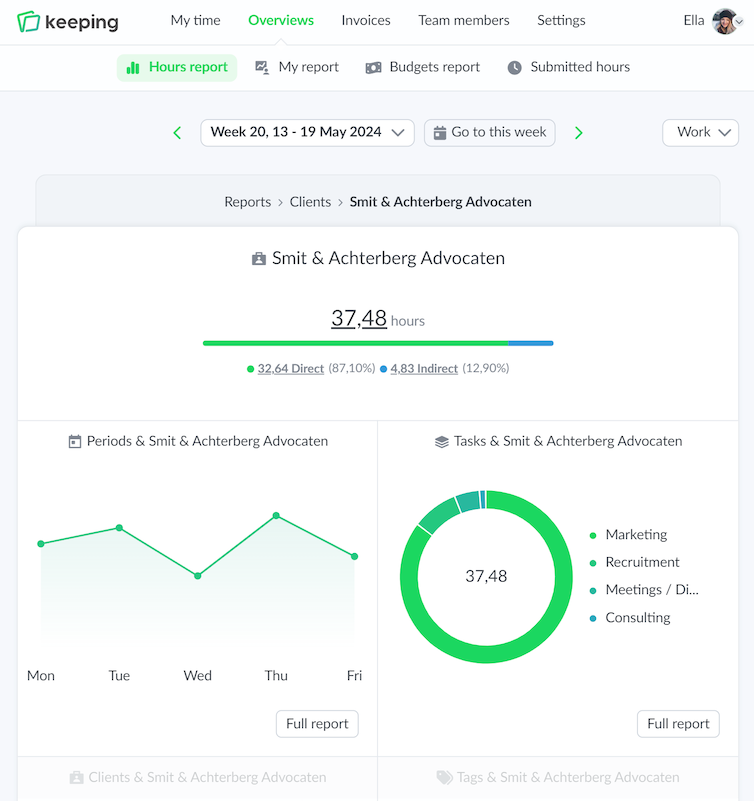
Within the reporting dashboards, simple exports can be made of the hours. Every type of report offers the option to export.

In addition, individual exports of all hours can be made, and Keeping also offers the option to import hours.

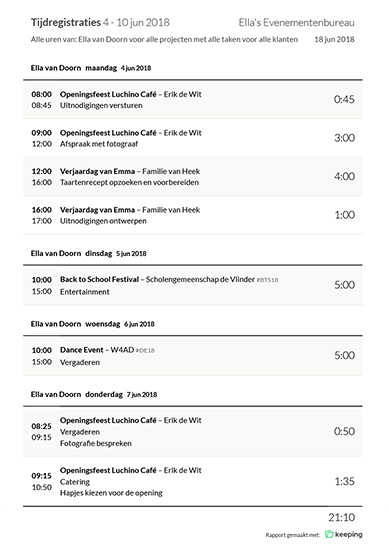
Details of time registration report exported to PDF format
Supporting graphic image of a character next to the main image
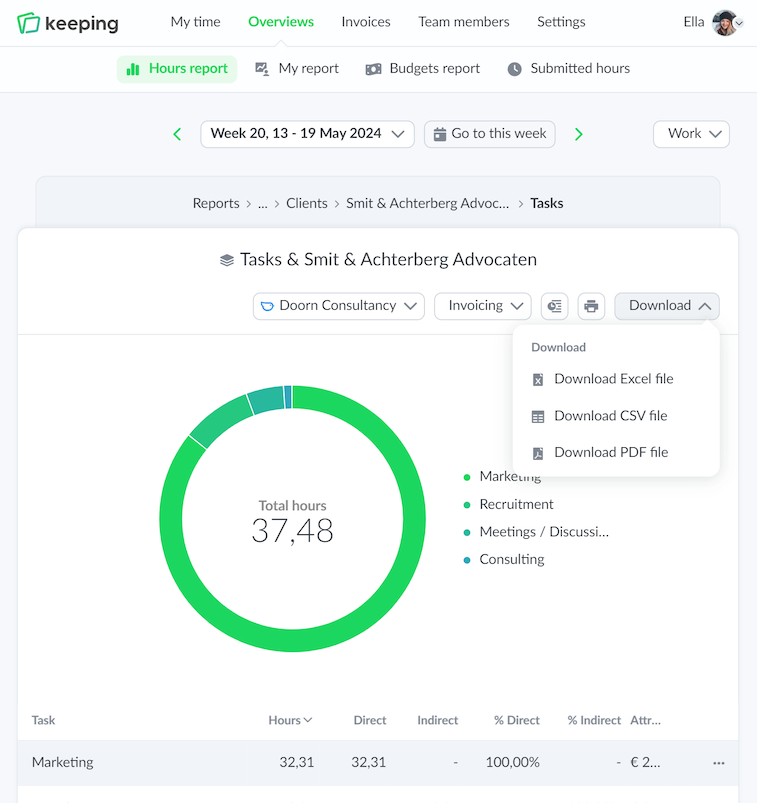
Overview of time registration for tasks with export options
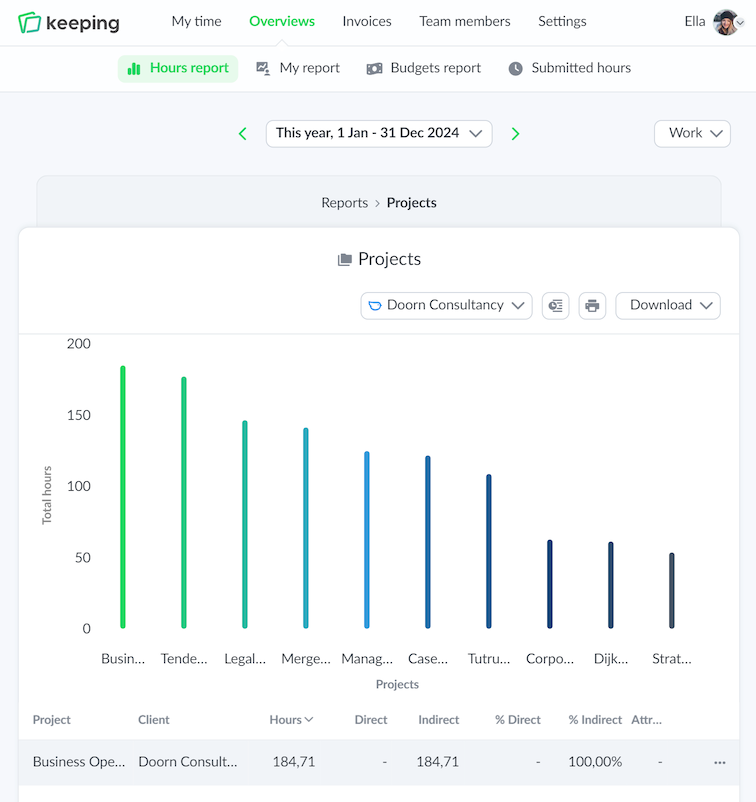
Overview of time registration for projects and tasks

Export from Reports

Convenient exports from reports dashboards

The reports dashboards give you a clear overview of the hours worked for a specific client or project.

Reports for clients, projects, tasks, and time periods can be exported to PDF, Excel, or CSV files.

These reports can be shared with the team or used when a time accountability is requested.

  • Available in all reports dashboards; Easy report exports.
  • Export to PDF, Excel, or CSV files; Easily share reports with the team.
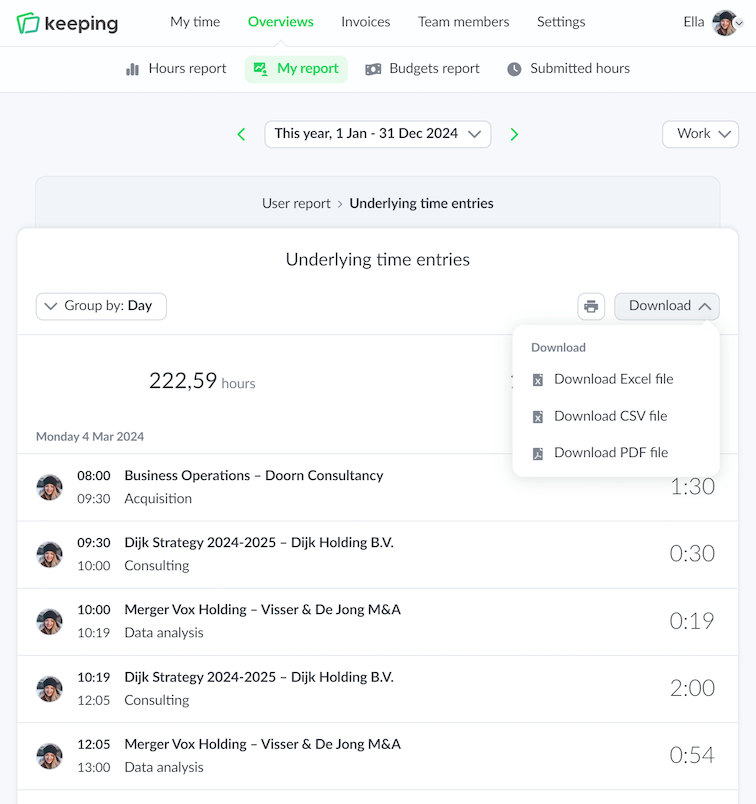
Export from Reports

Export Underlying Time Registrations

With the report on underlying time registrations, you can see exactly how time was spent. These underlying time registrations can be downloaded from Keeping as PDF, Excel, or CSV files.

  • Accessible from all reports dashboards; Easily export reports.
  • Export to PDF, Excel, or CSV files; Quickly download reports.
Overview of time registration specifically set per task
Overview of client time tracking report

Improve your time tracking with Keeping

Starting with Keeping is free. Discover it yourself.

Stopwatch to clock hours illustration
Overview of time registration specifically set per task with export options
Overview of time registration specifically set per task

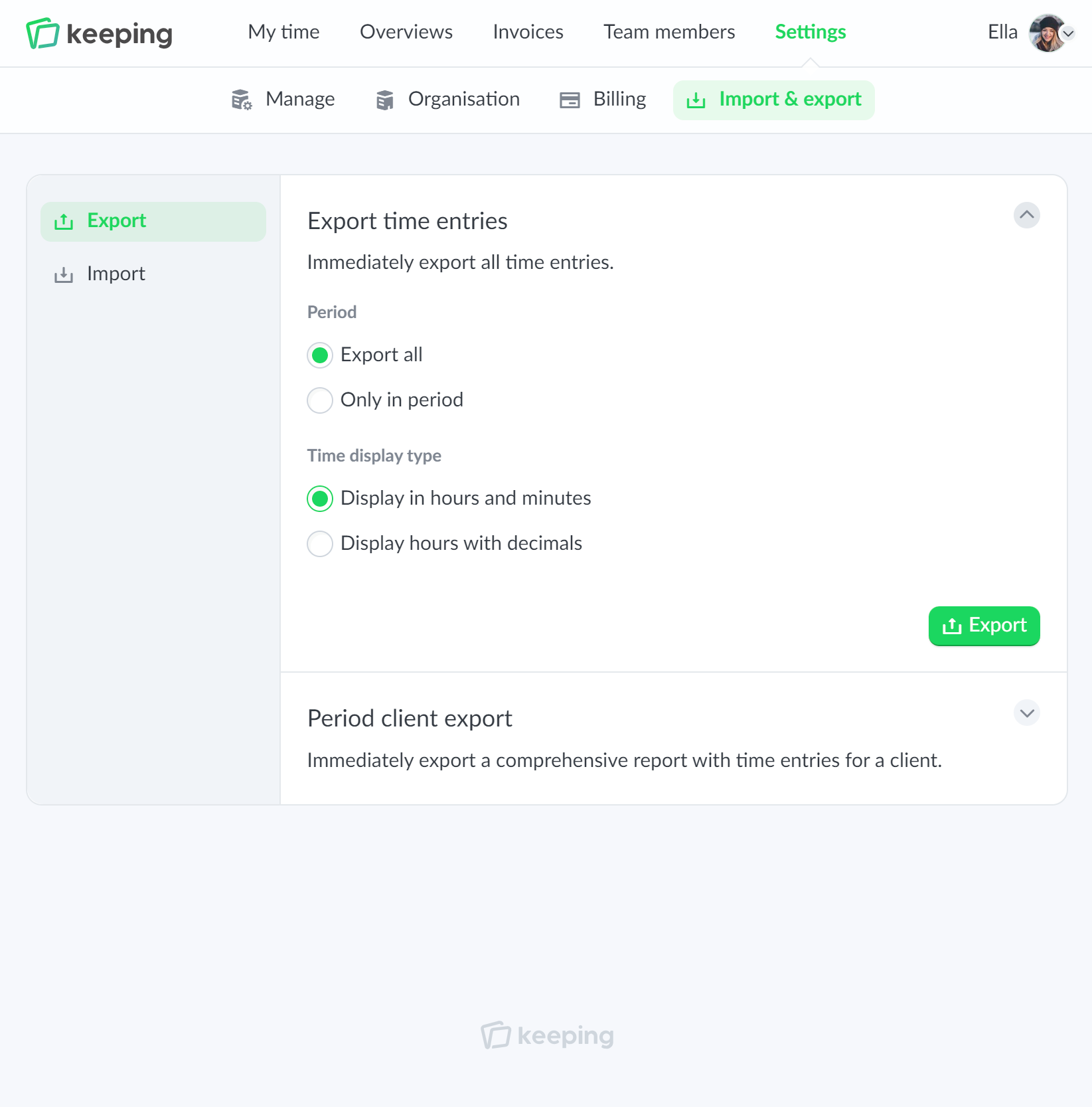
Export

Export Data from Keeping

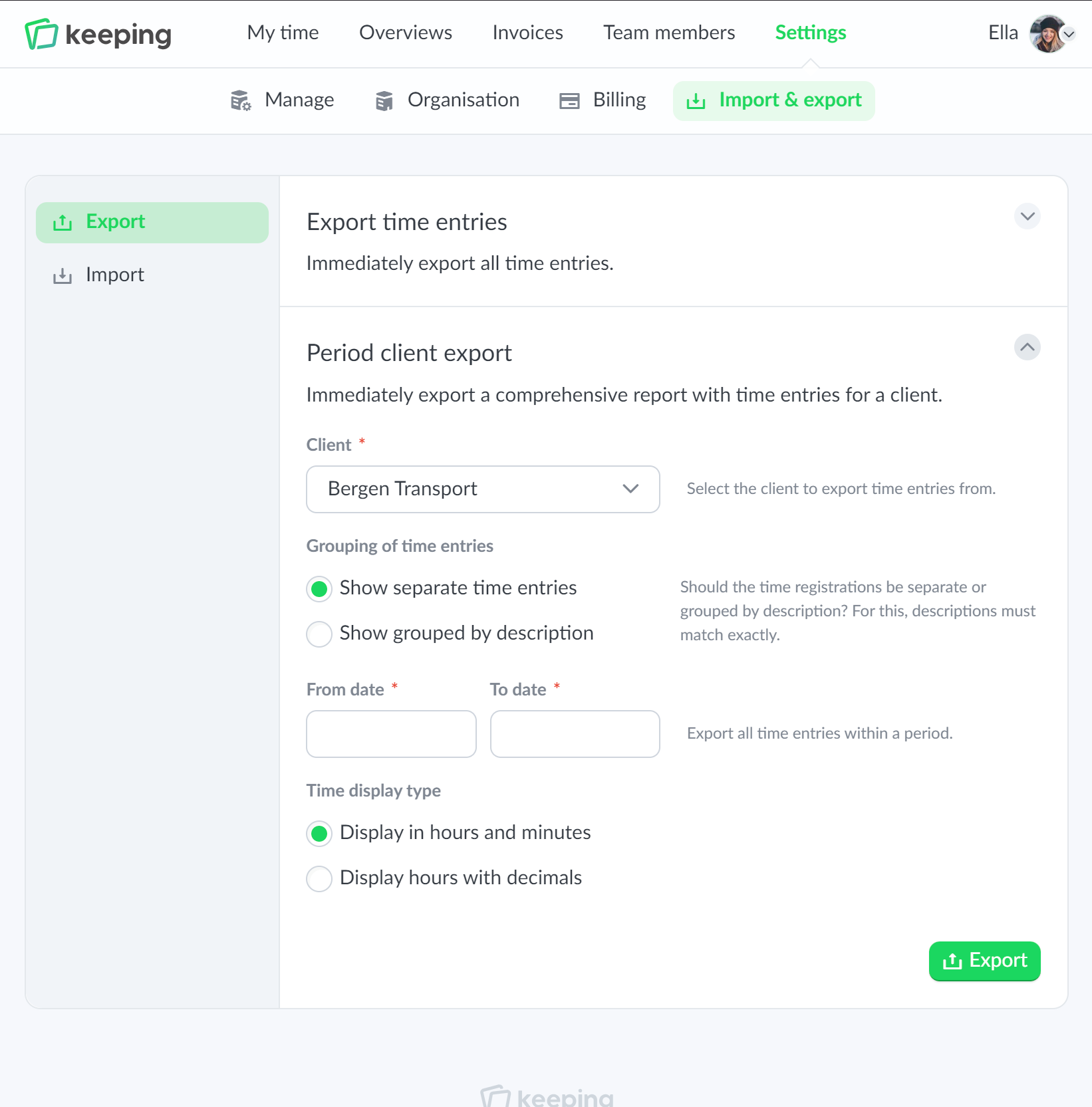
Using the import & export functionality, you can generate two types of exports: a time registration export, where you can select a specific time period, and a client period export, which focuses on time registrations for a specific client. The time registration export is available in CSV format, while the client period export is provided in Excel format.

  • Time registration export as a CSV file; Quickly export all logged hours.
  • Client period export in Excel; Export for a client grouped by description.

Importing

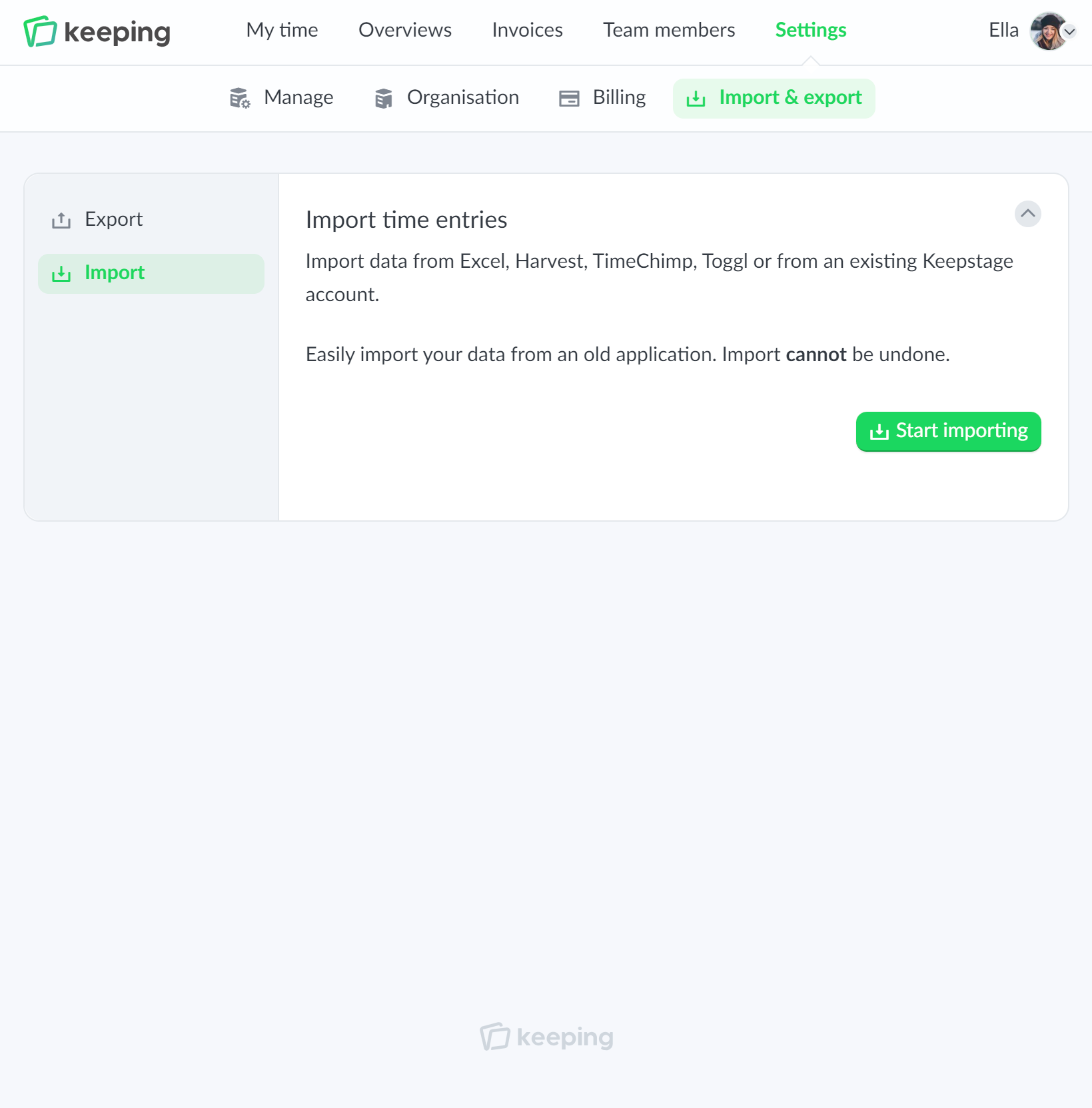
Importing data from other programs

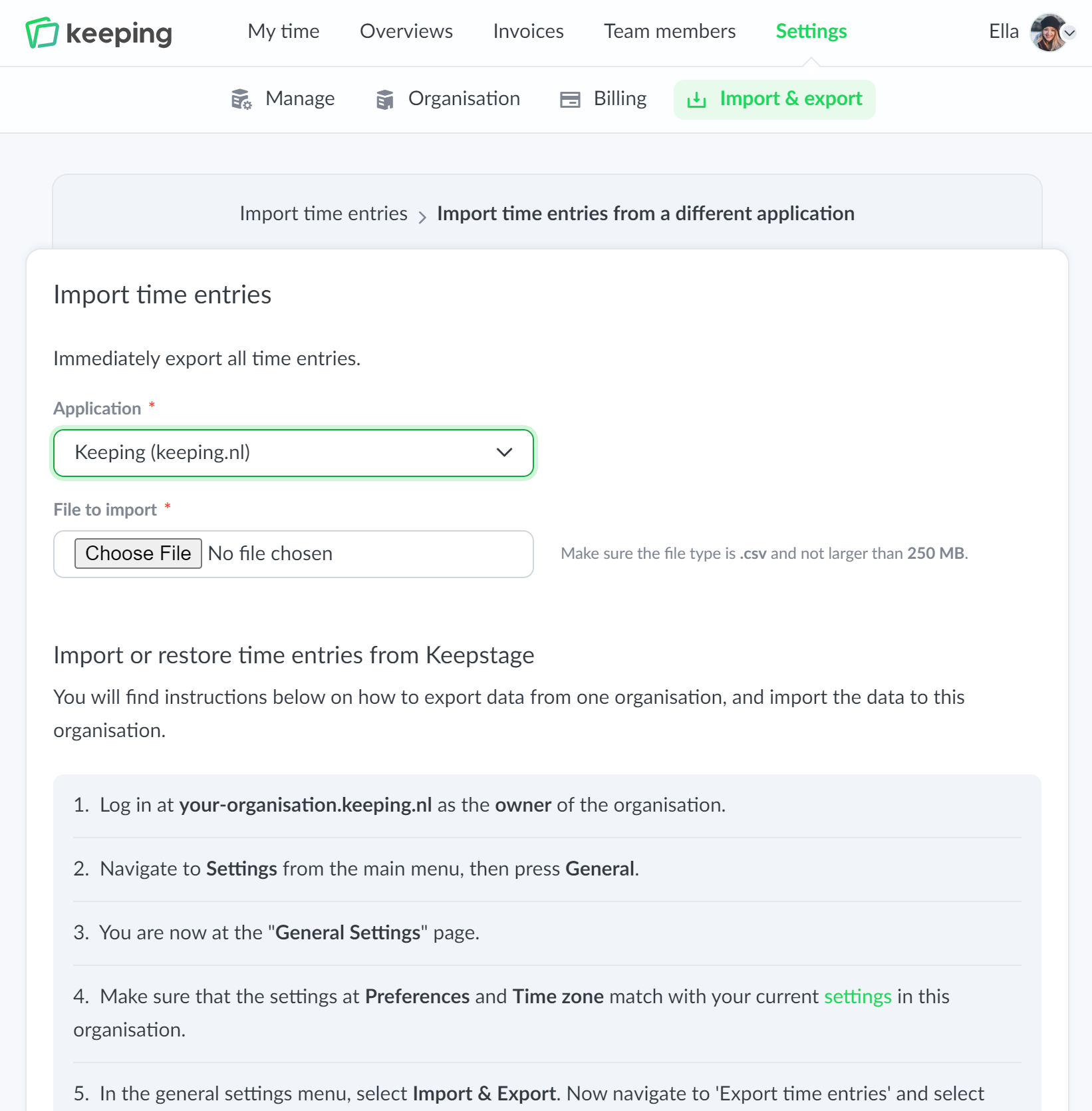
If you have previously logged time in another program, it is useful to be able to import this into Keeping. This can be done with the import functionality. You can import data from Excel, Harvest, TimeChimp, Toggl, or from an existing Keeping account.

The import functionality has a wizard that checks the source file for compatibility and any errors.

  • Easily import from other time-tracking programs; Import from Excel, Harvest, TimeChimp, Toggl, or Keeping.
  • Check for errors and compatibility; Smart wizard that checks the import file
Overview of time tracking specifically set for hours per task