Time registration

Easily track your time anywhere with Keeping

You can easily register your time with the mobile apps and the web application; your hours are always synchronized.

This way, you can start a time registration on the web application and later stop it in the app, providing extra flexibility.

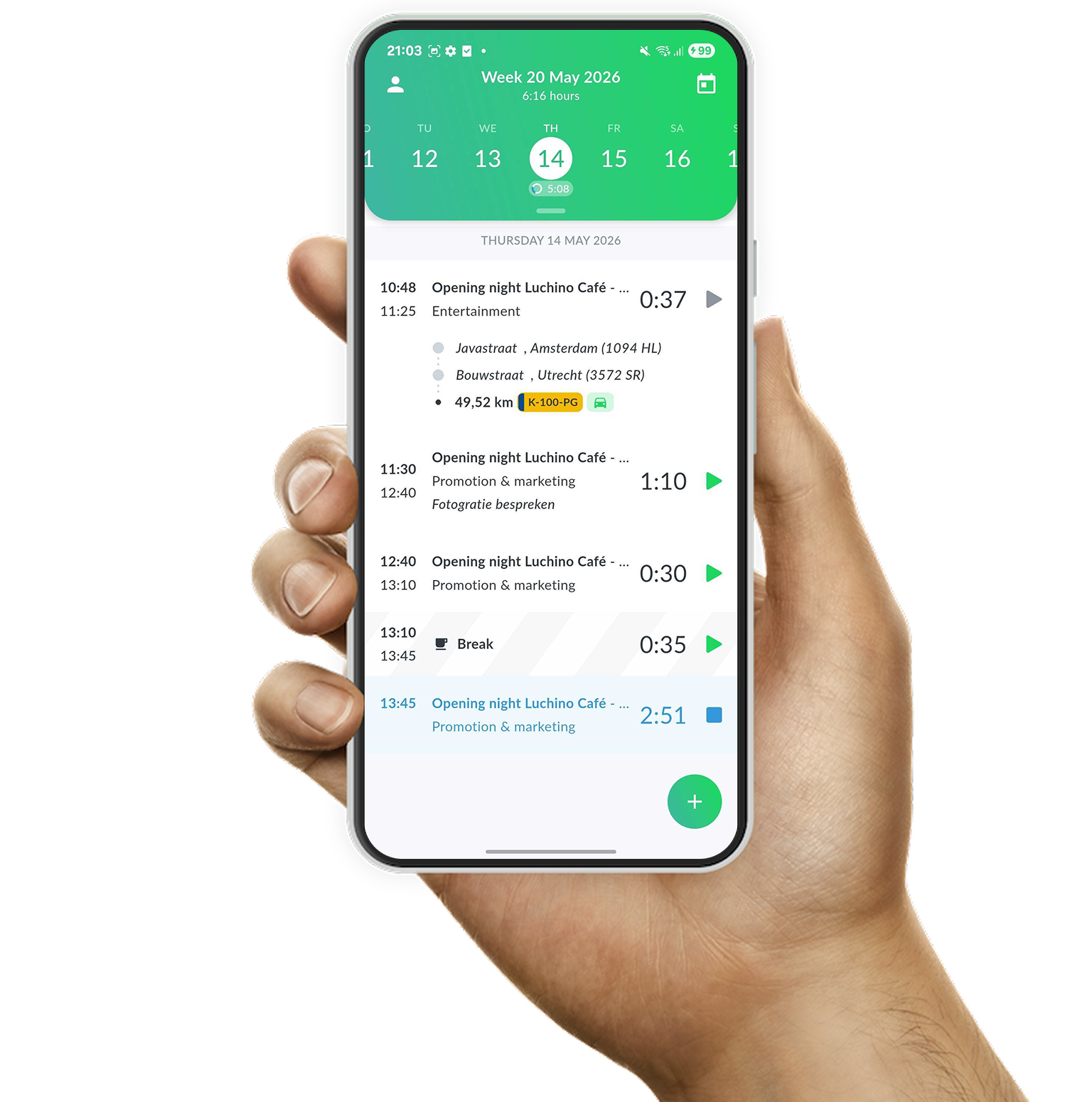
Example of time registration with the Android app of Keeping

Smart Time Tracking

Prioritize Time Tracking

In the web application, your organization and your time are central. Your organization has a secure environment in Keeping. You access this secure environment by navigating to your organization's subdomain.

  • Suitable for teams and freelancers; Invite colleagues or work independently.
  • Work on a project basis, link clients and tasks to your hours; Decide for yourself whether to use project, task, and client details.
  • Generate reports to analyze your hours; Available for download in PDF, Excel, or CSV format.
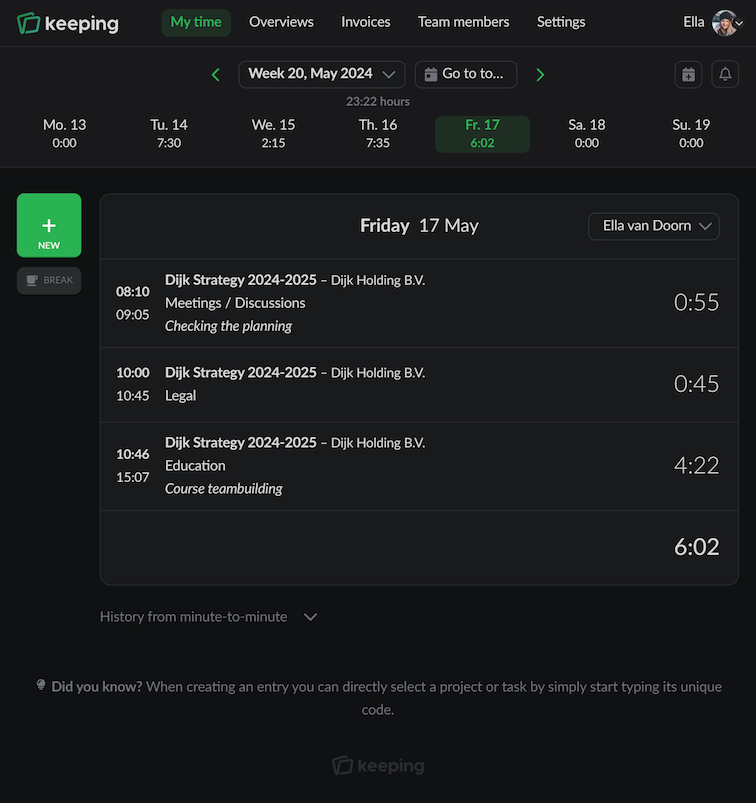
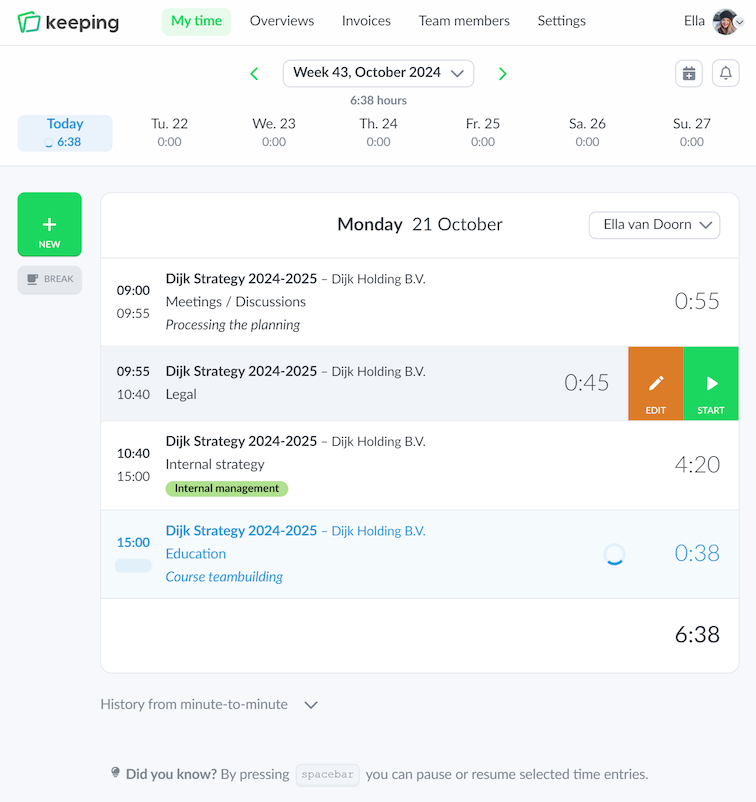
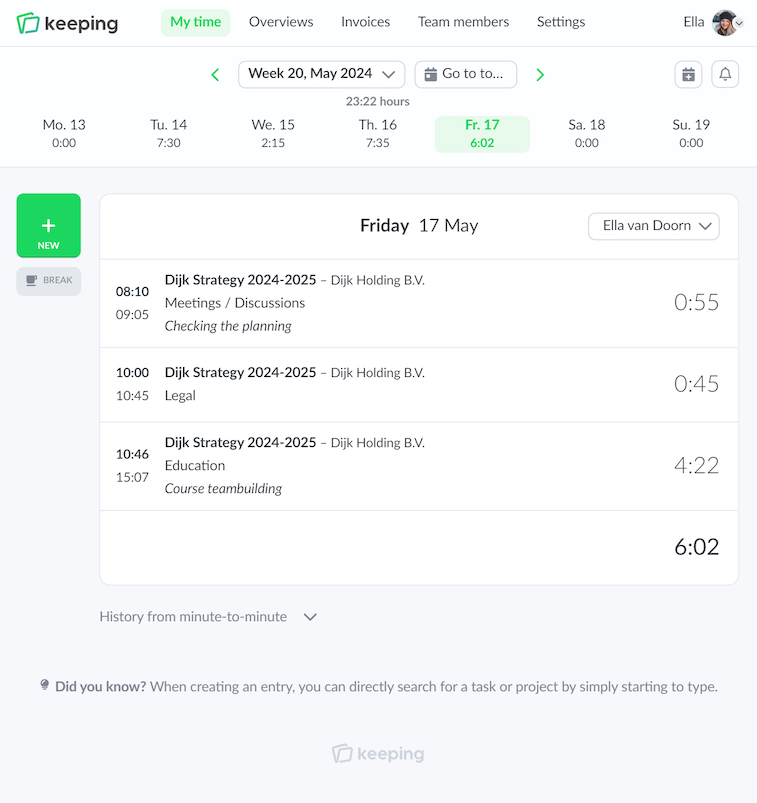
Overview of hours registered on a specific day in the web version of Keeping
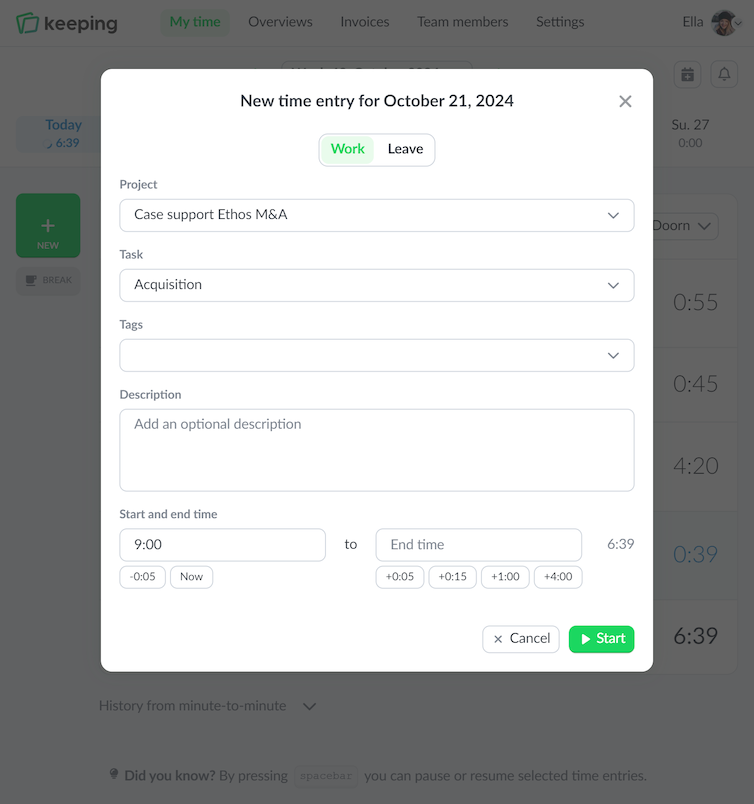
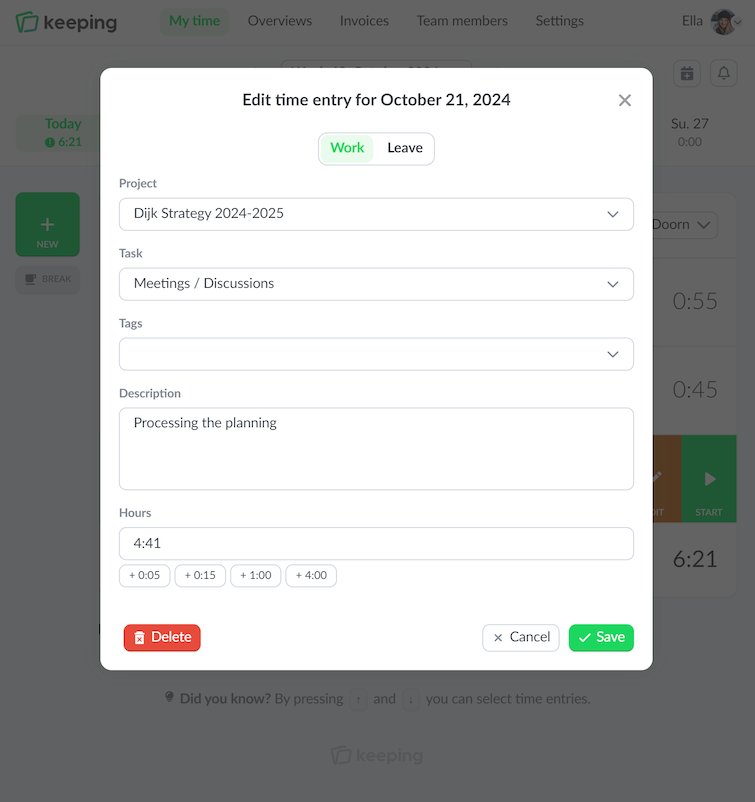
Entering the time card with hours per minute in Keeping
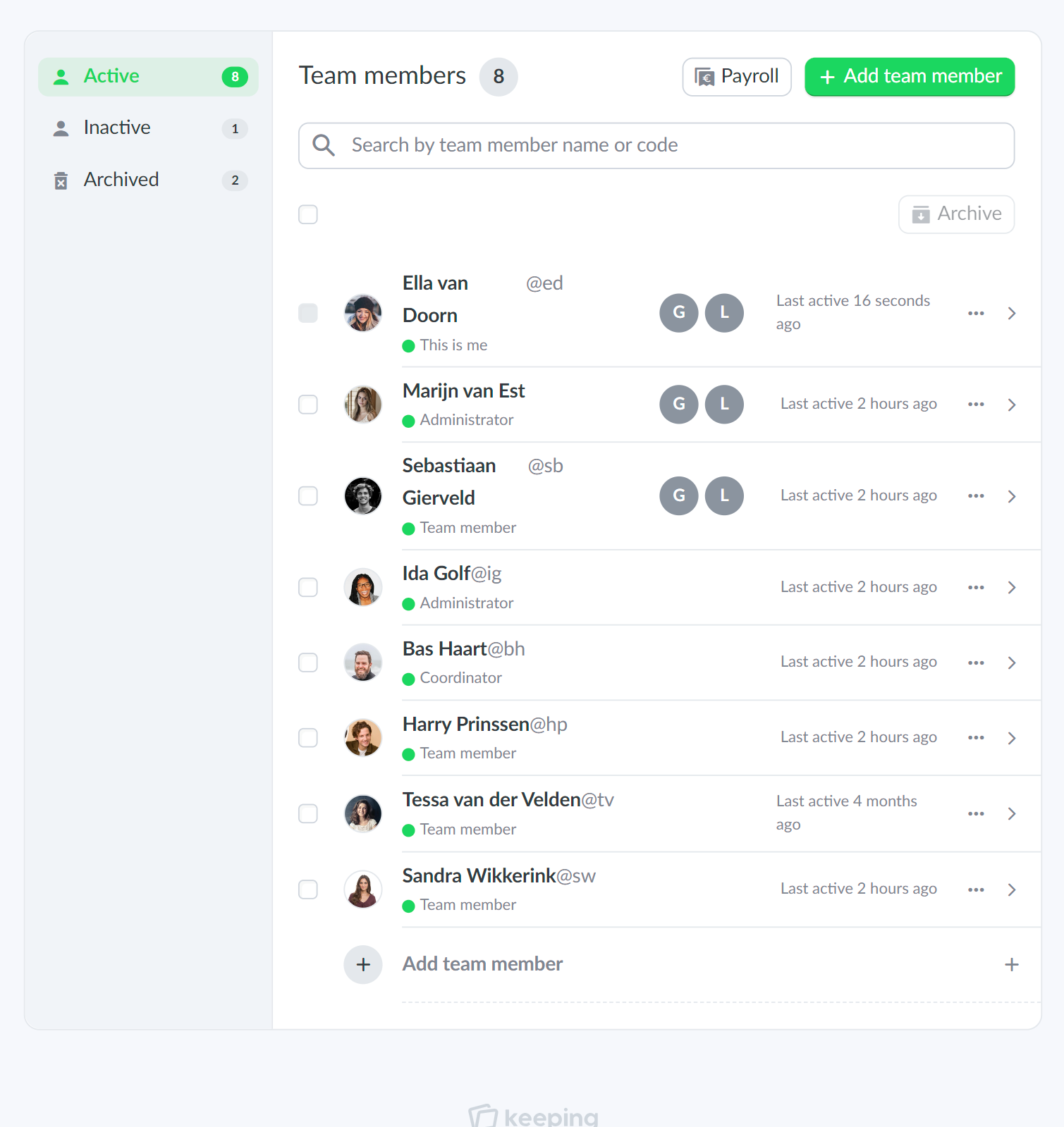
An example of the team overview from Doorn Consultancy
The time card with hours per day in Keeping
Entering the time card with hours per day in Keeping
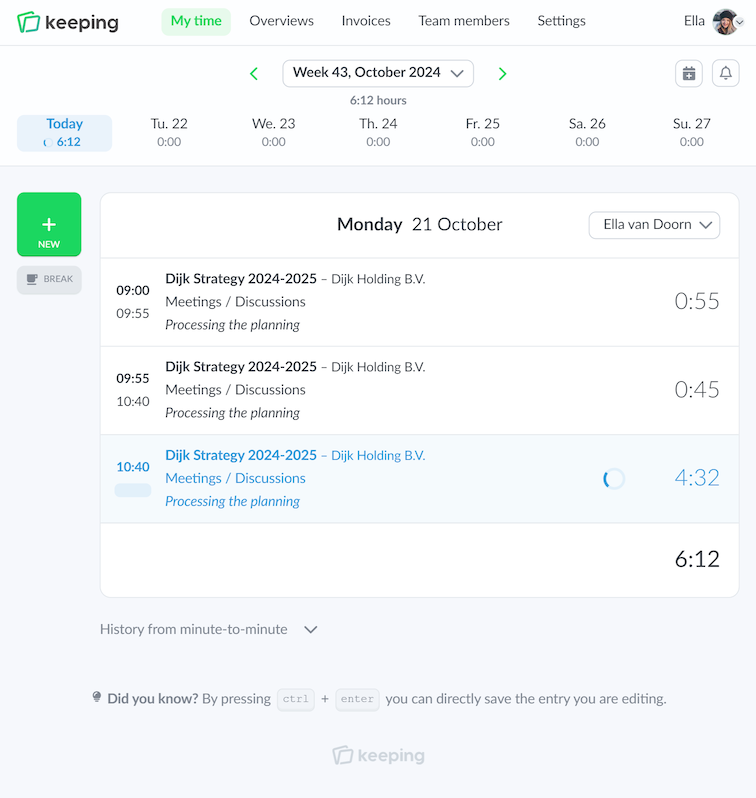
The time card with hours per minute in Keeping

Tracking Hours

The Variable Time Card

Not everyone tracks hours in the same way. At Keeping, we offer various methods for recording your time: per minute or per day. When tracking time per minute, you enter a start and end time each time. This gives you a very accurate time registration. Are you working on various projects or tasks throughout the day? Then you can easily create consecutive time entries; Keeping will take the end time of the last time entry as the start time for the next one.

If you prefer to enter hours later, you can choose to record hours per day. This way, you can fill in time blocks. In both methods of input, you can associate the time registration with a project, task, or tags, depending on how you have set up your workflow.

  • Enter time registration per minute; Accurate time registration with consecutive time entries
  • Enter time registration per day; Easily record time (afterwards) by filling in time blocks

Simple and everywhere

Register time anywhere

The time app for iPhone and Android is designed for you to easily track time, no matter where you are. You can quickly browse your time records to view or update the time registration for a specific day.

  • Easy to use; Quickly and easily keep track of your hours.
  • Start and stop time registrations anywhere; Record hours wherever you are, at any time.
  • Easy to switch clients, projects, or tags. Simply stop or change active time registrations.
Quickly change the date by tapping on the date in the iPhone time tracking app of Keeping
Settings for Dark Mode
The team overview of Doorn Consultancy, for example, to view the hours of a team member

Day and night

Support for dark mode

No matter when time is being tracked, Keeping provides a solution. For times when a lower brightness UI is desired, there is a "dark mode."

Dark mode offers a high-contrast and soothing display. This can be easier on the eyes, especially in low-light environments.

Ideal for working in dim lighting, or simply because you find a darker interface more pleasant to work with!

  • Automatically toggle on and off; Syncs with the dark mode settings of your device.
  • High-contrast and soothing display. This can be easier on the eyes.

Improve your time tracking with Keeping

Starting with Keeping is free. Discover it yourself.

Stopwatch to clock hours illustration