Flexible anywhere

Track hours with the Android and iPhone app

Flexible time registration helps you become a better entrepreneur. The mobile applications support you in this. With the hour app, you have the ability to track hours on-site or on the go for a more complete overview of your time tracking.

Especially useful when you are often on the move or unable to access a computer. It’s also helpful if you forget to clock out after finishing work.

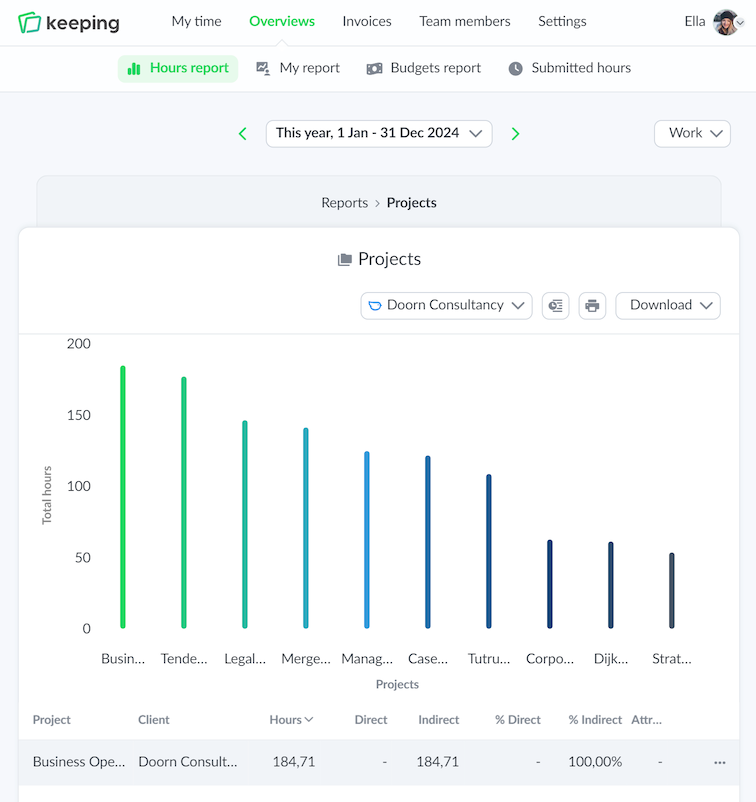
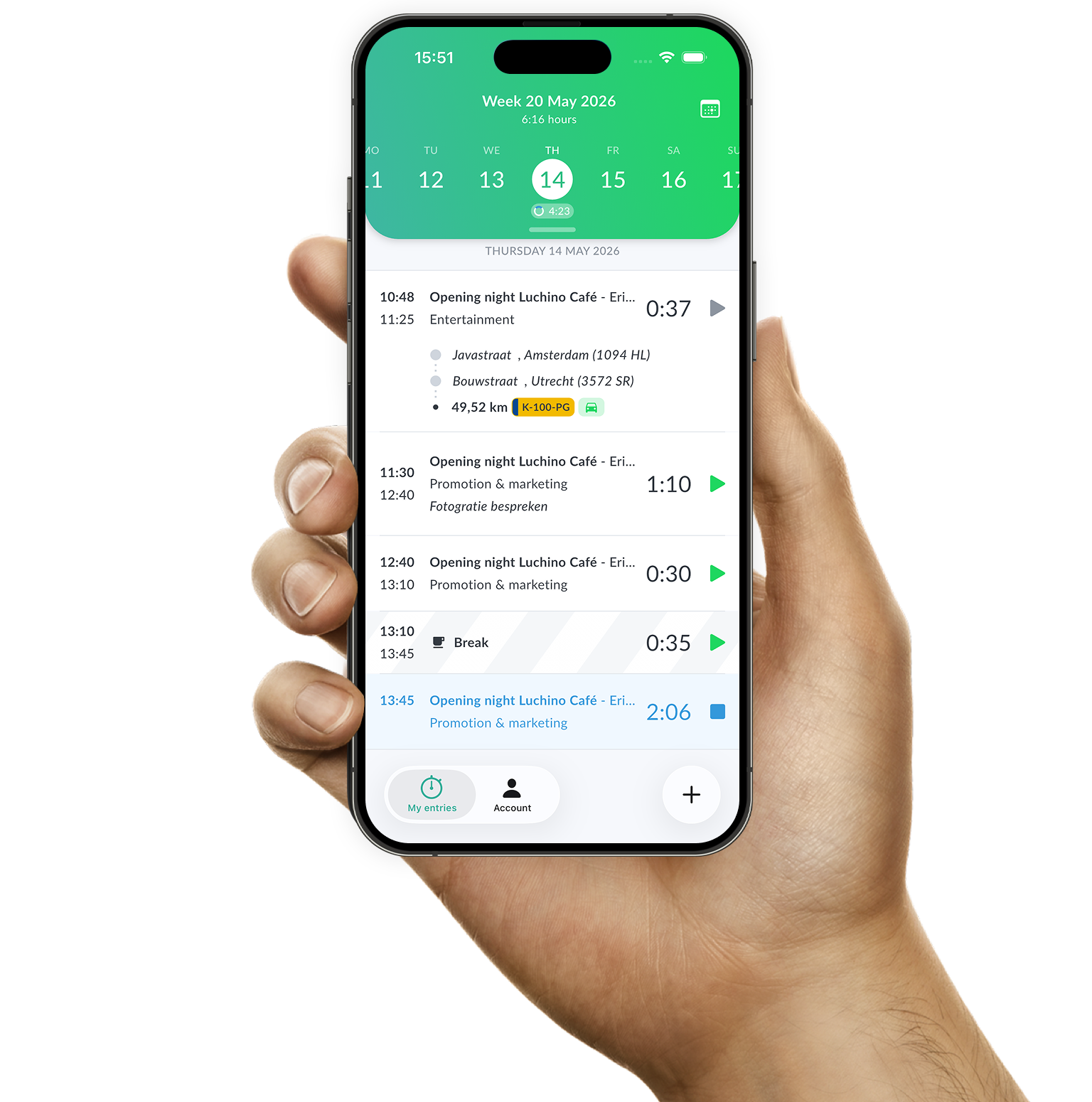
Example of hour registration with the iPhone app of Keeping
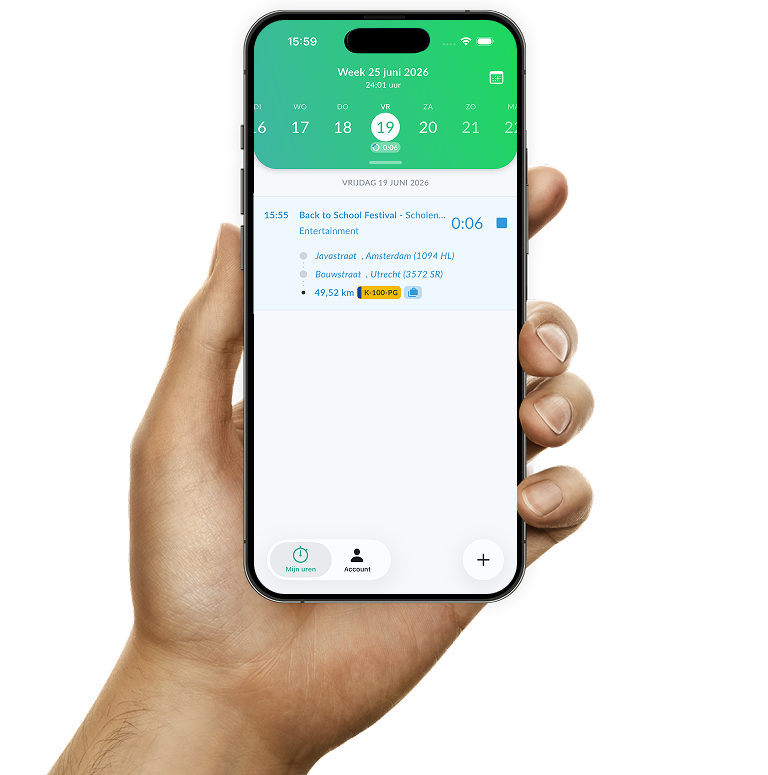
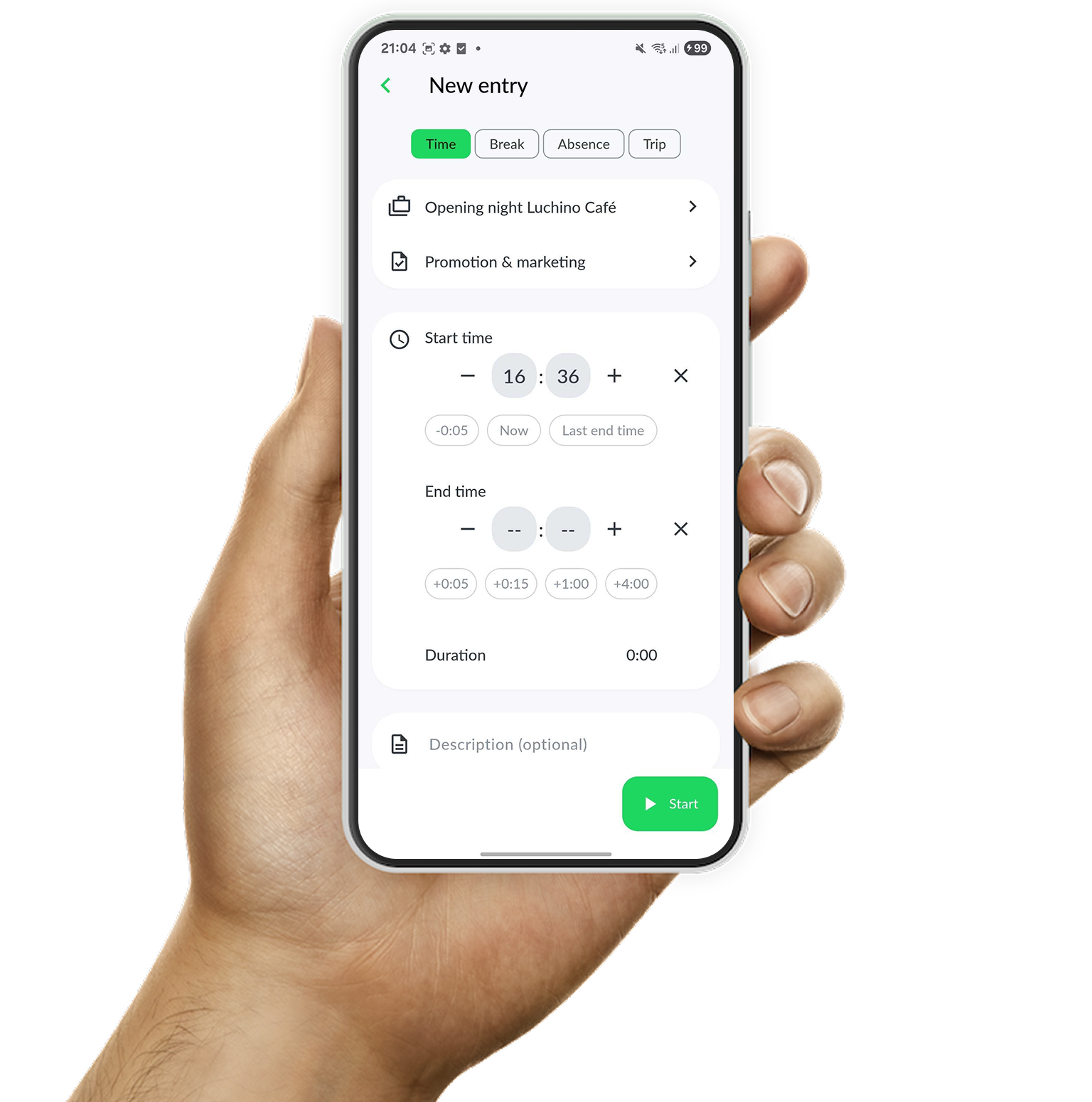
Quickly switch dates during time registration in the Keeping Android app

Playful convenience

The advantage of time registration with Keeping

With the time registration app, you can easily clock in with your smartphone as soon as you start a task or project and clock out when you're done. You can effortlessly switch dates using the built-in date picker, allowing you to quickly access all time registrations linked to your Keeping account.

  • Easy to use; Quickly and easily keep track of your hours.
  • Start tracking hours anywhere; Register hours wherever you are, at any time.
  • Easy switching between client, project, or tag. Simply stop or modify active time registrations.
Collaboration mobile and web

Modern time registration

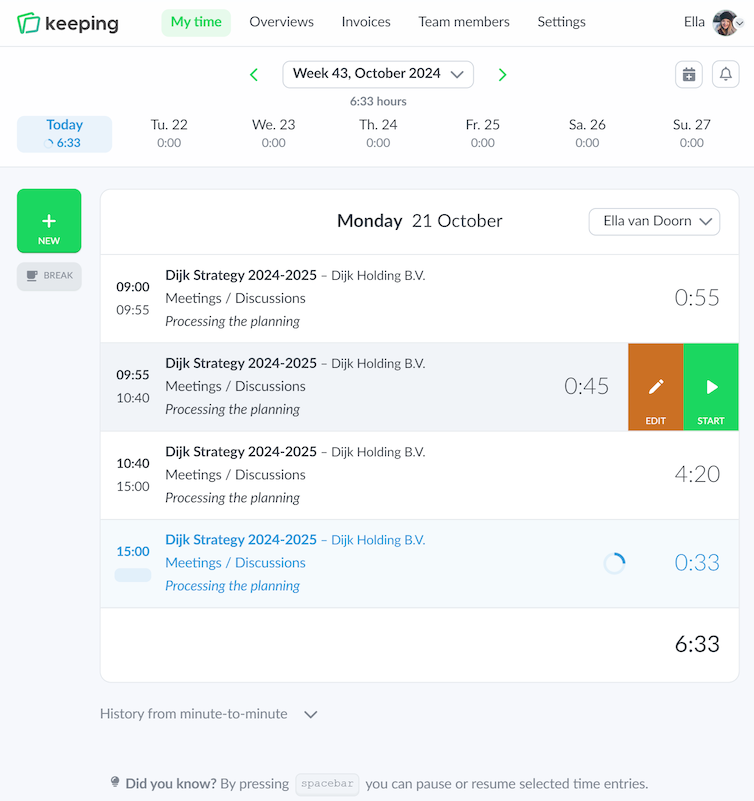
The hours app complements the web application. All web settings are carried over to the iPhone app for you.

The mobile application serves as a companion app for the website, meaning they complement each other rather than completely replace one another. Therefore, the iPhone app provides you with the most essential features for time registration.

Manage your organization in the web application

You can add new clients, projects, tasks, and team members via the website. The clients, tasks, and projects you add are immediately available in the mobile application, allowing you to quickly switch between web and mobile.

Time registrations on both web and mobile are always synchronized online, meaning that if you make changes on mobile, they will also be immediately reflected on the website.

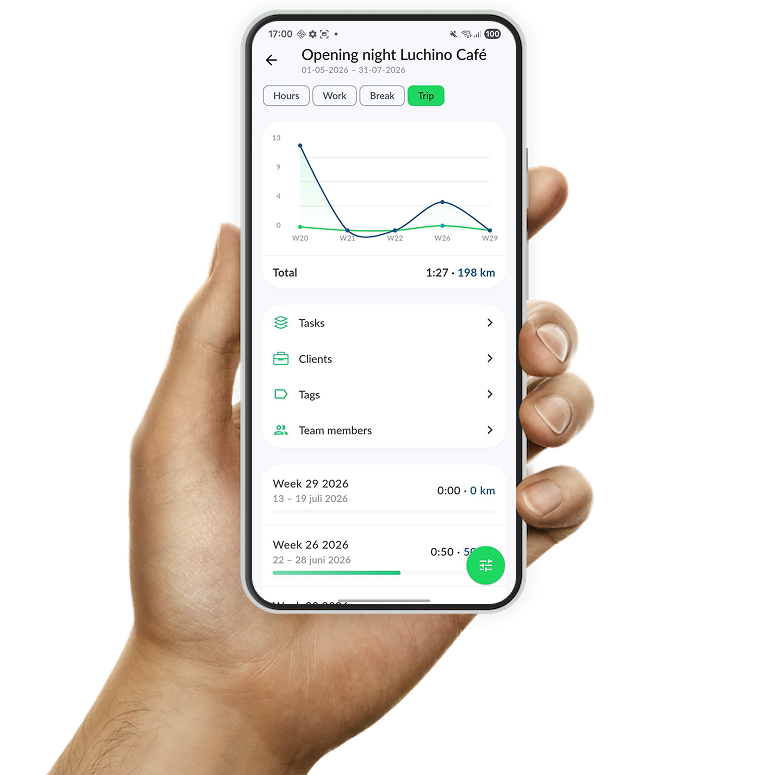
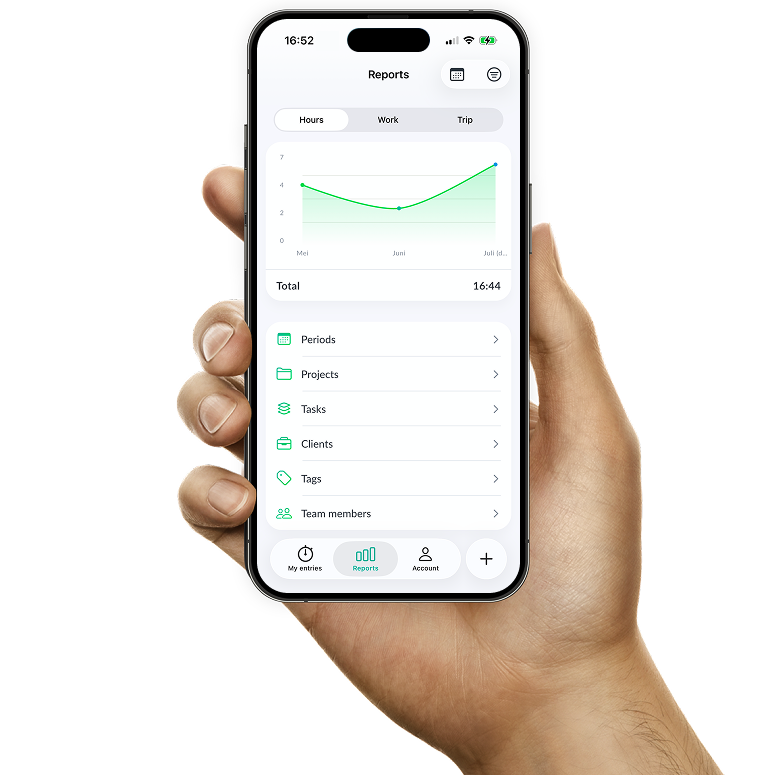
Overview of time registration specifically set for hours per task
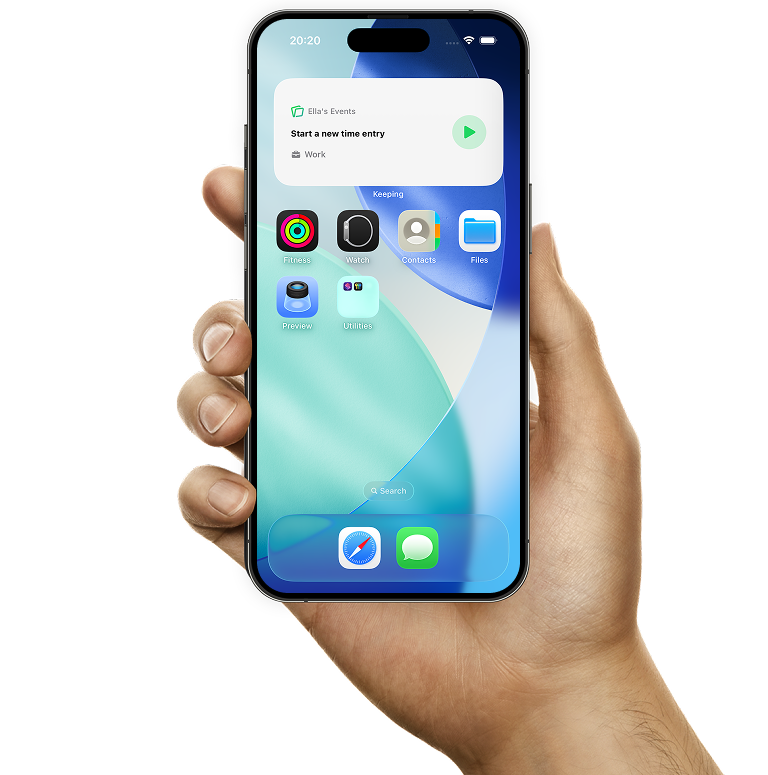
Quickly start a new time entry or stop an active one with the Keeping widget

Widget on iPhone and Android

Manage time entries faster with widgets

On iPhone and Android you can add a handy widget to your home screen. Use it to easily start a new time entry or stop an active one.

There is also a compact widget available on iPhone for the lock screen, so you can perform the same actions without unlocking your phone.

For active time entries, you can also display a live activity on iPhone. This keeps your running time entry always visible and lets you stop it directly whenever you want.

  • Android and iPhone widget for quick start and stop; Ideal when you're on the go or use the mobile app regularly.
  • Lock screen iPhone widget available; Start and stop time entries directly from your lock screen.
  • Easy overview of active time entries. Thanks to iPhone live activities, your active time entry stays visible at all times.

Track hours from your Android or iPhone phone

Easily switch between web and mobile, enter and view hours on the go.

Stopwatch to clock hours illustration