Smart time tracking

Put your time first

In the web application, your organization and time are the focus. Your organization has a secure environment in Keeping. You can access this secure environment by navigating to your organization's subdomain.

  • Suitable for teams and freelancers; Invite colleagues or work independently.
  • Work on projects by linking clients and tasks to your hours; Decide for yourself whether to use project, task, and client details.
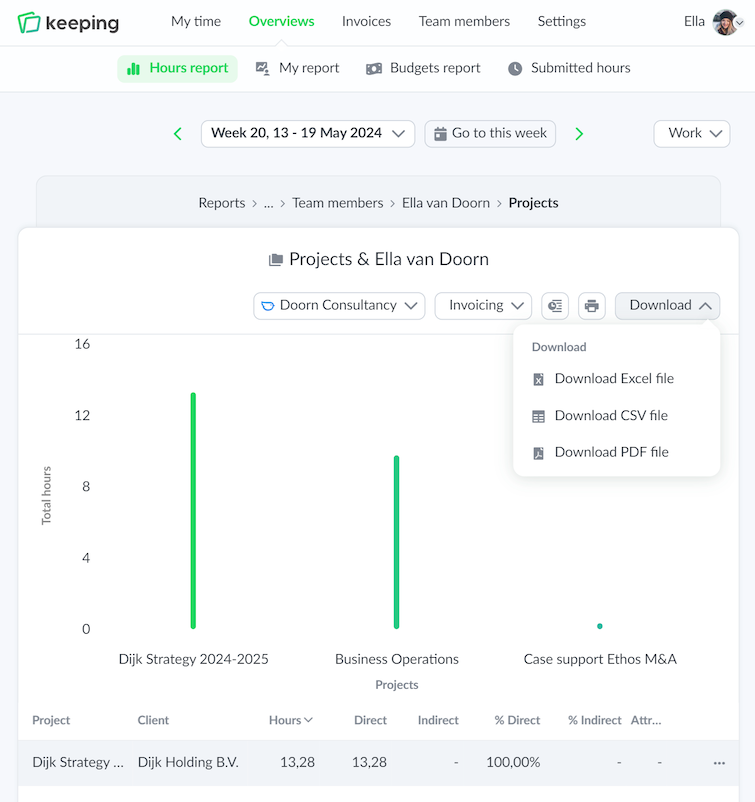
  • Generate reports to analyze your hours; Available for download in PDF, Excel, or CSV format.
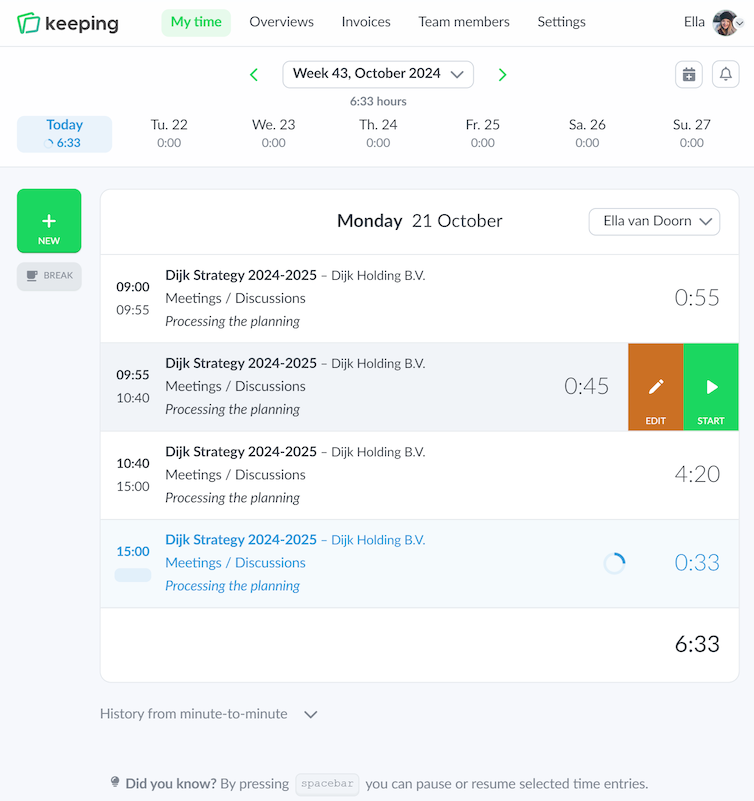
Overview of hours registered on a specific day in the web version of Keeping
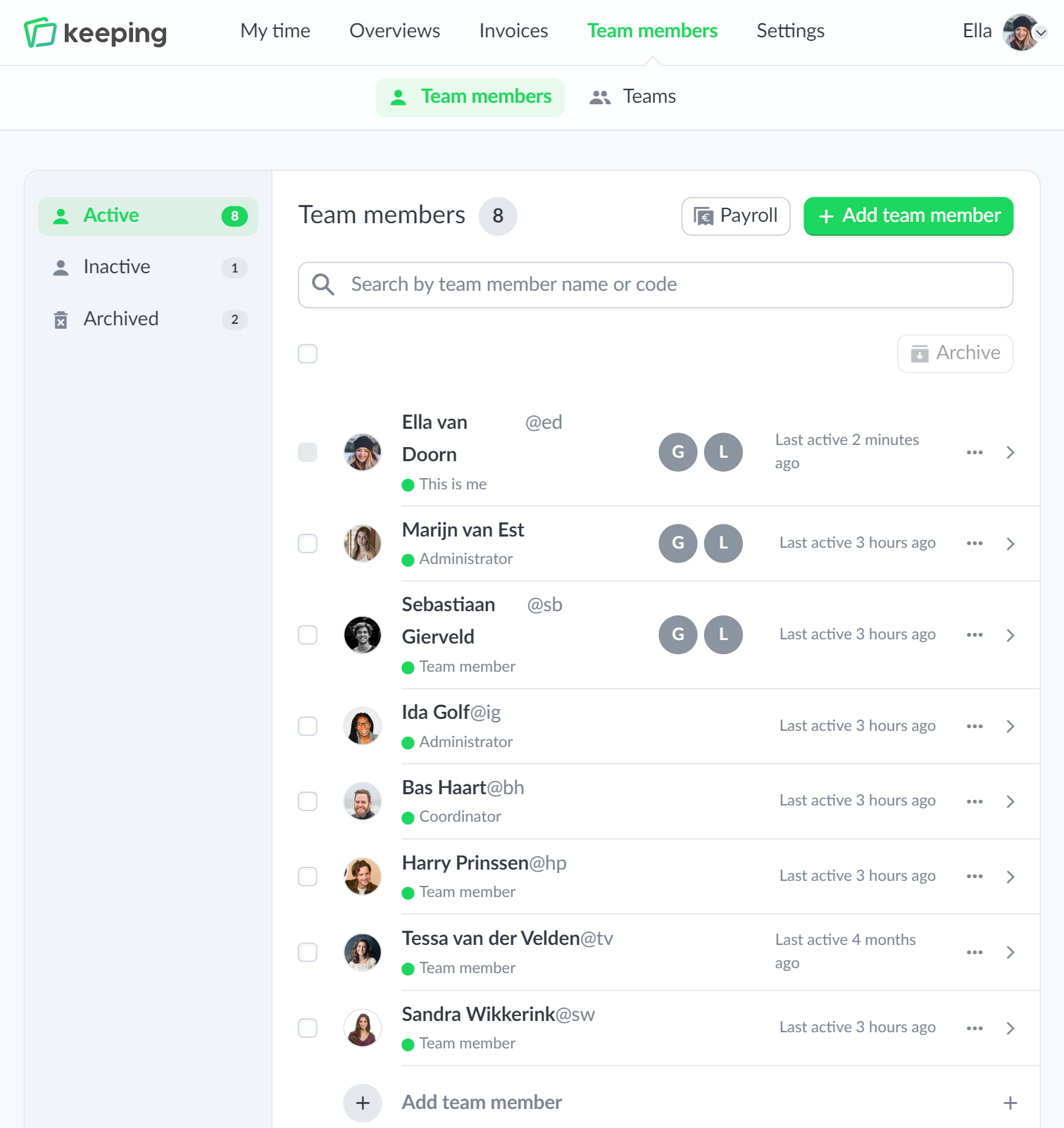
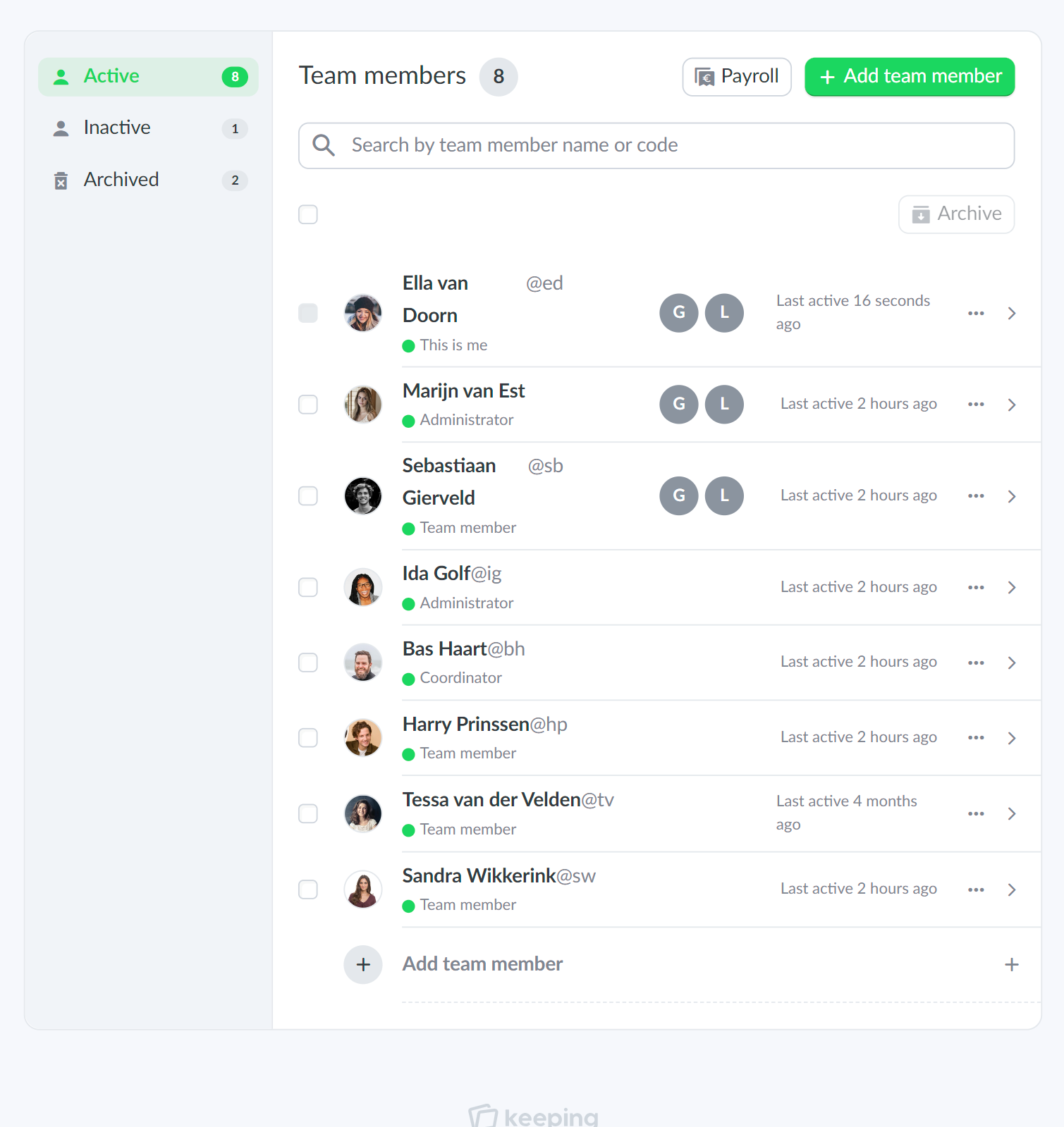
An example of the team overview from Doorn Consultancy
Overview of options to download project timesheets to, for example, Excel, PDF and CSV formats

Insight into your organization

Compile reports

Time tracking of projects provides insight into how time-consuming different tasks are.

Manage and justify your time records by grouping and sorting hours. With just a few clicks, you can generate specific overviews.

  • Zoom in on specific reports; See how many hours you've worked over a period.
  • Direct (financial) insight through project budgets; Identify budget overruns at a glance.
  • Personal report for every Keeping user; Evaluate whether you have effectively completed a project or task.

Exports as PDF, Excel, or CSV

Download your time records

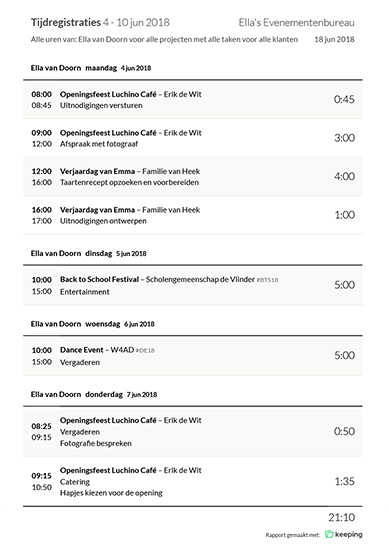
With the reporting feature of Keeping, you can easily export detailed reports to PDF, Excel, or CSV format.

You have full control over your time records. The reports are also suitable for creating regular offline backups of your hours. You can choose which details are important for your records. This way, you can download specific reports for different clients, projects, or tasks. Additionally, you can view hours per team member within the same reports.

  • Export to PDF, Excel, or CSV files; Easily share reports with the team.
Details of time tracking report exported to PDF format
Supportive graphic character next to main image
The team overview of Doorn Consultancy, with options to view a team member's hours, for example

PlusTeams for

Colleagues and staff

Invite your colleagues or staff to your Keeping organization. This way, you can easily keep track of who is working on what and how much time it takes.

Additionally, you can tracks hours together on projects, tasks, and tags, allowing you to see whether you are staying within budget over a certain period.

  • Team management including user roles; Restrict access to certain parts of the team if needed.
  • Keeping scales with your organization; Start for free and expand to more users as needed.
  • View hours of colleagues or staff; In just a few clicks, get specific time reports per person.

Available everywhere

Time at your fingertips

No matter where you are, you can use Keeping on mobile anywhere. The mobile website is optimized for all screen sizes, allowing you to pick up right where you left off on your tablet or smartphone.

It's convenient when you're on the go and need to give a colleague access to time tracking. It’s just as easy as from your computer.

Prefer a mobile app?

That’s available too. Download the time tracking app for your iPhone or Android device.

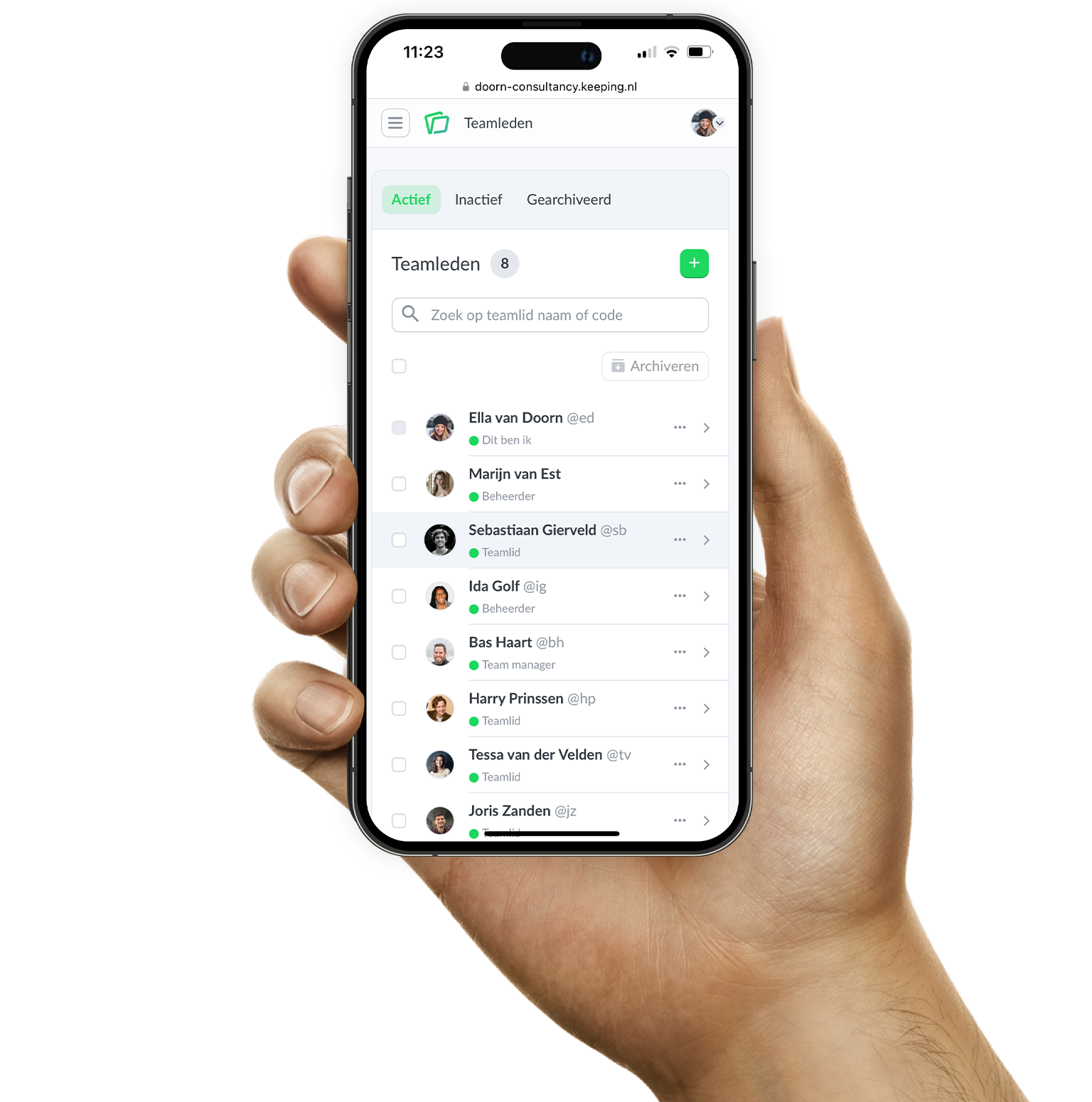
The Keeping website opened in a mobile web browser for example to show responsiveness

Start tracking your hours today

Over 25.000 entrepreneurs are already using Keeping to make time tracking easier for them and their team. Sign up below and start using Keeping for free.

Stopwatch to clock hours illustration