Update: Personalize Keeping with Logos
You can now personalize Keeping with a company logo and profile picture. This gives Keeping a more personal touch.
Personalize Keeping with Your Own Logo
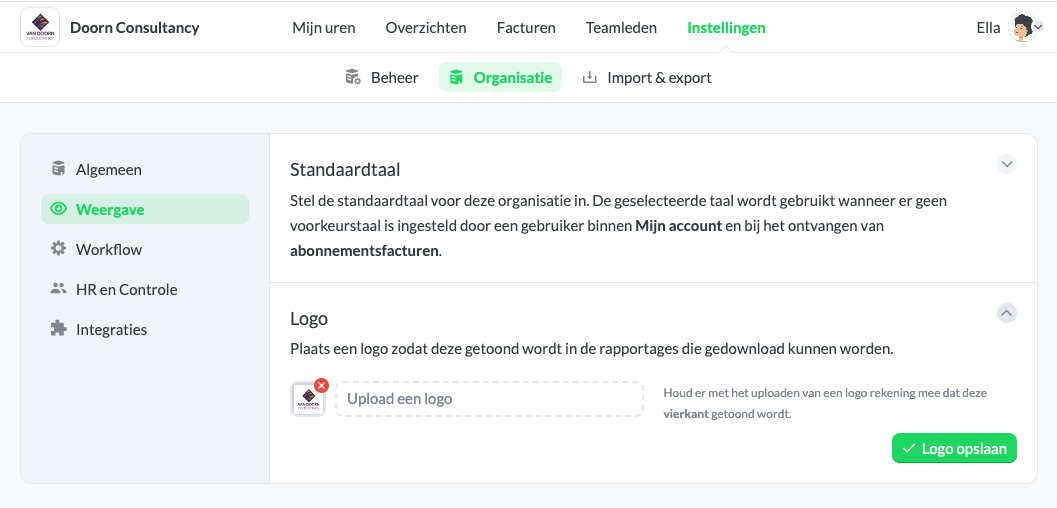
You can now personalize Keeping with your company logo. Simply upload your (company) logo in the organization settings.
By adding your own logo, team members instantly recognize your organization when using Keeping.
The logo will appear on the left side of the navigation bar and also in PDF reports.
Upload Your Own Profile Picture
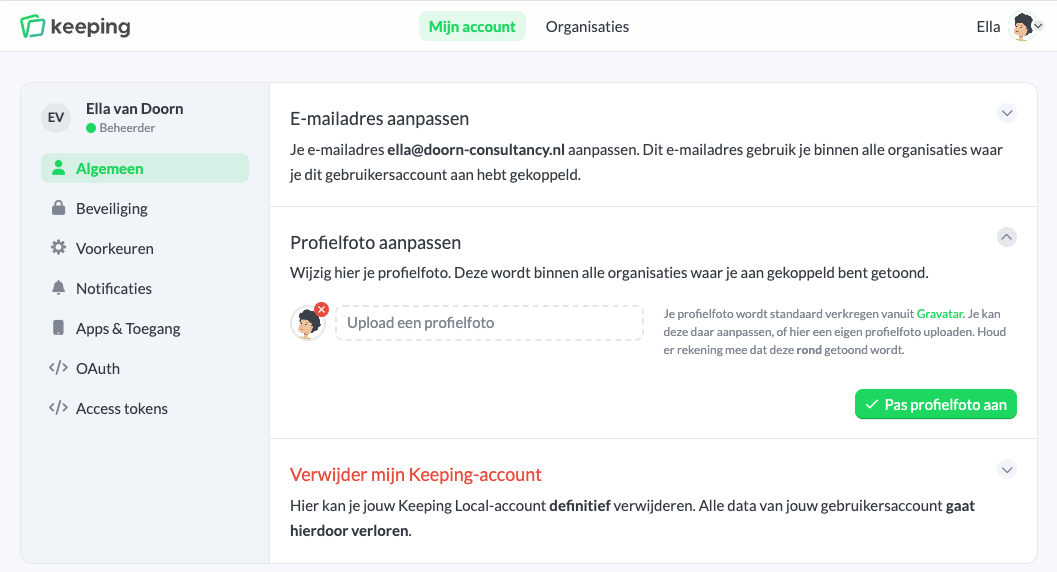
Team members can now upload their own profile picture. Previously, only Gravatar images were available, but now team members can update their profile picture directly.
The profile picture will be shown across all organizations in which the team member is active.
Start tracking your hours today and save time. Sign up for Keeping and enjoy the first 14 days free with a Plus or Pro subscription.

