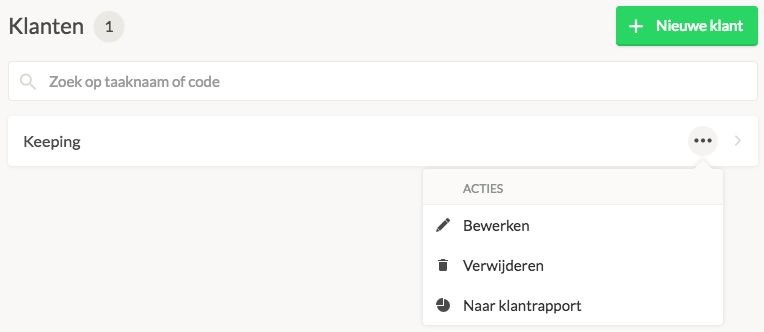
Deleting a customer
Navigate to Settings → Manage → Clients and select the client you want to delete. You cannot delete a client if there are still projects linked to them. In that case, first unlink the projects if you wish to proceed with deleting the client.
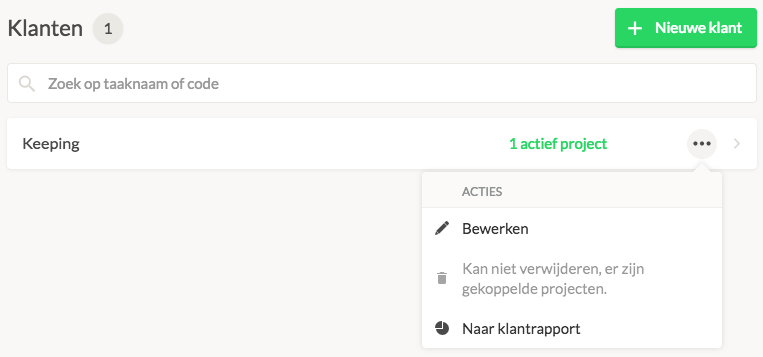
Through the link to the active projects, you can then unlink these projects. Once this is done, and there are no more projects linked to the client, you can delete the client.