Edit customer reference
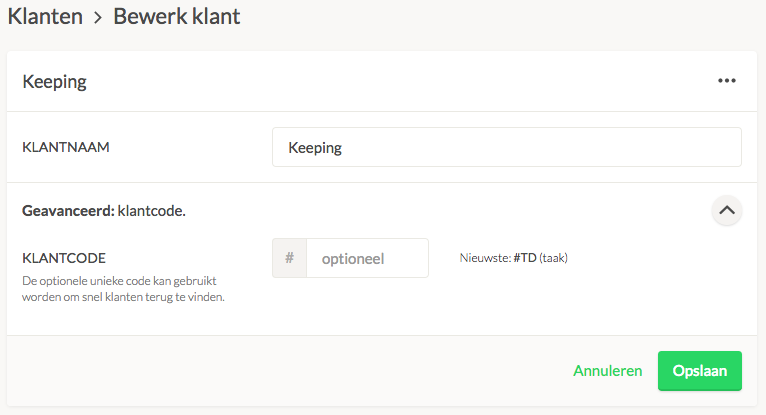
Navigate to Settings → Manage → Clients and select the client you want to edit. Click on the menu and select Edit. Here, you can adjust the client reference. If you want to remove a code, clear the field and then press save.
Navigate to Settings → Manage → Clients and select the client you want to edit. Click on the menu and select Edit. Here, you can adjust the client reference. If you want to remove a code, clear the field and then press save.
Email to [email protected].
We’re here to help.

