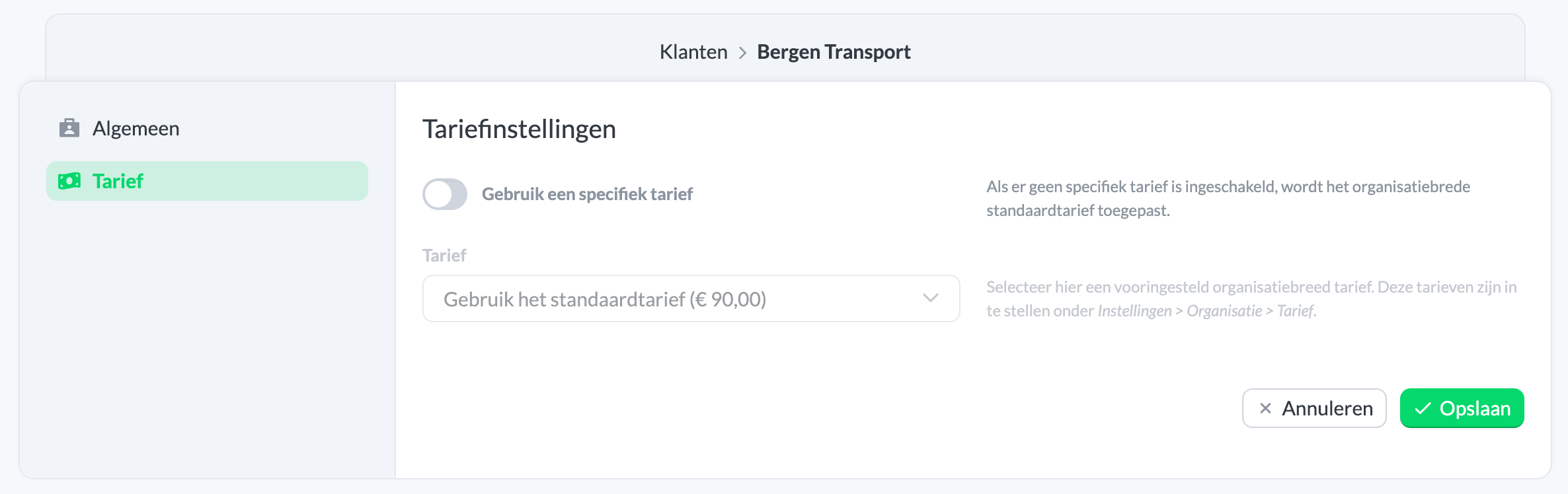
Edit customer rates
To use rates for invoicing in Keeping, you need at least Keeping Pro.
Navigate to Settings → Manage → Clients and select the client you want to edit. Click on the menu and select Edit. Under Rate, you can then adjust the client rate.