Export hours from Keeping
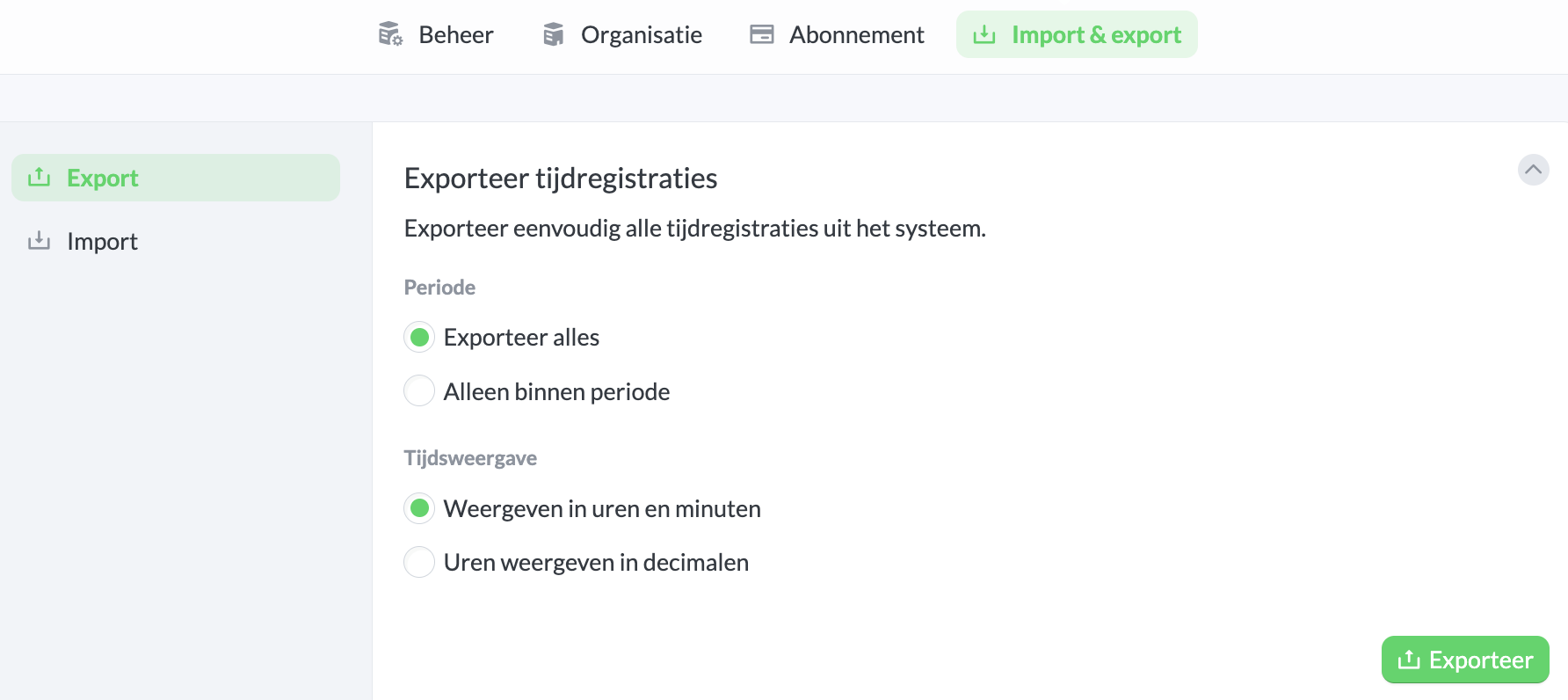
In addition to downloading via the reporting feature, you can also make a full export of your organisation in Keeping. You can find the export feature under Settings → Organisation → Export.
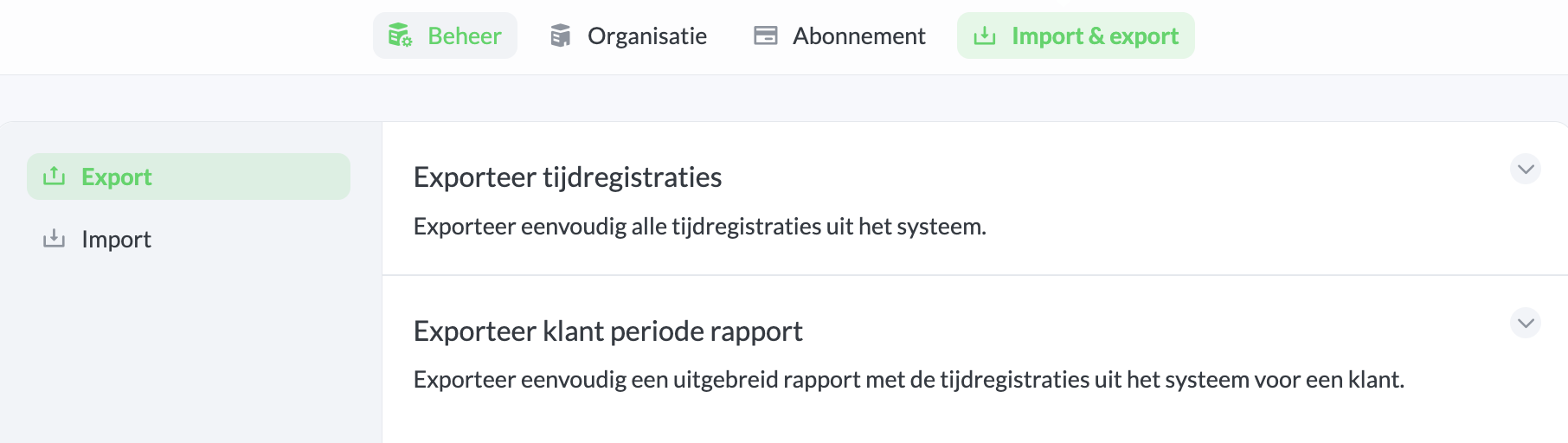
Then go to the section Export Time Registrations, and set up the export. After that, click Export. You will receive an email within a few minutes at the email address you registered with Keeping. This email will contain a large "Download now" button, which allows you to download a .csv export file.