Import hours from Keeping
It is possible to import hours from one organisation to another in Keeping. You can find the import and export features under Settings → Organisation, in the Import and Export tabs.
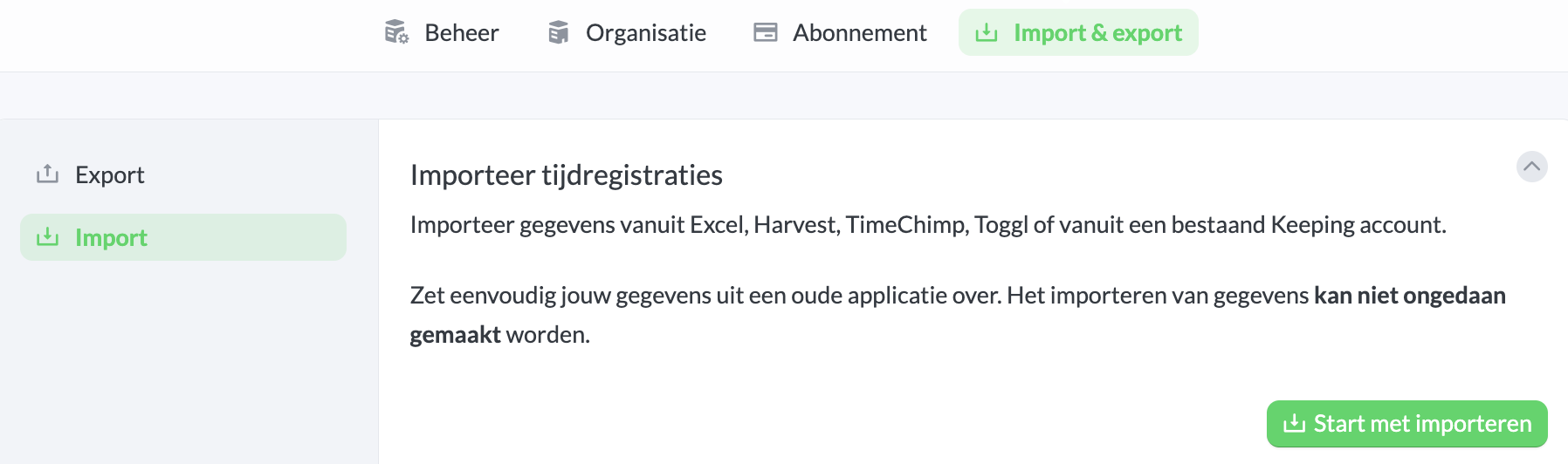
Then go to the Import section and click Start Importing. Choose the application from which you want to import time registrations.
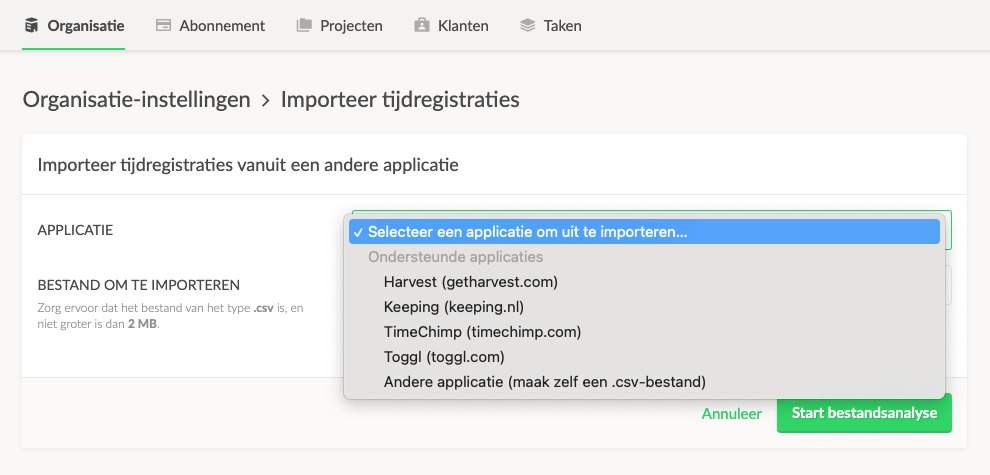
Below is a detailed step-by-step guide for exporting and importing time registrations within Keeping.
Transferring or Restoring Time Registrations from Your Organisations
Below are instructions on how to export data from another organisation to then import it into your organisation.
- Log in to jouw-organisatie.keeping.nl with the user who is the organisation owner or Administrator of the organisation.
- Click
Settingsat the top of the menu and then clickOrganisation. - Ensure that the settings under Display, especially the Timezone, match the preferred settings in this organisation.
- Now go to the
Importtab. - Go to
Exportand choose Export Time Registrations. You will receive an email within a few minutes at the email address of the organisation owner. This email will contain a large "Download now" button, which allows you to download a .csv export file. - Select the .csv file under
File to import. To proceed, click theStart File Analysisbutton at the bottom of the Import page. - Pressing this button does not start the import immediately. We will first perform an analysis. Upon a successful analysis, we will show you some details first, allowing you to decide whether you want to import the data.

