Add tasks to a project
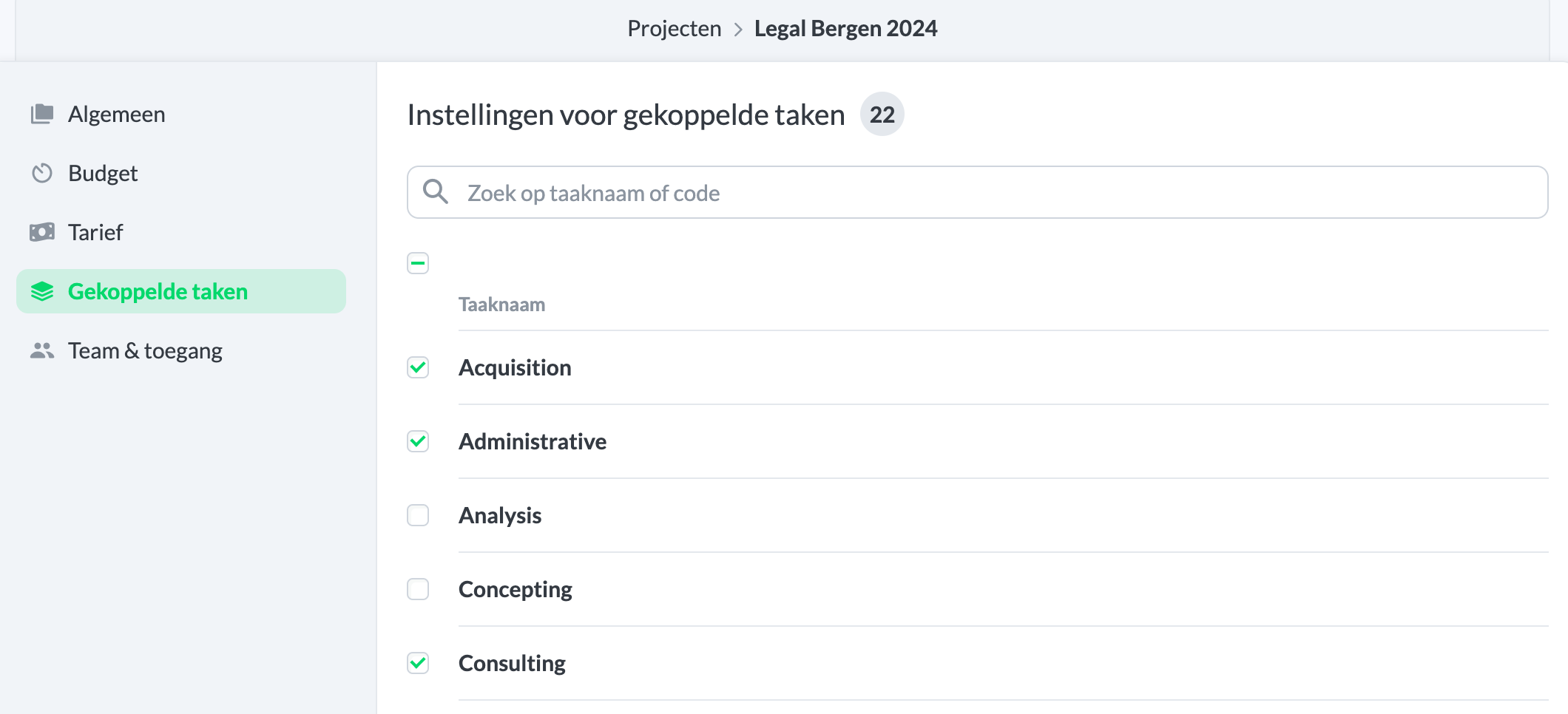
For a new or existing project, you can adjust which tasks are associated with the project. Navigate to Settings > Manage > Projects. Then click on an existing project or on New Project. When you select a project, you can then adjust the tasks under Linked Tasks.
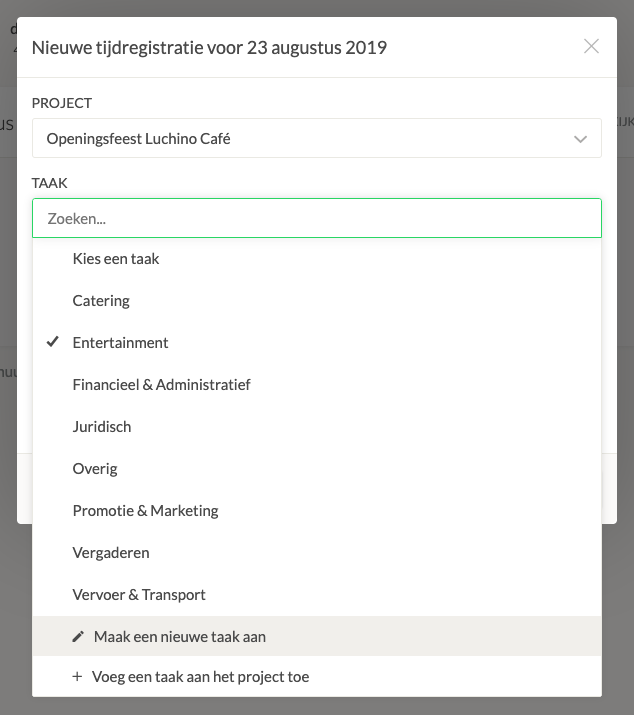
You can also create a new task or add an existing task to the project from My Hours. Create a new time registration, and then select Create a new task from the menu.