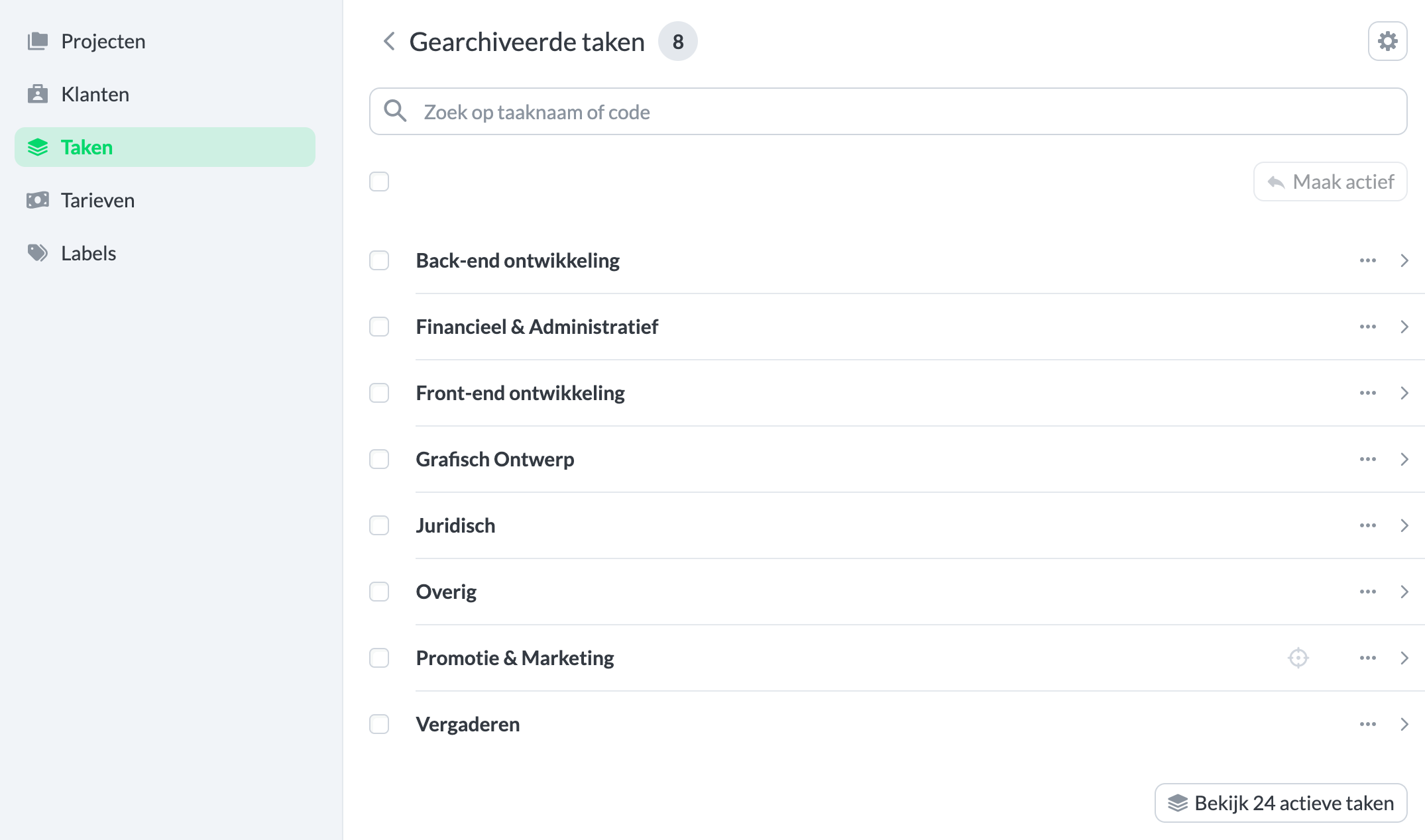
Archive a task
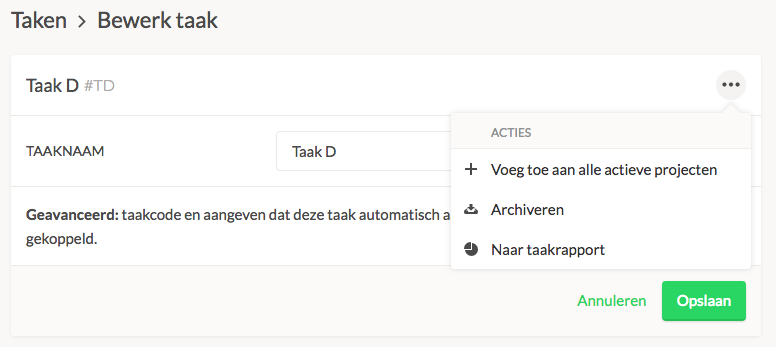
Navigate to Settings → Manage → Tasks to find the task you want to archive. Click on the task, and then select Archive from the menu. Note! You can archive a task only if there are already time registrations linked to it. If you want to delete a task, this is only possible if there are no linked time registrations.
You can find the overview of archived tasks at the bottom of the task overview.