How Keeping’s Structure Can Streamline Your Time Tracking
Make the most of Keeping’s structure by configuring the settings to perfectly match your organization.
Setting Up Keeping Effectively
Keeping is designed to make time tracking in your organization as easy and transparent as possible. This is achieved through a structure of tasks, projects, clients, and labels Pro. In this article, we explain how Keeping’s hierarchy works and how you can leverage it to best suit your organization.
Tasks
Tasks form the foundation in Keeping. You can link tasks to projects, but you can also log hours directly on tasks without using projects. It is wise to describe tasks in detail, so you can later analyze where time has been spent. You can also specify whether a task involves direct (e.g., billable) or indirect (internal) hours, giving you a clear overview of your activities.
Projects
Many organizations work with projects. Keeping’s hierarchy aligns seamlessly with this. You can define projects with underlying tasks to create a clear structure in your time registrations. Each project should have a unique name, making it easy to identify in reports. While projects do not necessarily have to be linked to a client, it is often useful to do so. For example, if you handle multiple projects for a client in a year, you can view hours both per project and as a total for that client.
Clients
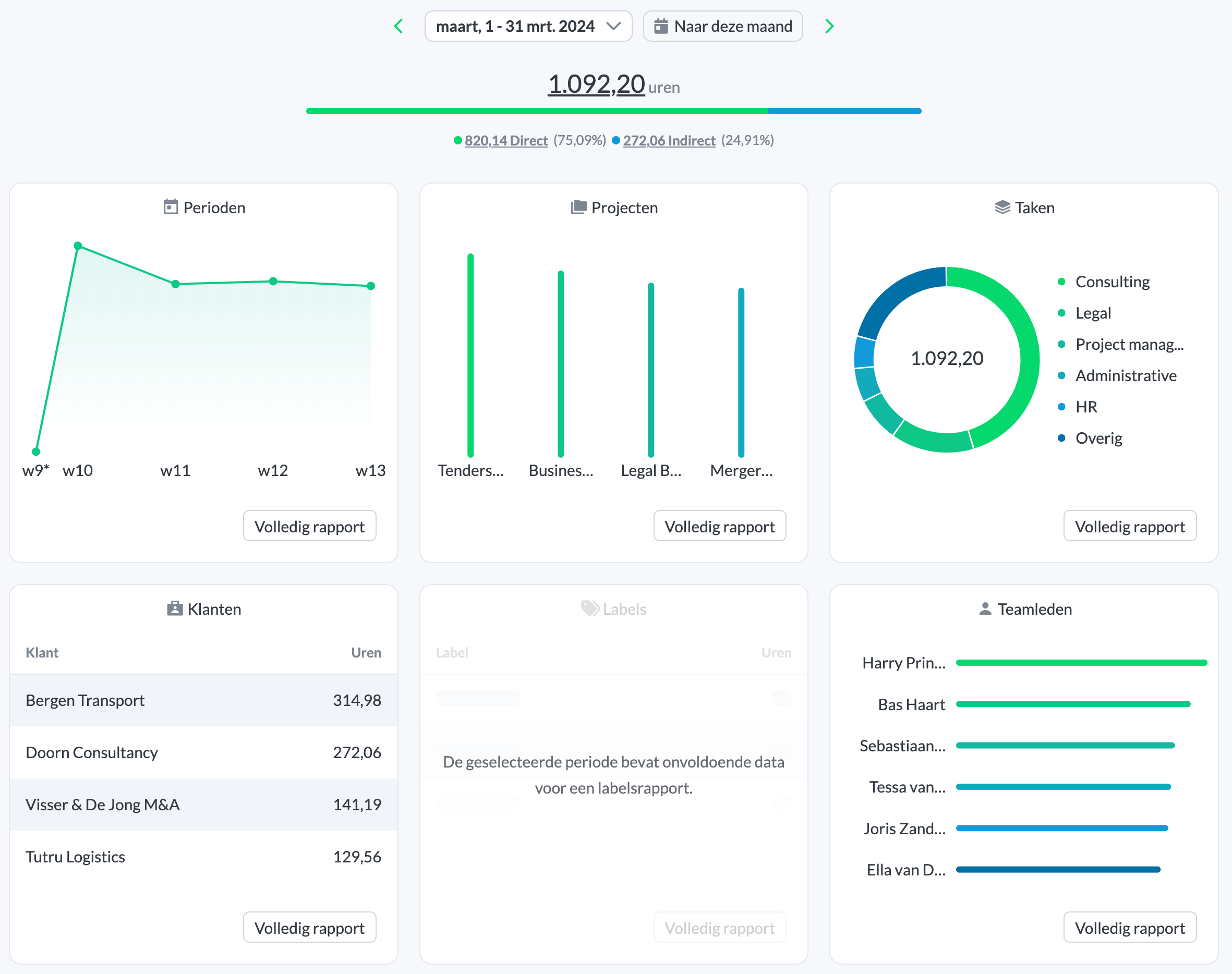
Clients can only be used in combination with projects. If your organization works with multiple clients, this provides an additional layer in reports. This is especially useful when you need client-focused reports for invoicing or progress updates. A client essentially represents a group of projects: using clients allows you to create reports covering multiple projects.
Direct and Indirect Hours
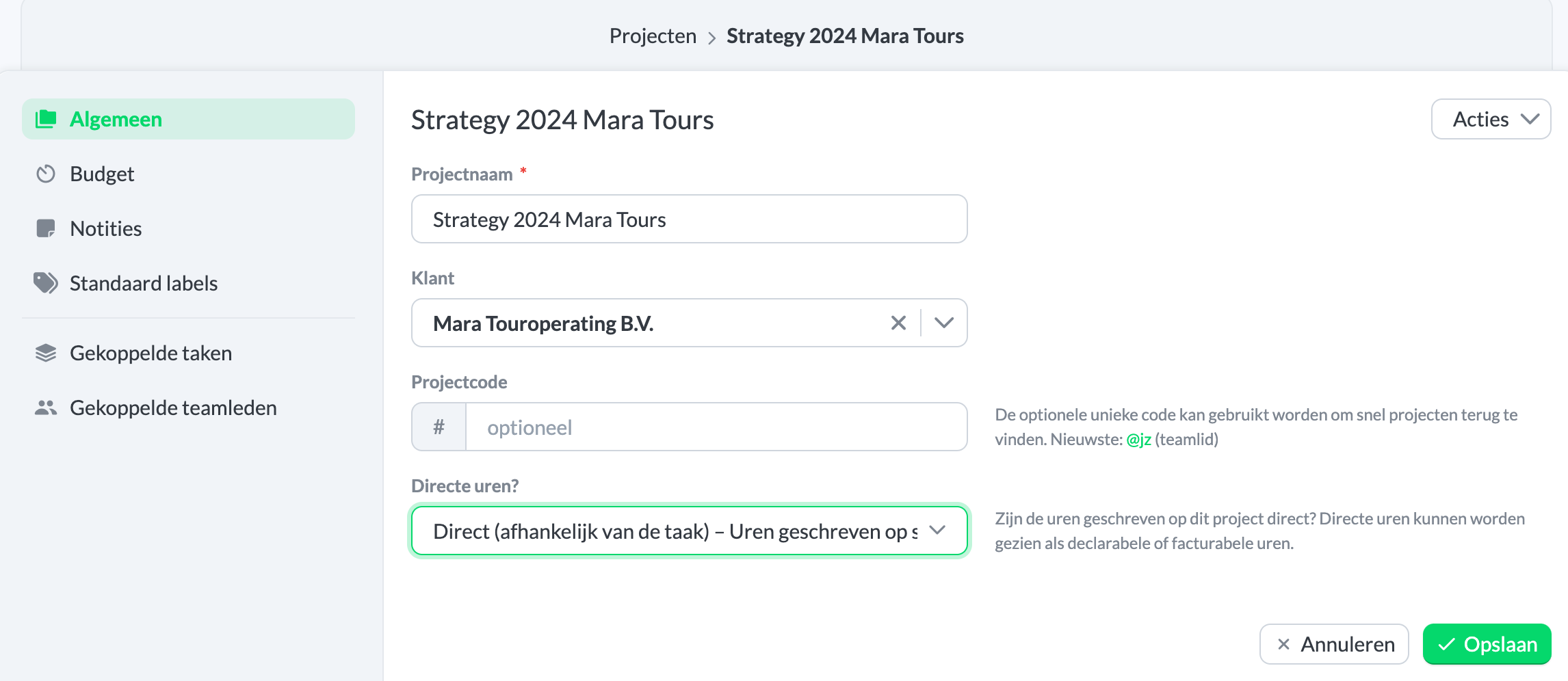
With Keeping Plus, you can specify per task and project whether the logged hours are direct or indirect. This not only helps optimize internal processes but also makes it easier to invoice the correct hours. For example, non-billable acquisition hours can be kept separate from hours that should be invoiced.
Labels Pro
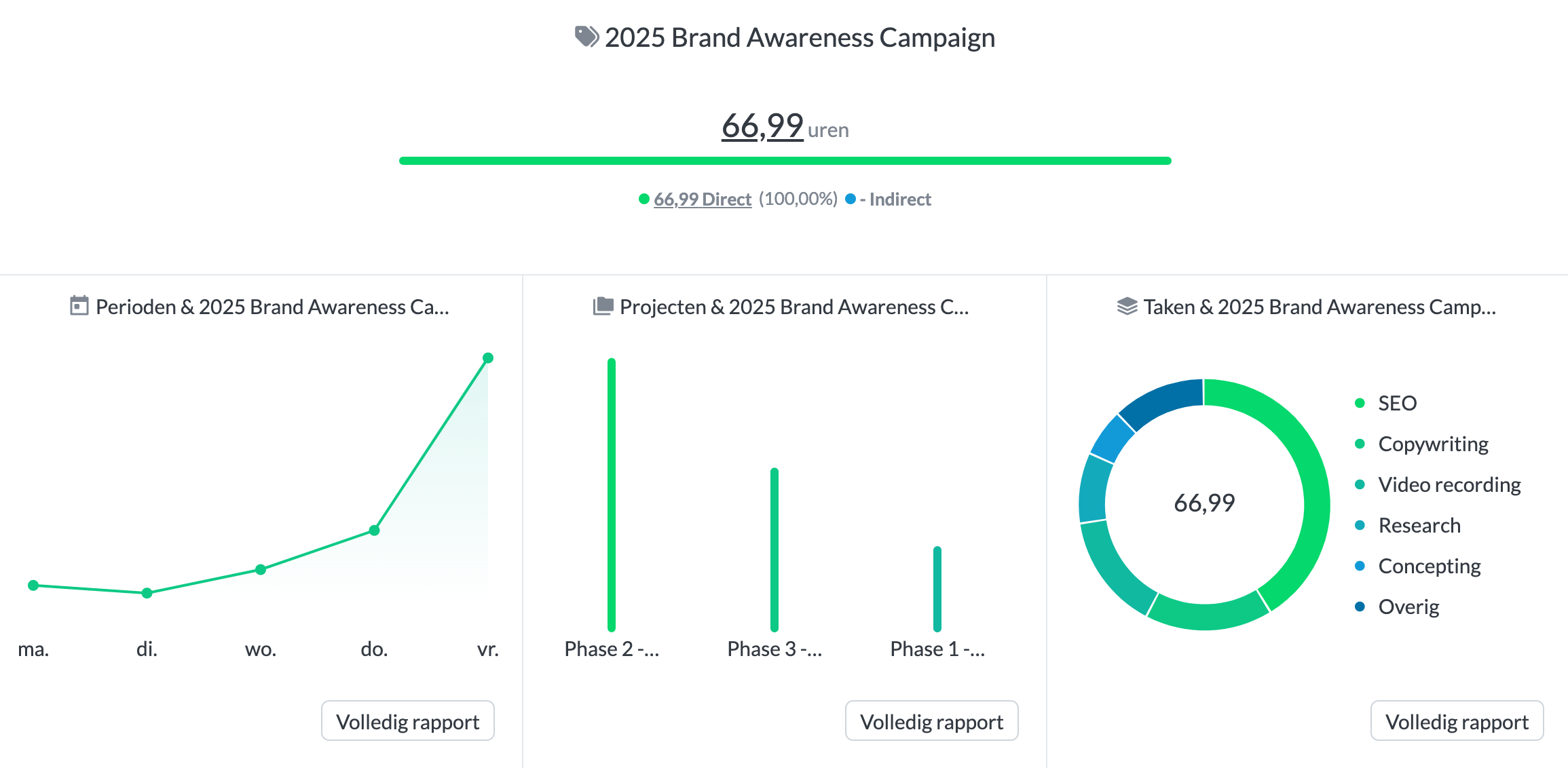
A unique feature of Keeping is the ability to add labels to time entries. This can be useful for marking hours eligible for a (WBSO) subsidy, for example. By using labels smartly, you can easily distinguish between different types of work. Labels can be added when entering hours, or certain labels can be automatically linked to a project, client, or task.
Flexibility
The great thing about Keeping is that you don’t have to use tasks or projects if that doesn’t fit your organization. You can log time without a task or project. If you want an extra layer in reports, you can use labels in Keeping Pro to differentiate. Do you have projects for multiple clients? You could create them as projects without a client in Keeping and add client information via labels in time entries. Working with subprojects? Enter subprojects as projects in Keeping and use a label for the overarching project. Frequently working with main and subprojects? Consider entering the main project as the client and subprojects as projects. If different departments work on the same project, you could set up departments as tasks. If your use case differs, feel free to contact Keeping support—we’re happy to help.
Start tracking hours easily today and save time. Sign up for Keeping and enjoy the first 14 days free on a Plus or Pro plan.

