Reports in the Android application
Many of you have let us know that you'd like access to reports in the Android app. In the latest version of our time-tracking app, we’ve made this possible!
Go to Google Play on your mobile device and update Keeping to the latest version.
The new update
A while ago, in this blog post, we mentioned that we’re bringing Keeping reports to mobile applications. Over the past weeks, we’ve been hard at work on this.
For your user reports:
Menu → My User Report
For your organisation reports:
Menu → Organisation Report
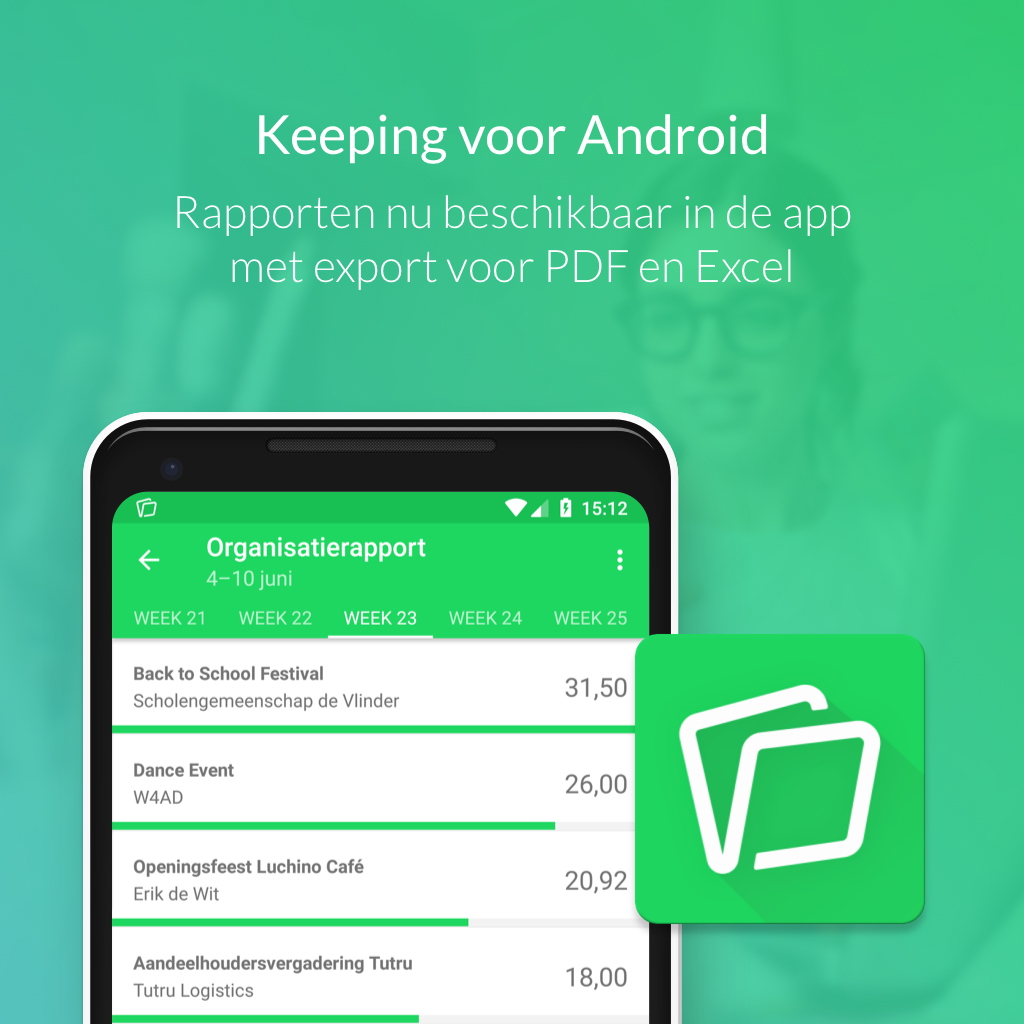
Reports
We’ve added reports by period, project, task, and client, just as you’re accustomed to on the Keeping website.
You always have access to your own user report. Additionally, you can view your team members' and organisation’s reports, provided you have the appropriate permissions within the organisation.
This way, you can always check how your hours are distributed, even on the go.
- View hours for yourself or your team by week, month, or year.
- Group hours by project, task, or client.
- Download reports as PDF or Excel document (.xlsx).
This keeps you in control of productivity and projects within your business. We hope you enjoy using the reporting feature in the Android app.
If you haven’t started using the Keeping Android app yet, you can download it here.
For any questions about the mobile applications, feel free to email us at [email protected].

