The best insights with higher data quality
Improving your business starts with reviewing data on time allocation. Whether it’s about enhancing work experience, revenue, or productivity, information on hours worked is essential. It’s also important that this information is of high quality, as you don’t want to base decisions on flawed data. How can you ensure better data? And what should you keep in mind when making improvements?
Ensure good time-tracking data
Making various decisions based on data about your own and your team’s time allocation? Then ensuring data quality is crucial, especially when aiming to optimize both revenue and work experience. A positive work experience, after all, often leads to higher productivity.
To ensure data quality, focus on:
- Tracking time from minute-to-minute or in small intervals;
- Simplified input;
- Establishing a standard structure for projects and tasks;
- Separating organisational policy from hard data in time tracking.
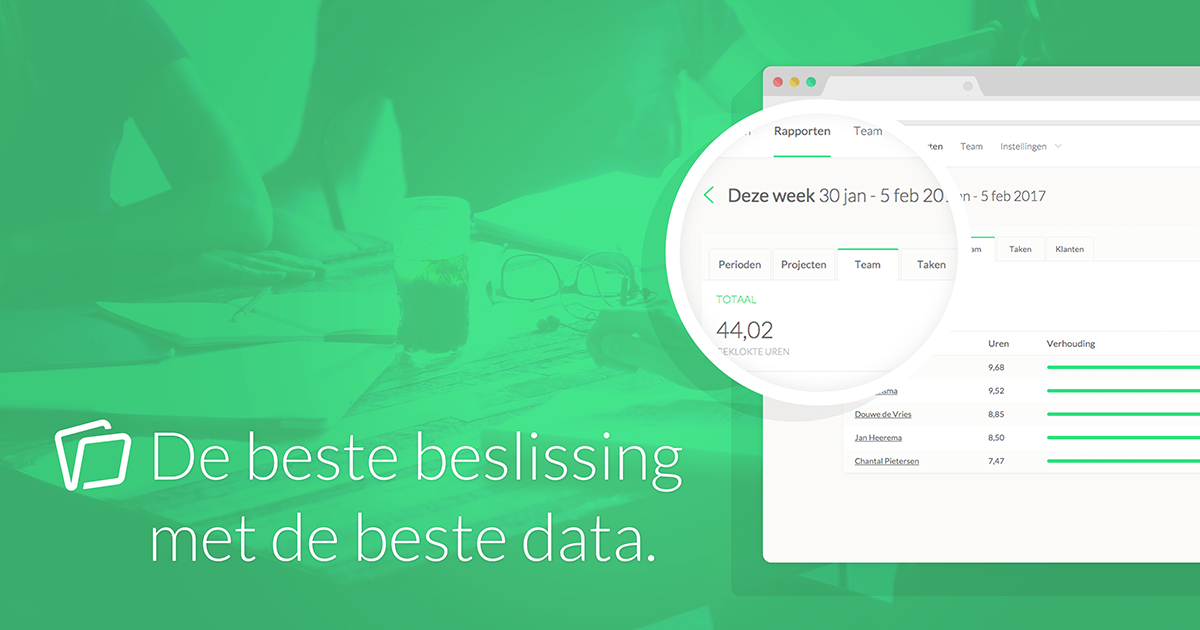
Is entering time retrospectively really a good idea?
Many people fill in their hours at the end of the day or week—some even wait until the end of the month. But how accurate is this overview, really? When you enter hours a week later, you can’t remember exactly when you worked on what. Fortunately, Keeping makes tracking time minute-by-minute very easy. Just press the space bar to start and stop. Easy as that! By tracking as much as possible minute-by-minute, your time-tracking accuracy is rock solid!
Minute-by-minute tracking leads to better data quality. With just the space bar, it’s never been easier!
Entering time without barriers
“Time entry” has a bad reputation. Removing as many barriers as possible minimizes frustration and results in better data entry. In Keeping, we aim to make entry as easy as possible with intelligent suggestions, for instance, when selecting projects and tasks. Additionally, we’ve enabled several keyboard shortcuts on the timesheet. Press shift + ? to see an overview.
We’re also actively working on applications for iOS, Android, Google Chrome, and macOS, so you can enter data on any device quickly and easily!
Establishing a fixed structure for projects and tasks
In many time-tracking packages, it’s not possible to make the entry of projects and tasks mandatory. In Keeping, you actually have two options for both: either turn them off completely or make them mandatory for each time entry. This ensures that with each time entry, active information is added, allowing you to make better decisions.
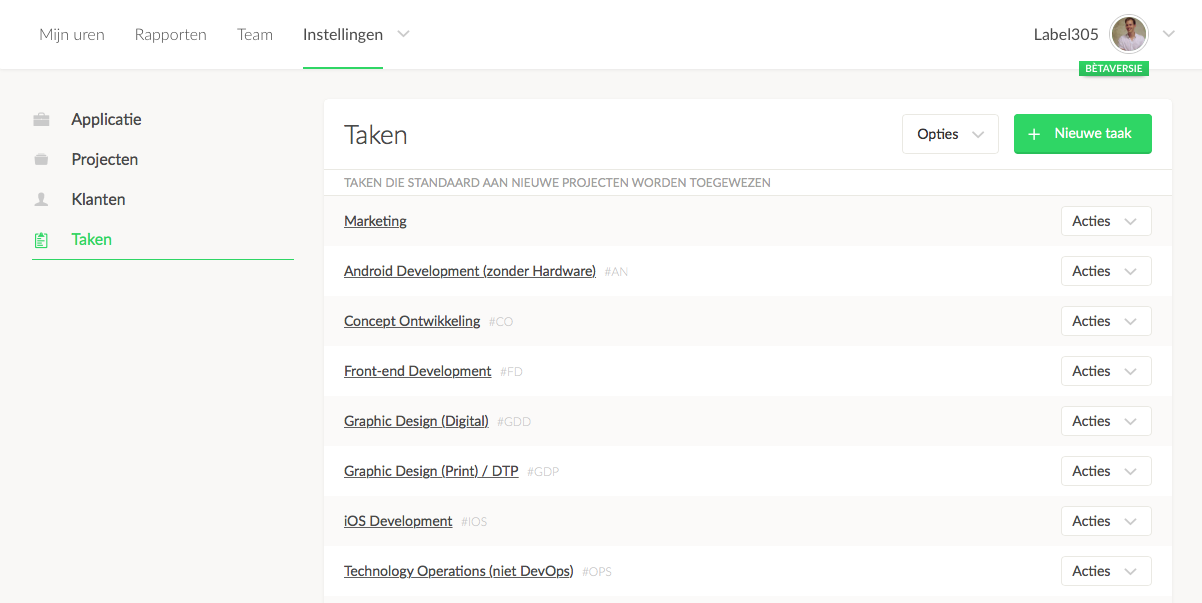
It’s important to think carefully about which tasks and projects you include in Keeping. Define various tasks thoughtfully to capture specific work. Be cautious of tasks/projects like “Miscellaneous” and “General,” as these result in lost information.
Note: Don’t base policies on hard data
I often hear that companies have internal policies that encourage employees to report hours inaccurately—to meet a direct/indirect-hours quota, for instance, or stay within certain budget limits. While it may sound appealing to create a policy encouraging employees to enter “better-looking” hours, this results in a distorted view. It’s easy to then make decisions based on this distorted picture.
It’s better to ask everyone to enter hours accurately, so you can make decisions based on realistic data and truly measure the impact of these decisions. This impact won’t be artificially created by time-tracking policies.
Data quality offers future benefits
Don’t forget there’s currently a true ‘data revolution’ happening. This might sound like a buzzword, and often it is, but it’s a fact that computers and algorithms are increasingly able to draw conclusions from data. Algorithms and techniques for artificial intelligence improve every year, and if you already have a solid foundation of high-quality data, you’ll be able to benefit from it in the future.
Start now with Keeping and enjoy the best data
Keeping is a complete package and is always free for freelancers! Experience the ease of effortless time tracking yourself. At Keeping, we’re strong proponents of “data liberation,” so you can always export all data from Keeping and work with it independently.

