Assign team members to projects
Assuming that a project has already been created, team members can be added to an existing project by navigating to Settings → Manage → Projects. Locate the project in the overview and click on the project name or Edit via the menu button.
Under Team & Access, you will see a list of team members linked to the current project. A linked team member can be unlinked by unchecking the box next to the team member’s name. If a team member is not yet linked, the box will be empty, and you can add the team member to the project by checking it.
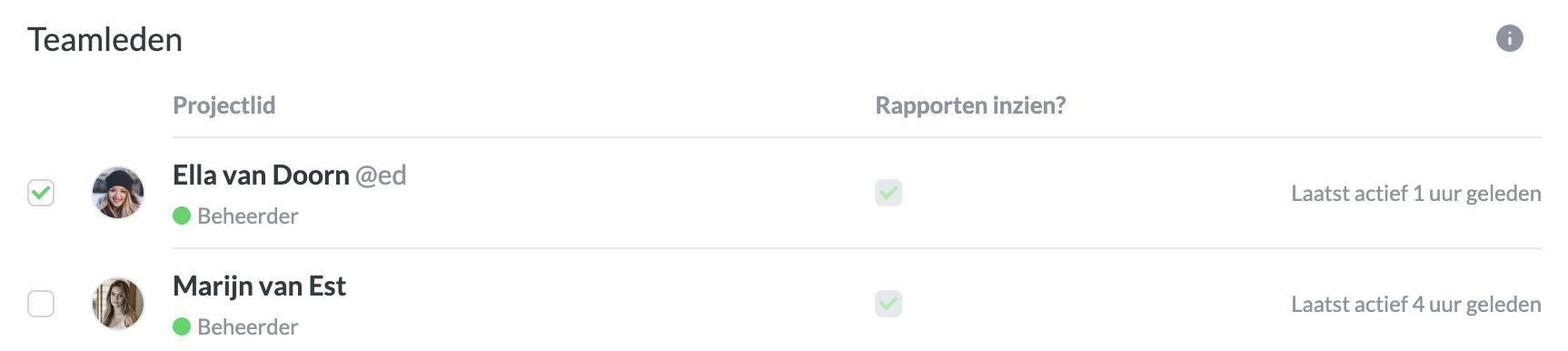
Add a team member to a project by checking or unchecking the box.

