Create project
Projects and Clients
If Projects are enabled, you can create Projects. A Project is linked to a Client.
As an organisation admin, you can quickly create a new project by going to Settings → Manage → Projects and clicking the green 'Create Project' button.
If you want to add more detailed information, you can press ctrl / ⌘ and click + New Project to open the full project creation form. If you choose to click the 'Create' button now, the project will be created with all default team members and, if enabled, default tasks.
You can also manually add or remove tasks and team members.
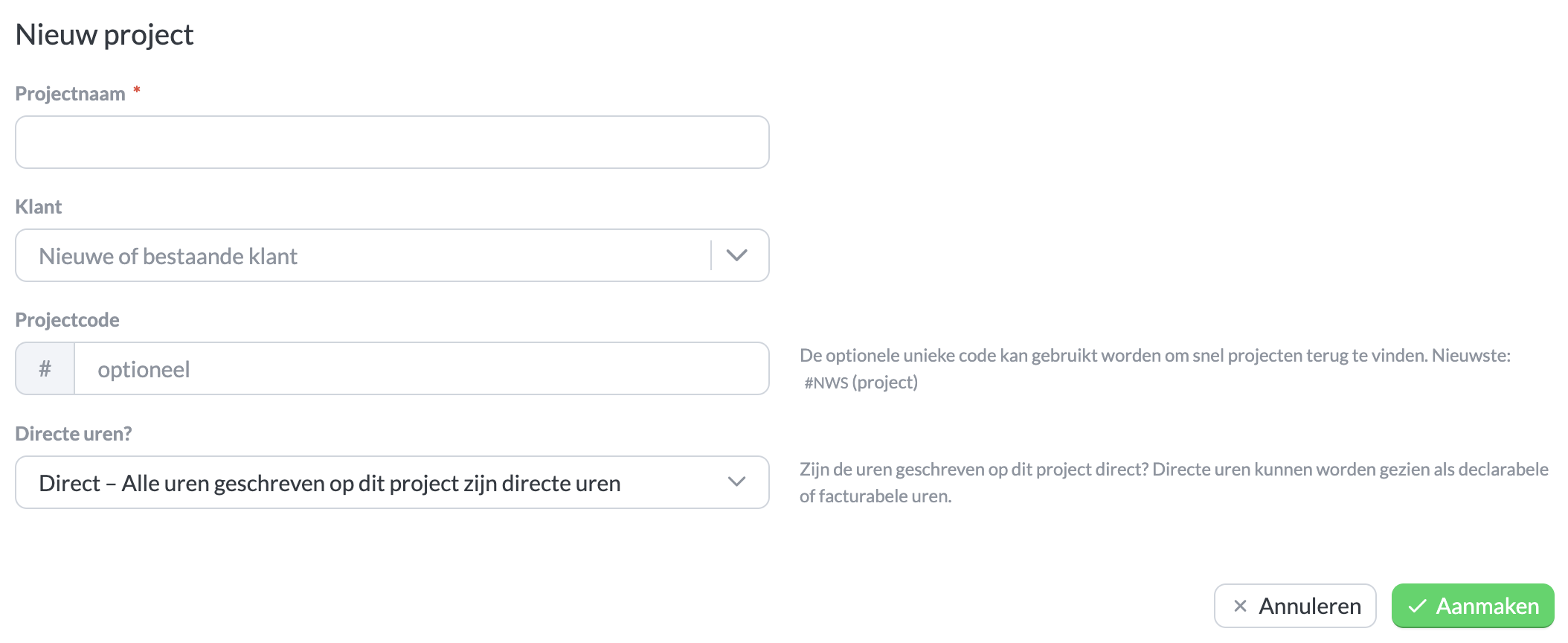
The form for creating a new project.
Unique Reference
If you provide a unique reference, this reference (e.g., #NP for 'New Project') can be found throughout the application. When creating a time entry, the project can then be quickly found by searching for the unique reference.
Linked Tasks
If tasks are enabled, all default tasks will be linked to the new project by default. Under the 'Linked Tasks' section, you can remove linked tasks, link a non-default task, or create and link a new task. Team members can only log hours for the project on tasks that are linked to the project.

