How do I archive a project?
Archiving a Project
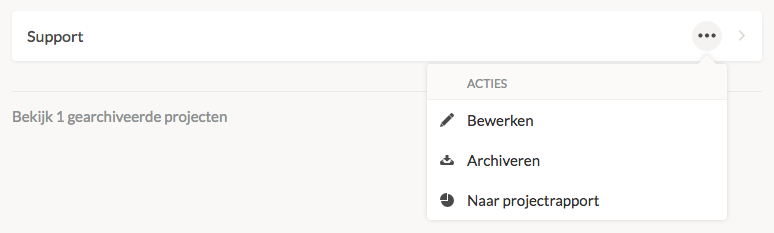
To archive a project, navigate to Settings → Manage → Projects. Click on the menu of the project you want to archive. You can then choose to edit or archive the project. If there are no time entries linked to a project, you can choose to delete the project instead.
You can view archived projects by clicking view # archived projects at the bottom of the page.