How do I delete a project?
Deleting a Project
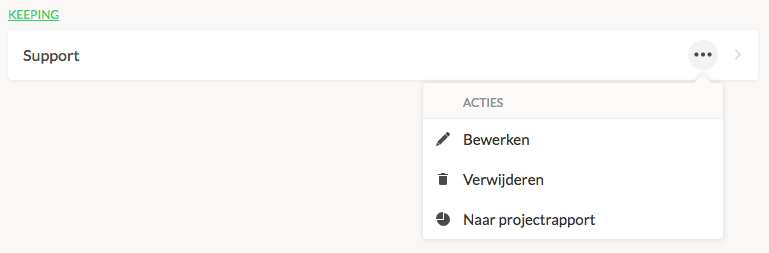
To delete a project, navigate to Settings → Manage → Projects. Click on the menu of the project you want to delete. You can then choose to edit or delete the project. Note! This can only be done if no time entries are linked to this project. If there are entries linked, either reassign them to another project or choose to archive the project instead.