Clearer Settings, Faster Workflow.
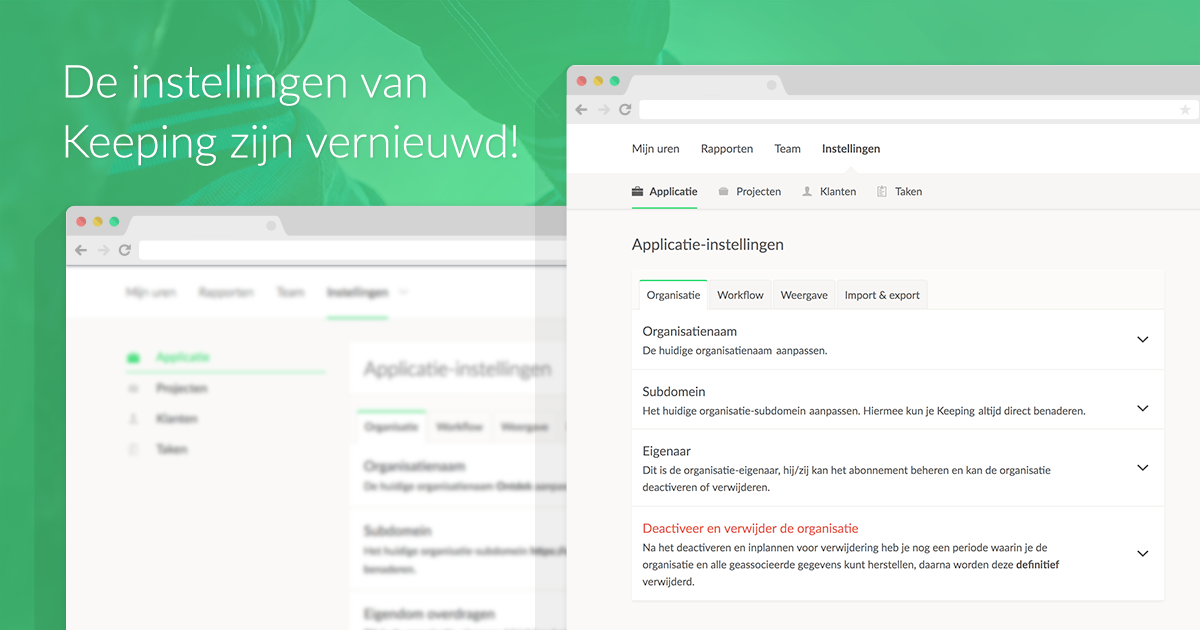
Over the past few weeks, we’ve been hard at work implementing the first phase of a new interface for the settings page. This update marks the initial step in a series of improvements aimed at making Keeping clearer and more user-friendly.
More Space, Better Overview
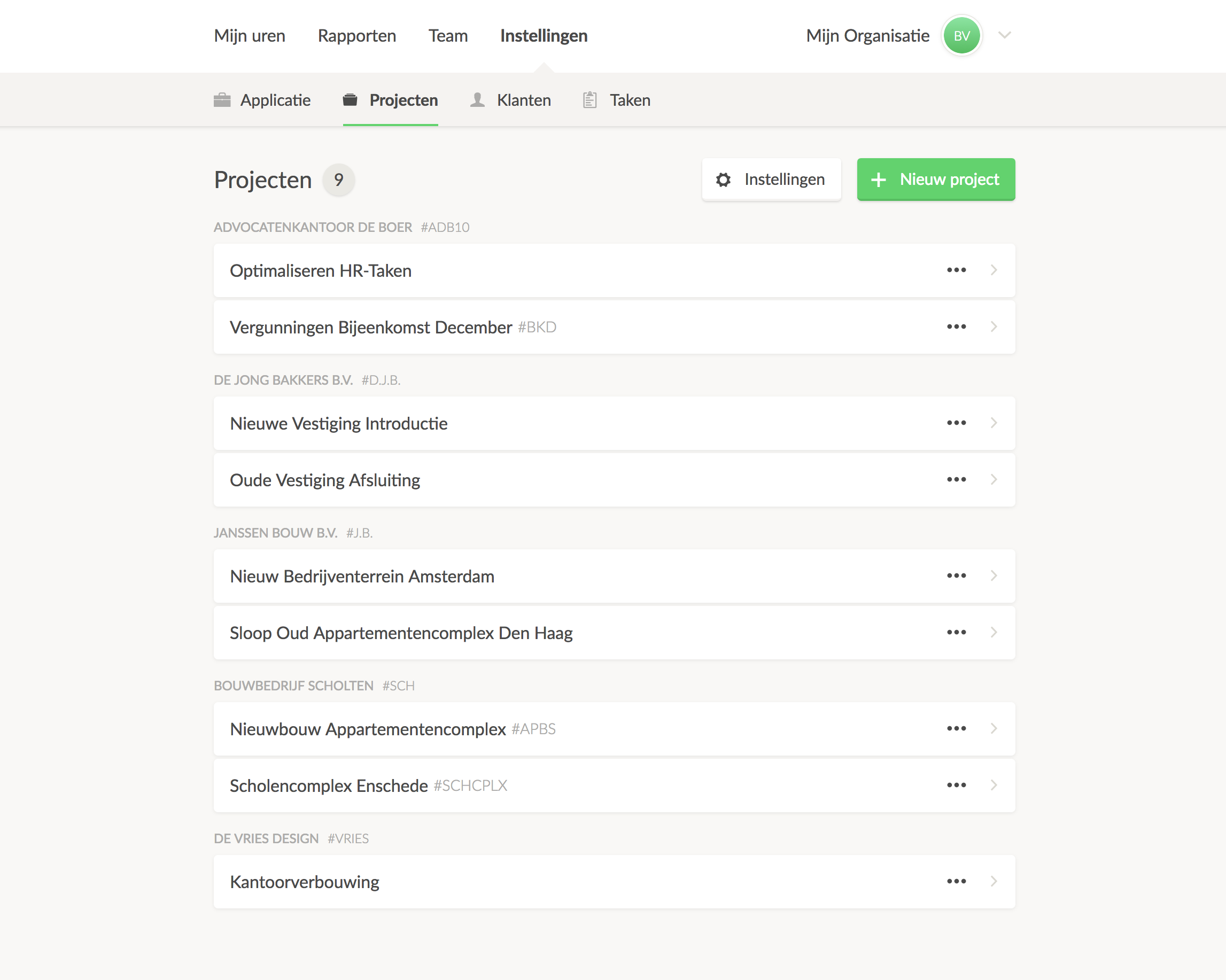
One of the biggest changes is moving the settings menu from the left side of the page to the top. This shift provides more room for displaying lists and detailed views of projects, tasks, and clients.
Now, regardless of where you are in the settings, it’s clear what actions you can take on that page and how to navigate back.
Additionally, the images used in the introduction, such as toggling tasks on or off, are now applied to the settings as well. You can now instantly see what each setting entails.
You always know where you are, and can immediately see what each page allows you to do.
What Does This Mean for You?
You can continue using Keeping as you always have. By incorporating user feedback we’ve received, we hope the settings page is now much more organized, intuitive, and simple to use. Improved feedback and a more streamlined interface are updates we’re very excited about.
Is That All?
From a functional perspective, few changes were made to the new settings. However, we plan to add powerful new features to save you time on setup tasks. This new layout is a first step in making settings more intuitive, helping you accomplish more in less time.
Previously, archiving projects required handling each individually. Soon, you’ll be able to select multiple projects at once for actions like archiving, adding to all active projects, and more—saving you significant time.
Additionally, we’ll introduce a robust search function, so you’ll spend less time scrolling through projects, tasks, and clients.
What’s Next?
The new settings view is just the first step toward creating a comprehensive overview—not only in the settings but also for tracked hours.
We began building Keeping because existing applications didn’t provide the information we needed. Now that Keeping has all the essential functionality in place, we’re ready to take things to the next level.
We aim for straightforward time entry, quick access to the right information, and minimal time spent navigating settings and searches.
Ready to Track Time with Ease?
Keeping is a complete time-tracking package, always free for freelancers! Experience the ease of effortless time tracking for yourself.

