Adjust Keeping language
You can easily change the language in Keeping. Navigate to My Account from the user menu. Under Preferences, you can set the language.
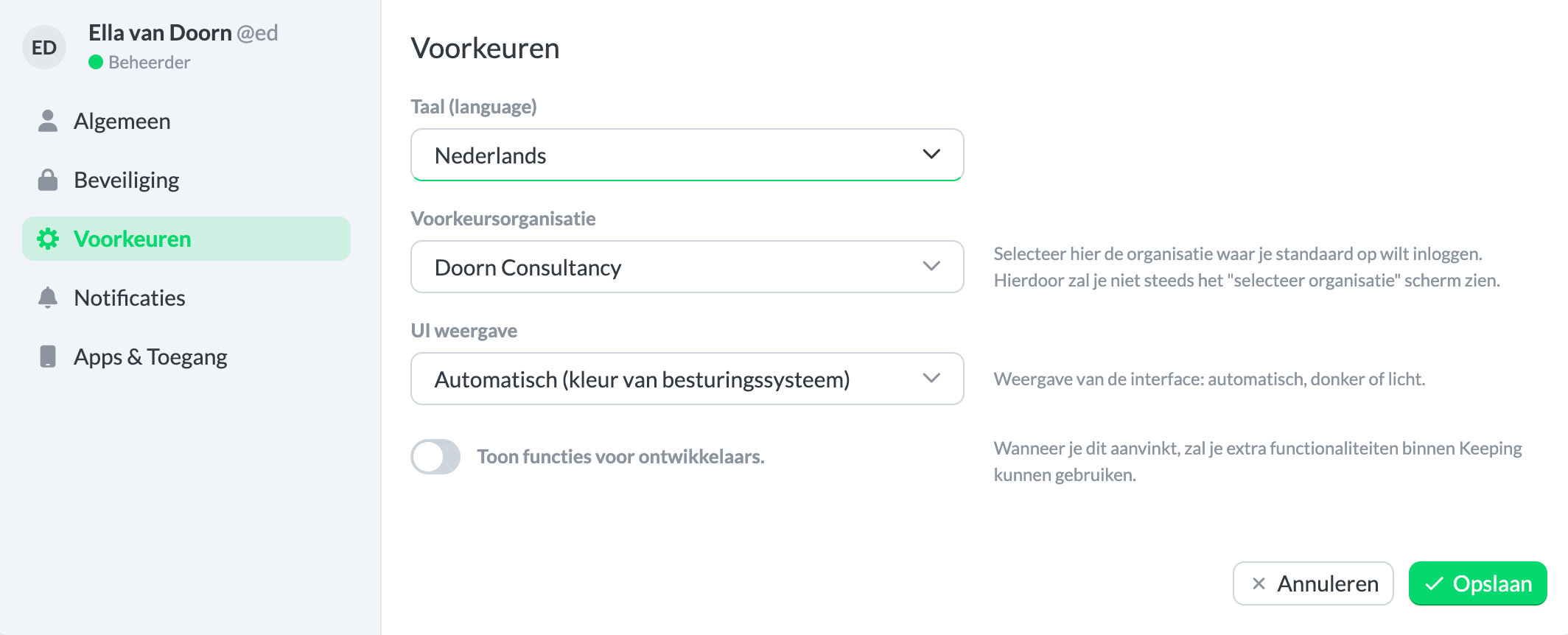
This language setting applies to the web application on keeping.nl. For the mobile apps and browser extensions, the system language is always used. If you want the web application to also use the system language, select "Use the language of my operating system."
The languages Keeping currently supports are:
- Dutch
- English (with spelling and date format as used in the United Kingdom)
This applies to all our applications: web application, mobile apps, and browser extensions.

