Set rates
To use detailed rates, you need at least Keeping Pro.
Keeping offers the option to set various rates. These rates will appear in reports and in any invoicing integration you may have.
Adding a New Rate
To add a new rate, navigate to Settings > Manage > Rates. Here, you’ll see an overview of your existing rates and can add a new rate.
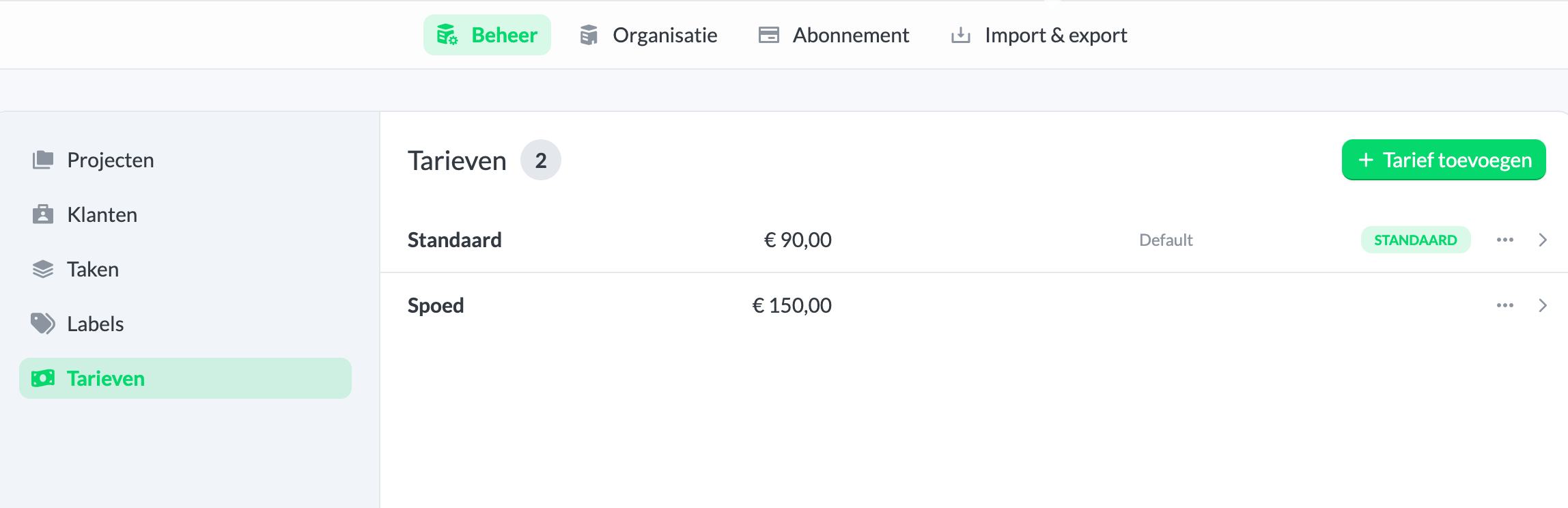
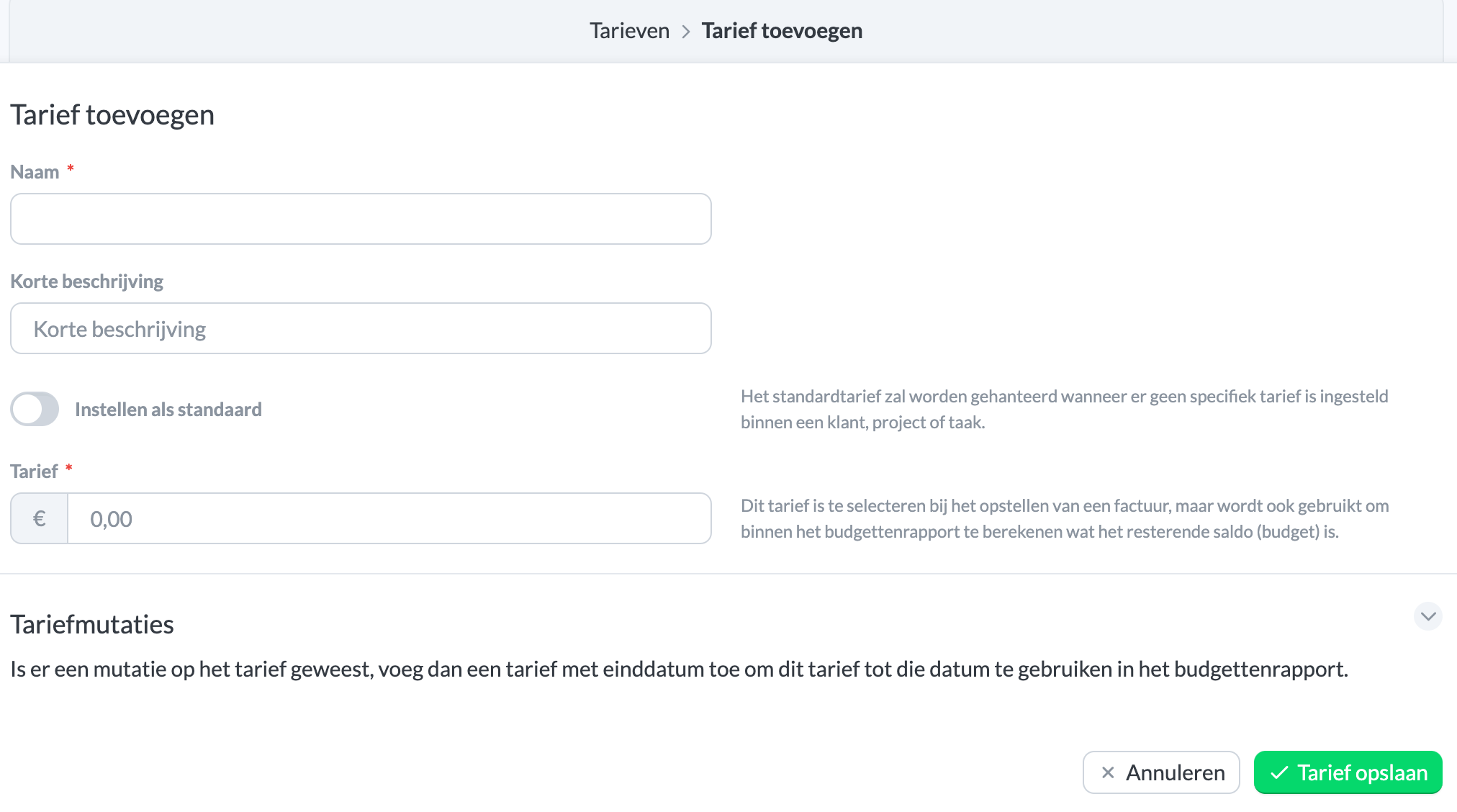
To add a new rate, click the green Add Rate button. If you mark the rate as Default, it will be used for all projects, tasks, and clients where no separate rate has been set. Separate rates are prioritized as follows: task > project > client. For example, if you have a separate rate set for both the task and the client, the task rate will be used.
Setting a Rate for a Client, Task, or Project
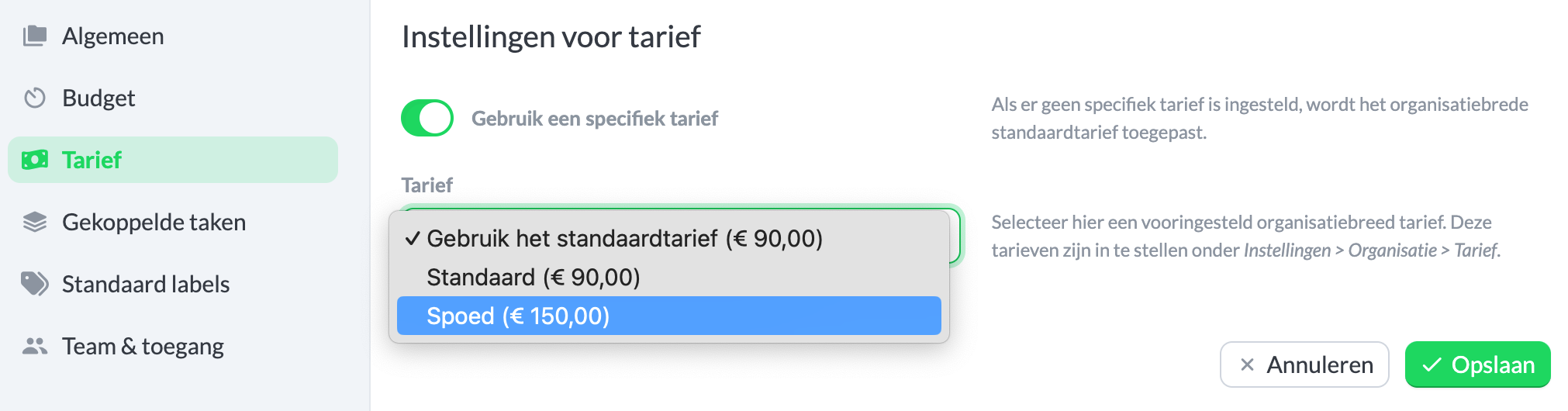
It is possible to set separate rates per client, task, or project. To do this, navigate to Settings > Manage and select the project, task, or client for which you want to set a different rate. Then choose Edit and go to Rate. Using Use a specific rate, you can set your desired rate.