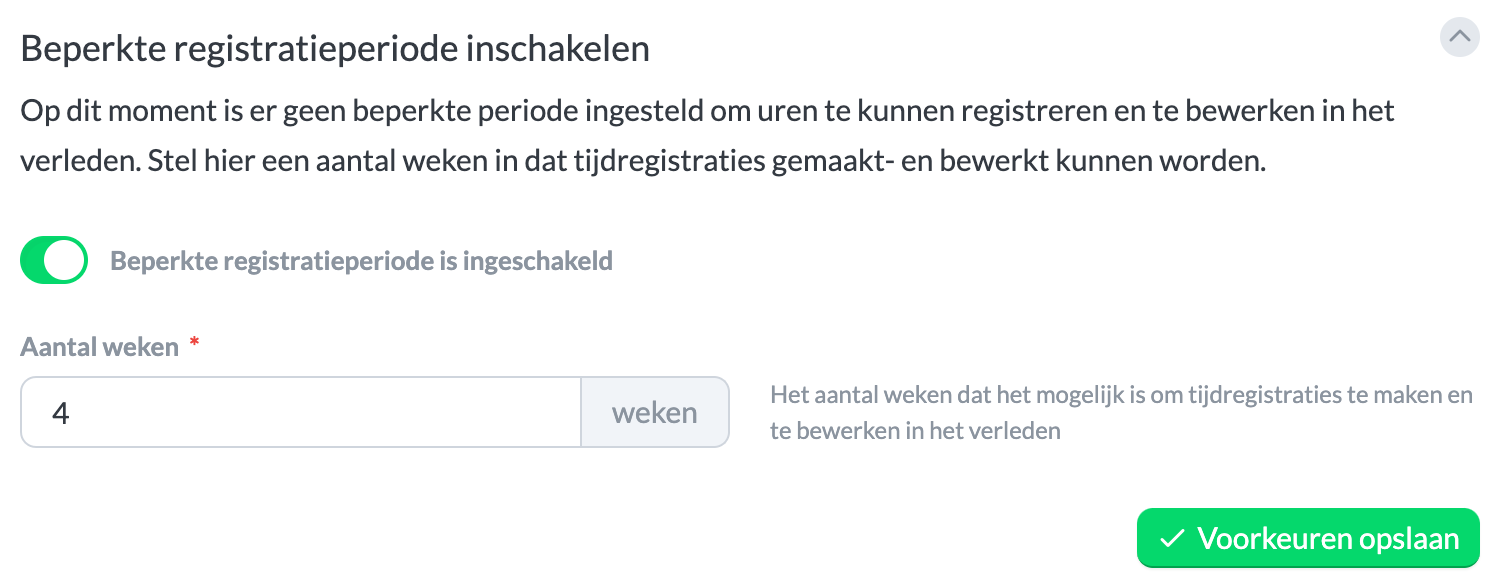
Set limited registration period
To use a limited registration period, you need at least Keeping Pro.
Keeping offers the option to set a limited registration period, which ensures that hours cannot be recorded or edited in the past. To set this up, navigate to Settings > Features > Supervision. On this page, you can then enable Limited Registration Period and set the maximum period during which entries can still be recorded or edited.