Enable time sheet approval
To use the time sheet approval feature, you need at least Keeping Pro.
Keeping offers the option for team members to submit hours for review and approval. To enable this feature, navigate to Settings > Features > Supervision. Under Enable time sheet approval, you can turn this on.
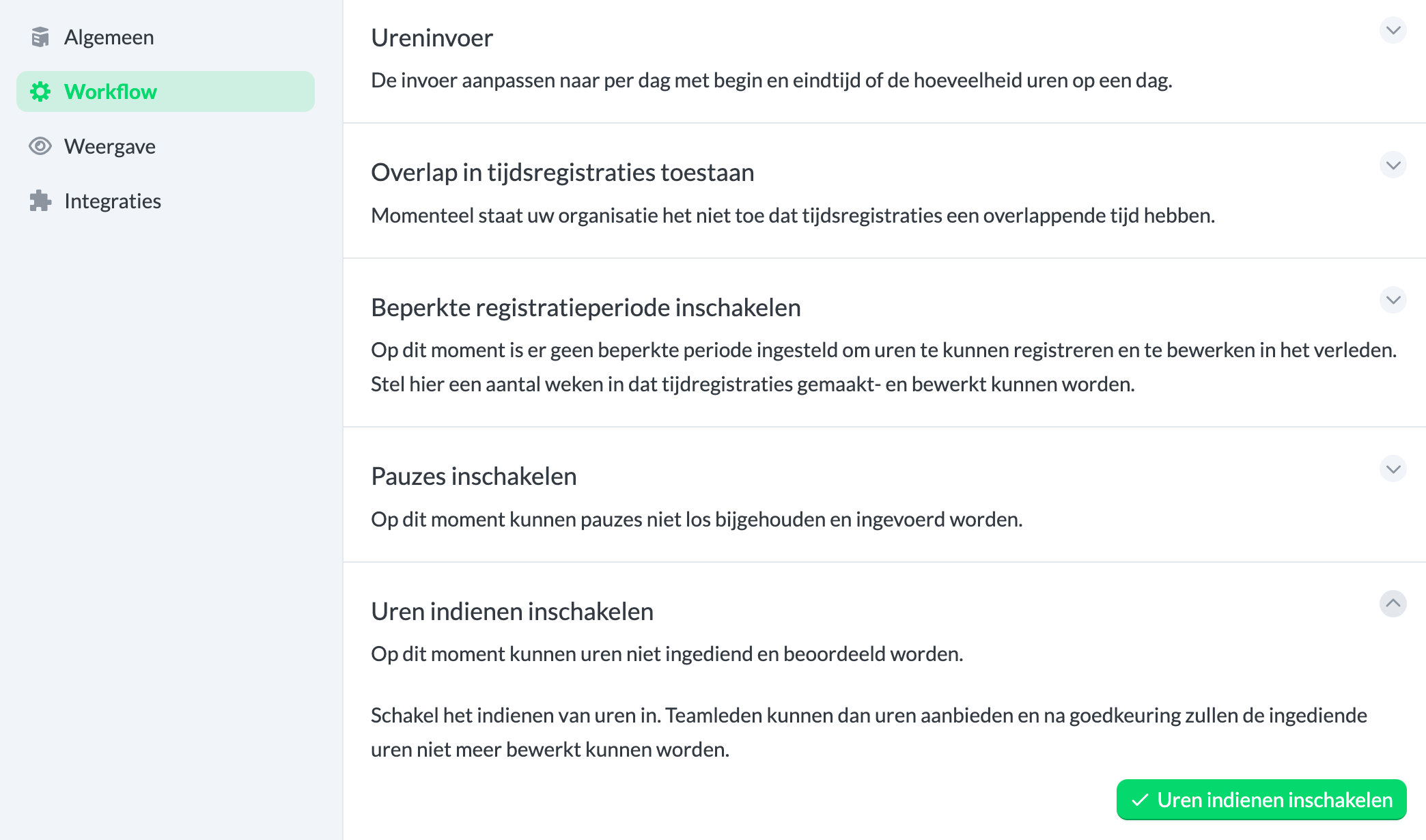
When this feature is enabled, you can manage submitted hours under Overviews > Submitted Hours.

