Enable or disable tags
To use tags in Keeping, you need at least Keeping Pro.
To use tags within your organisation, navigate to Settings → Manage → Tags. Click on Enable tags to turn on tags.
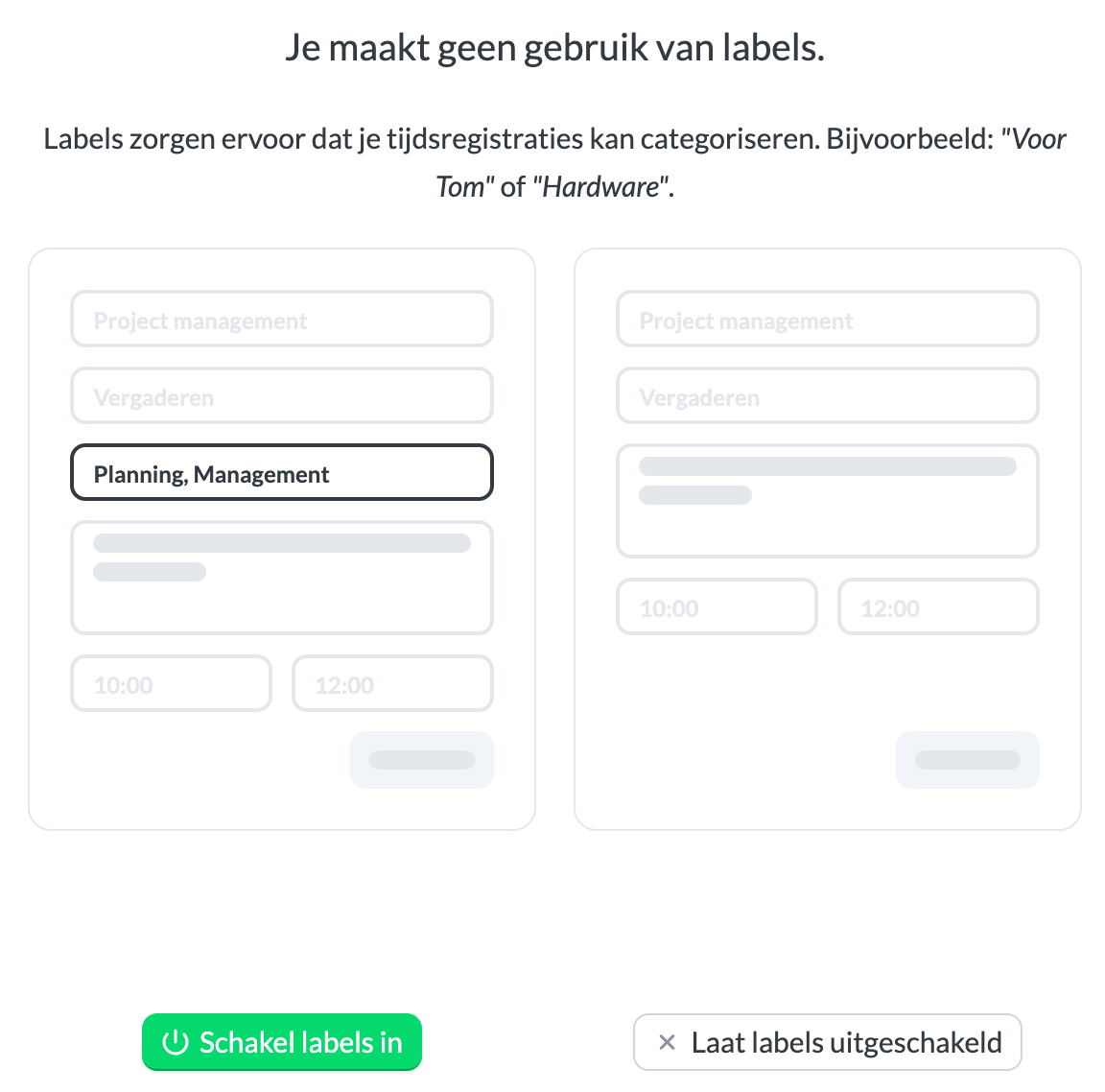
To disable tags, also navigate to Settings → Manage → Tags. Click on the gear icon to access the tag settings.

Then click on Disable tags. If you disable tags after using them for a while, your previously set tags will be retained. If you wish to use tags again at a later time, you won’t need to re-enter them.


