Create extra security with two-step verification
Time registration data can be very sensitive. That’s why we’ve made two-step verification available so you can secure your Keeping account even better. This is a login method you may already be familiar with from other accounts—logging in with your password and a unique code generated by an app on your phone. Each code can only be used once, and every 30 seconds, a new code is generated.
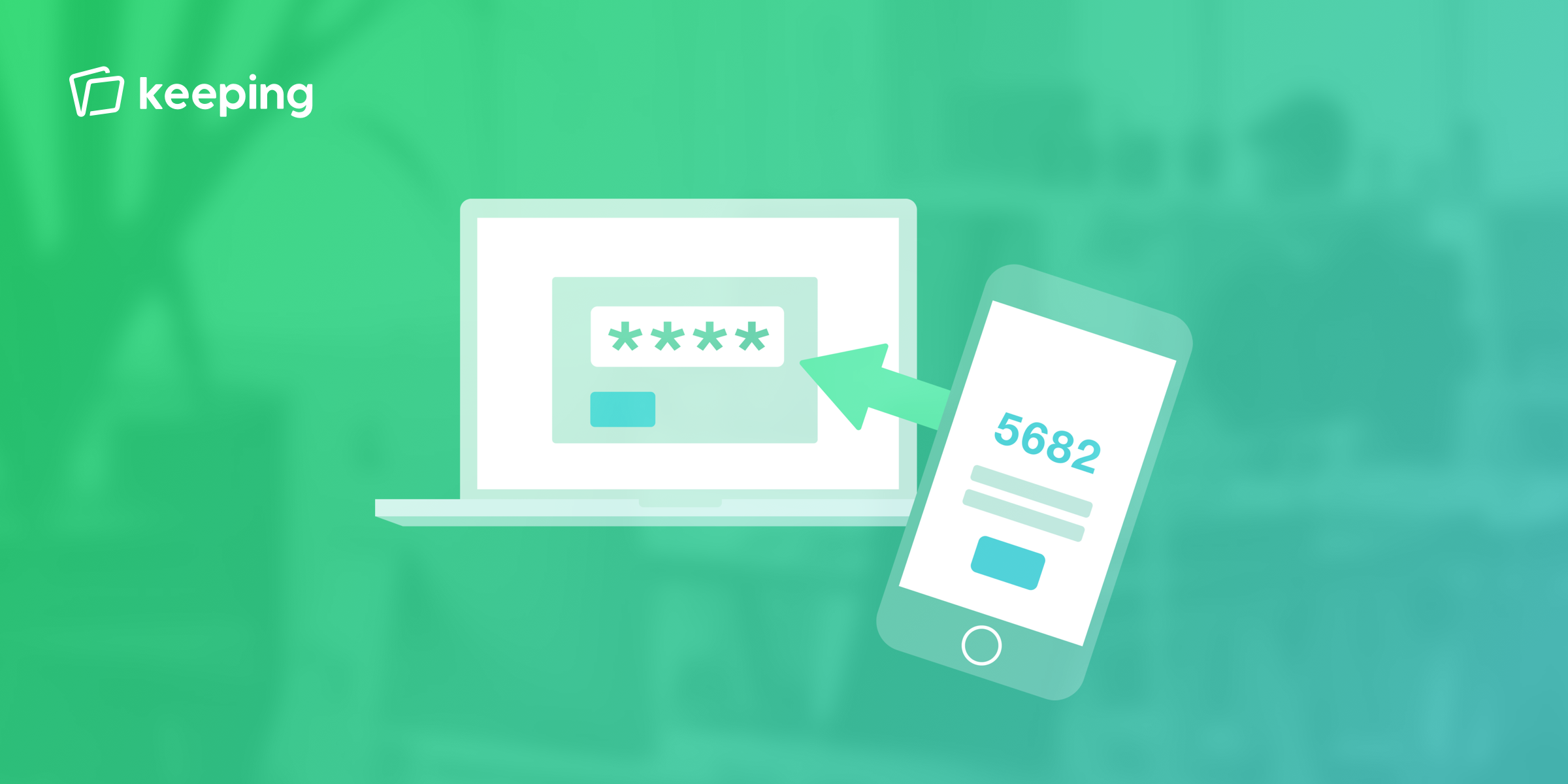
Many people use the same password across multiple accounts. This isn’t advisable but is understandable. Using a password manager can feel like a big step for some. If your password gets leaked somewhere, hackers often try that password on accounts at other services (such as Keeping). To ensure your Keeping account is always well-secured, you can now choose to enable two-step verification.
With two-step verification, you are required to enter an additional security code along with your password when logging in. This unique security code can only be used once. The code is generated by an authenticator application such as Google Authenticator, Microsoft Authenticator, 1Password, or one of many others. It’s common to install the authenticator application on your phone so you always need both your phone and your computer to log in. It's good to know that authenticator applications don’t require internet to generate the code.
To enable two-step verification, go to My Account via the user menu. Then, click on Enable Two-Step Verification. You’ll be asked to scan a QR code with an authenticator app on your phone.
After scanning, the authenticator app on your phone should be able to generate a code. To confirm that everything is set up correctly, we’ll ask you to enter the security code and re-enter your password.
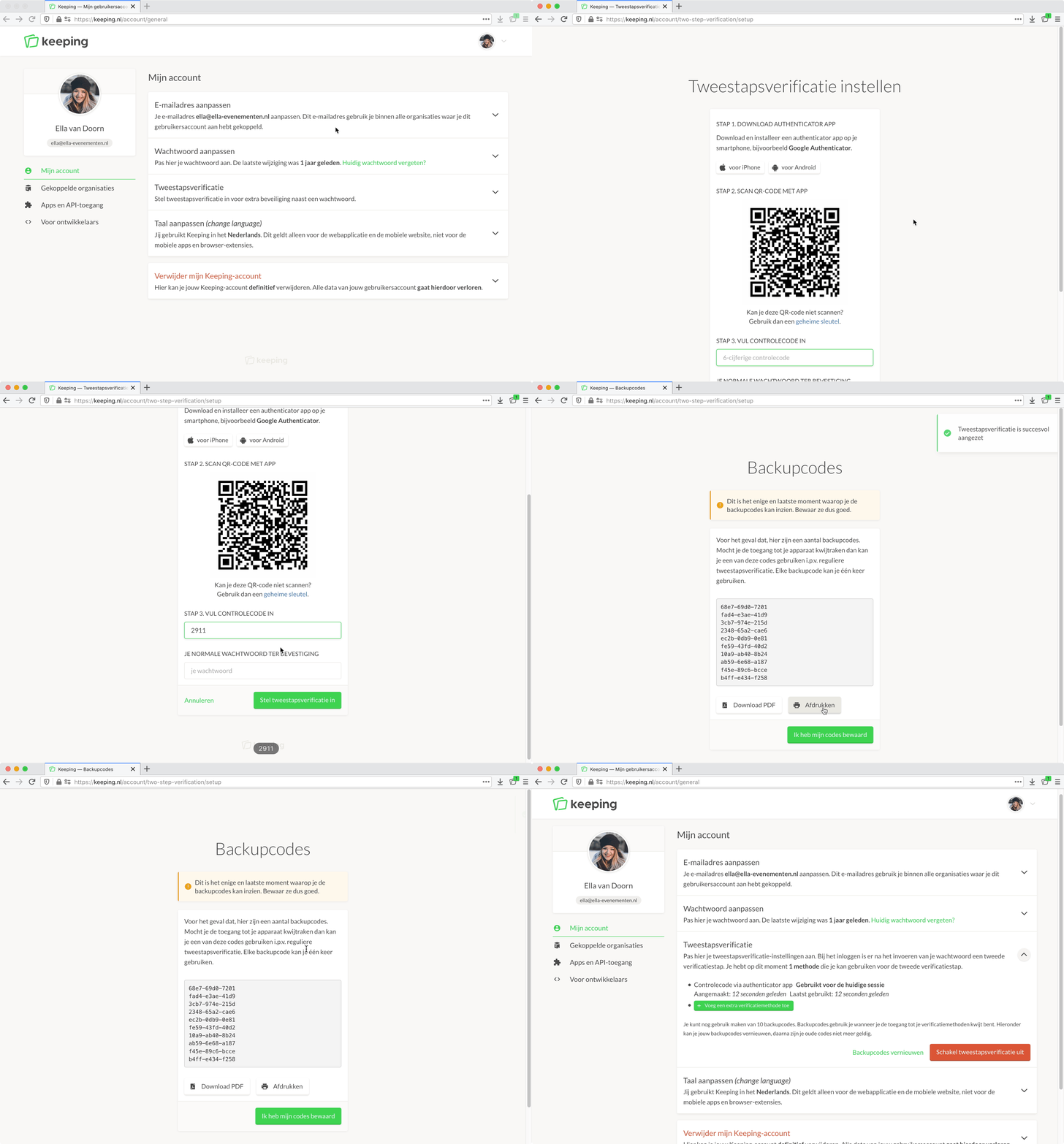
There you go—you can now securely log in with two-step verification on both the website and in the iOS and Android apps.
For more information on setting up two-step verification, click here. If you lose access to your device, no worries; we also provide backup codes.

