Invoice Your Work with Twinfield and Keeping
Get more from your time tracking by connecting Keeping with Twinfield for easy invoicing. This way, you can keep track of efforts and revenues in an organized way.
To link with an invoicing program, you need at least a Keeping Plus subscription. Additionally, a separate Twinfield account is required. A Twinfield subscription, if needed, is not included.
What is Twinfield?
Twinfield is software for accounting and invoicing. It is known for making professional bookkeeping personal. Twinfield software is designed to make your experience with accounting and invoicing efficient so you can manage your administration with ease. Twinfield is suitable for both small and large businesses and offers a wide range of functions. The Keeping integration with Twinfield enables you to use accurate time tracking for your invoicing.
Our Integration with Twinfield
The integration with Twinfield currently only works with Twinfield Classic invoices. At this time, Twinfield does not provide developers the option to create integrations for modern invoices.
For this integration, you need a Word template set up in your Twinfield environment. Set this up via Sales → Word Templates. Download a sample of a valid Word template here.
Make sure a VAT code VH is available for sales invoices. Keeping also expects a Twinfield invoice type with the code UREN for invoices excluding VAT. Both the VAT code and invoice type are included by default in new Twinfield administrations.
Using Keeping Hours to Create Invoices
Invoicing hours to your clients is often precise work. Some hours are non-billable, while other hours should be invoiced with specific attributes. This is why we made the integration between Twinfield and Keeping possible. Every project, task, or period you track in Keeping can serve as the basis for invoice line items in your invoices. This way, you get exact breakdowns of hours across different tasks within your invoice. This helps you easily and quickly invoice your worked hours in just a few clicks. You can still send and manage invoices as usual within Twinfield.
Now, with just a few clicks in your Keeping report, you can create new invoices. Use the extensive invoicing options to customize your invoice layout. Click "Proceed" to view and send the invoice in Twinfield.
Want to Invoice First and Then Link Hours?
That’s also possible. Already sent invoices can be linked to hours in Keeping. This helps you gain better insight into your organisation’s time allocation and revenue. We call this the associating of hours and invoices, which works the same way as creating a new invoice.
Viewing Efforts and Revenues
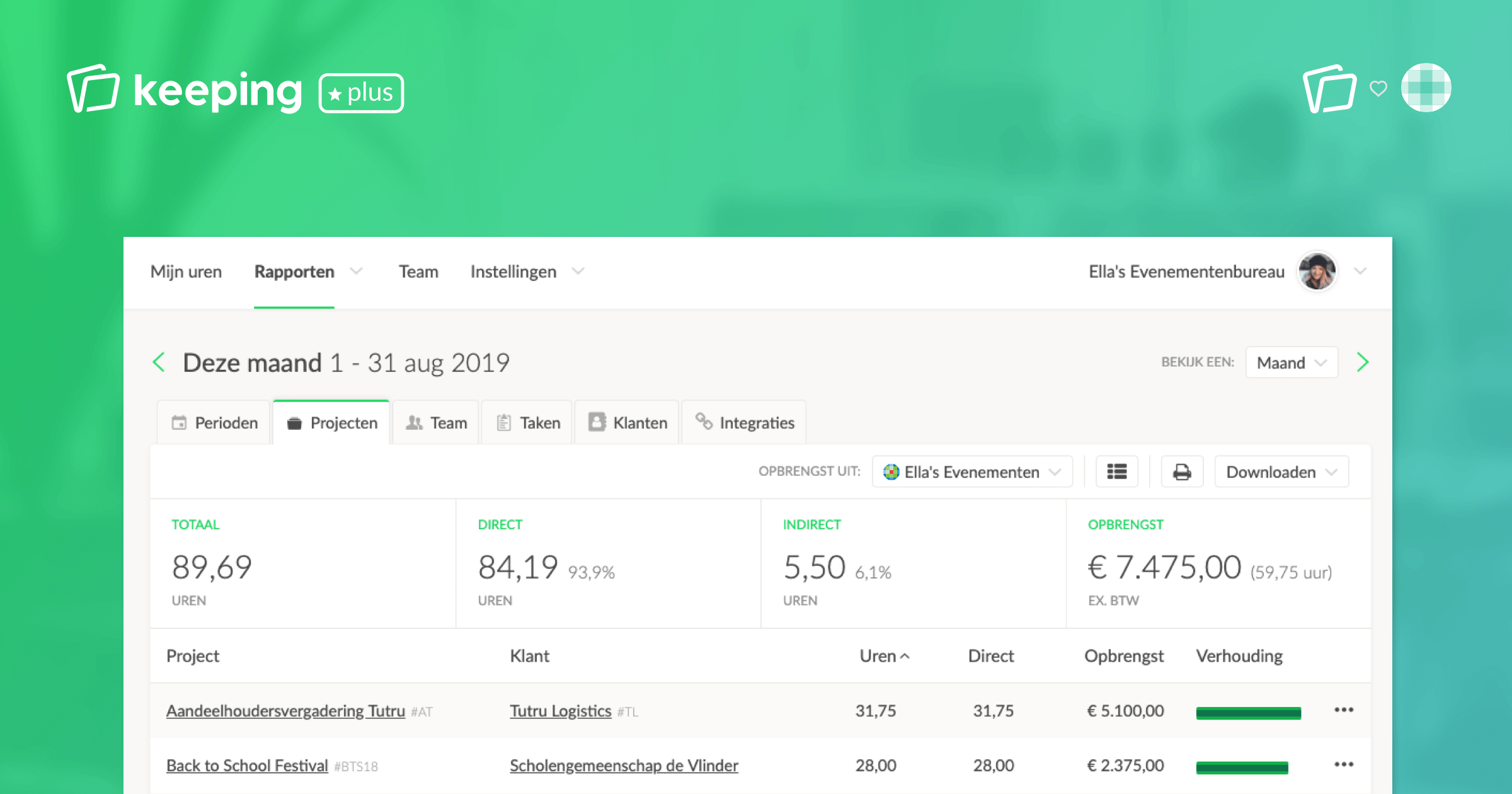
Every invoice created or associated with Keeping hours ensures that the invoice revenue automatically appears in your Keeping reports. This makes it easier for you to review hours, revenues, and their proportions directly. This helps with project assessment or, for example, evaluating the balance between direct and indirect hours.
Want to Connect Twinfield and Keeping?
Connecting Keeping and your Twinfield administration is easy. Follow this simple guide.

