Time registrations in Outlook (desktop version)
To link your time entries to your calendar, you need at least a Plus subscription.
This support article assumes the desktop version of Outlook.
View Your Time Entries in Your Outlook (Desktop Version) Calendar
Open Keeping and go to My Hours.
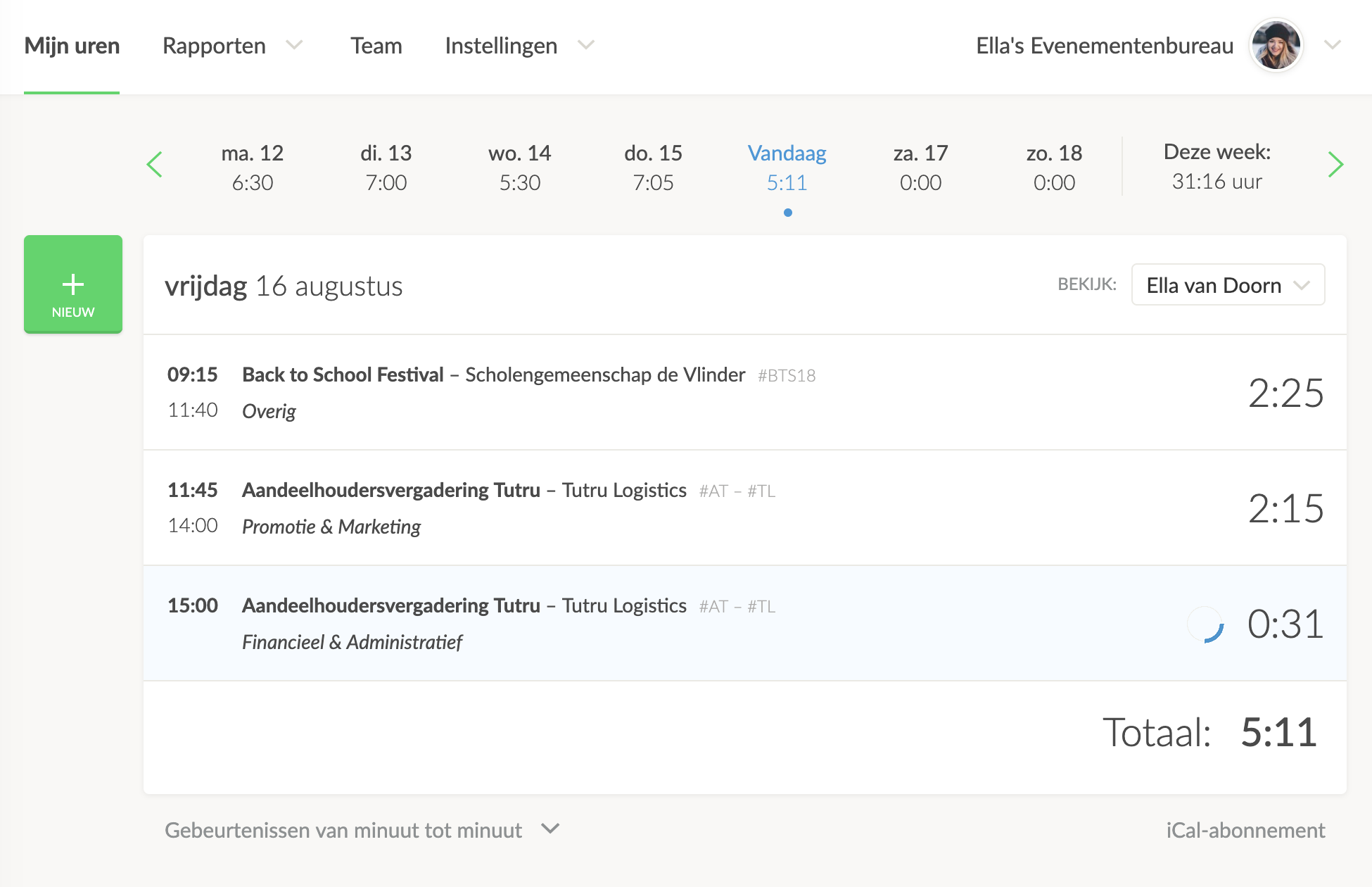
Above your hours overview, you’ll see the iCal Subscription button on the right.
Copy the Calendar Integration Link
Using the right-click button on your computer or laptop, you can copy the calendar link address.
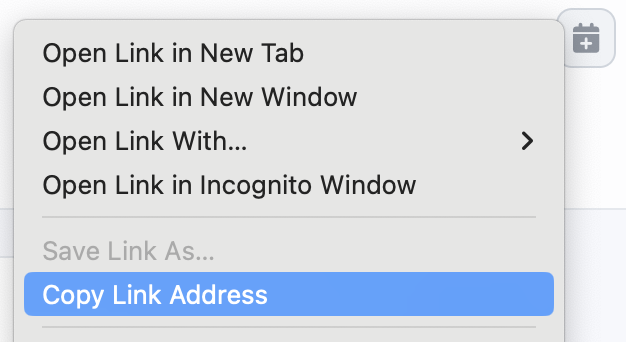
Click on Copy Link Address
NOTE: The link you just copied is your personal hours link. Ensure that this link is known only to you. Anyone with this link can import your hours into a calendar application in the same way.
Open Your Outlook Calendar
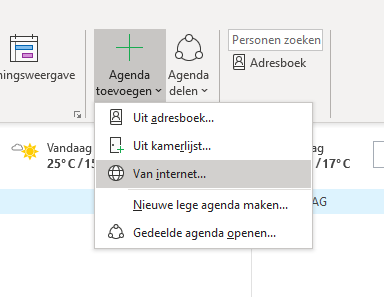
In the menu, click on Add Calendar → From Internet:
Paste the Copied Link Address
Paste the link address you copied from Keeping:
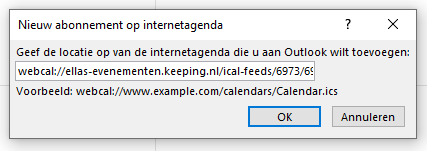
Click on OK.
Successful Connection
You will automatically see the time entries from Keeping appear in your calendar.
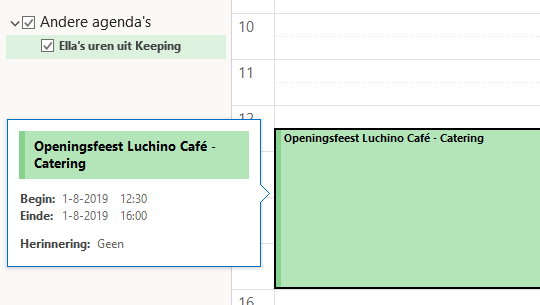
Your Outlook (desktop version) calendar is now linked to your Keeping organisation.

