Time registrations in your calendar application
To link your time entries to your calendar, you need at least a Plus subscription.
The iCal Format
To import and view your Keeping time entries in your calendar application, Keeping uses the iCal format. The iCal format is an information standard used to exchange calendar data between computers. Most major calendar applications support this format, such as Google Calendar, Apple Calendar, and Outlook Calendar.
Your calendar application must allow subscribing to a link in the iCal format to automatically exchange information between Keeping and your calendar.
Link Your Calendar via the Link
Open Keeping and go to My Hours.
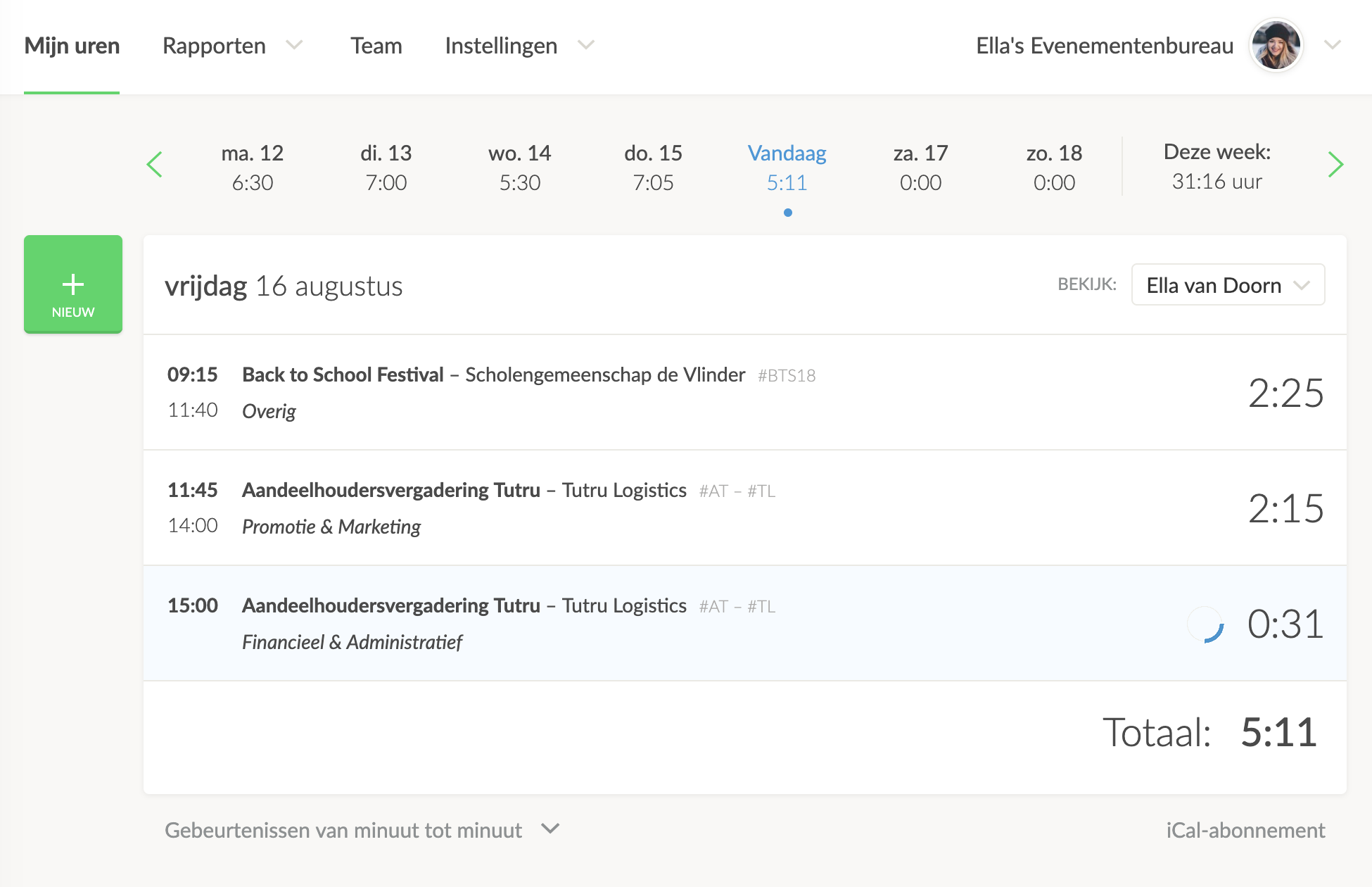
Under your hours overview, you’ll see the iCal Subscription button on the bottom right.
Copy the Calendar Integration Link
Using the right-click button on your computer or laptop, you can copy the calendar link address.
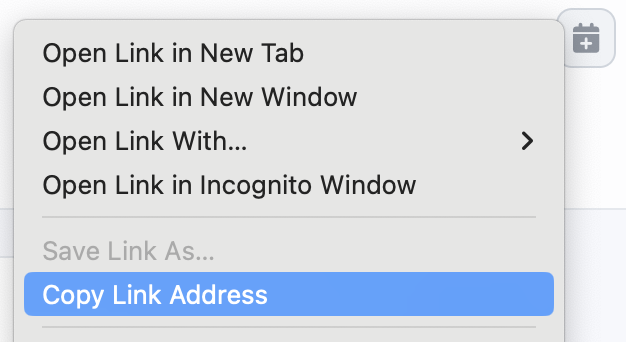
Click on Copy Link Address
NOTE: The link you just copied is your personal hours link. Ensure that this link is known only to you. Anyone with this link can import your hours into a calendar application in the same way.
In Your Calendar Application
Look for a button in your calendar application that allows you to subscribe to a link. Once you find it, paste the link you copied above. The integration should now take place.
If you do not see your time entries appearing in your calendar application, it may be that the application does not support automatic linking via the iCal format.
Read more about our calendar integration.

