How do I invite someone to Keeping?
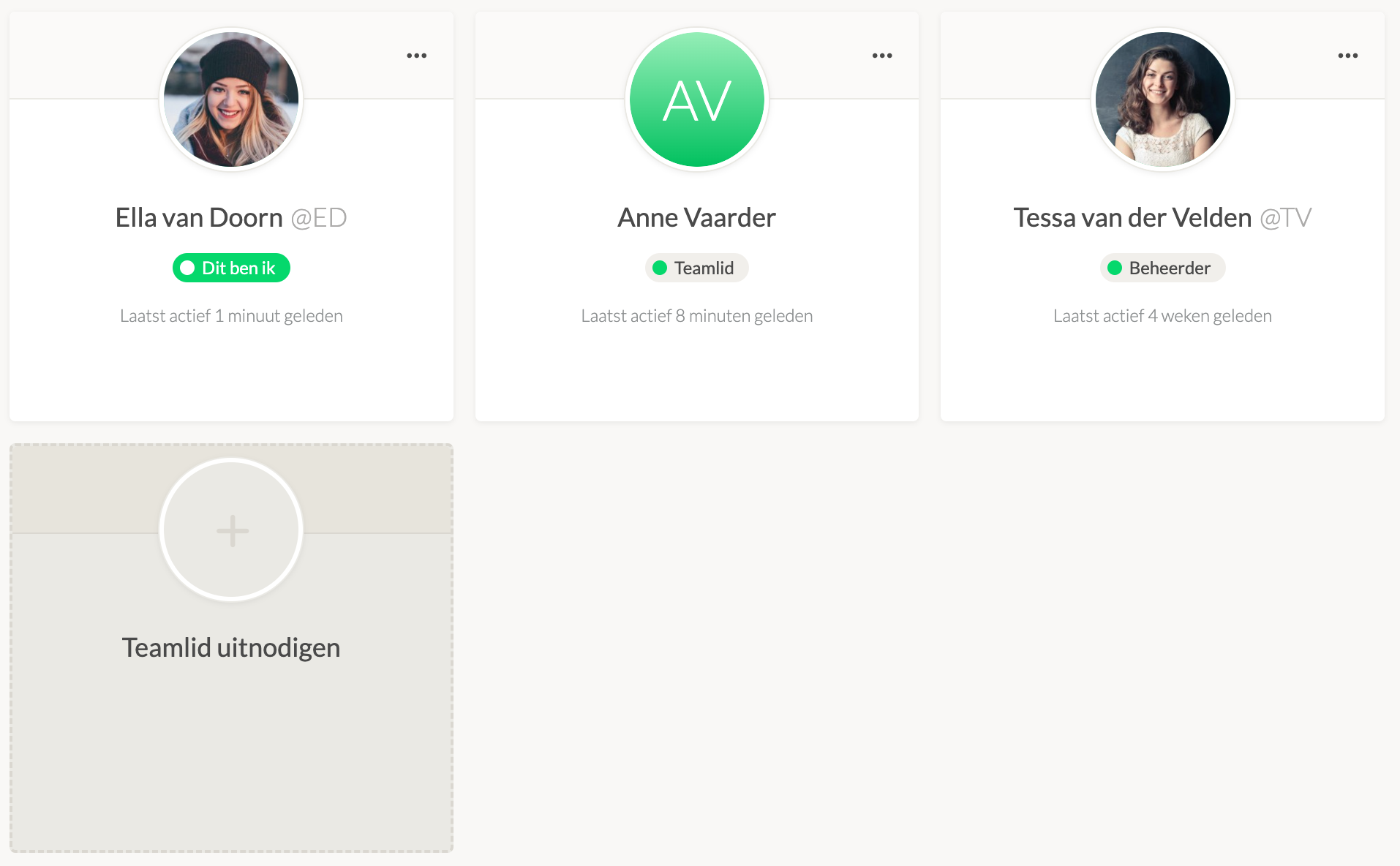
As an organisation owner or administrator, you can invite someone to your organisation at Keeping. Navigate to Team and click on Invite Team Member.
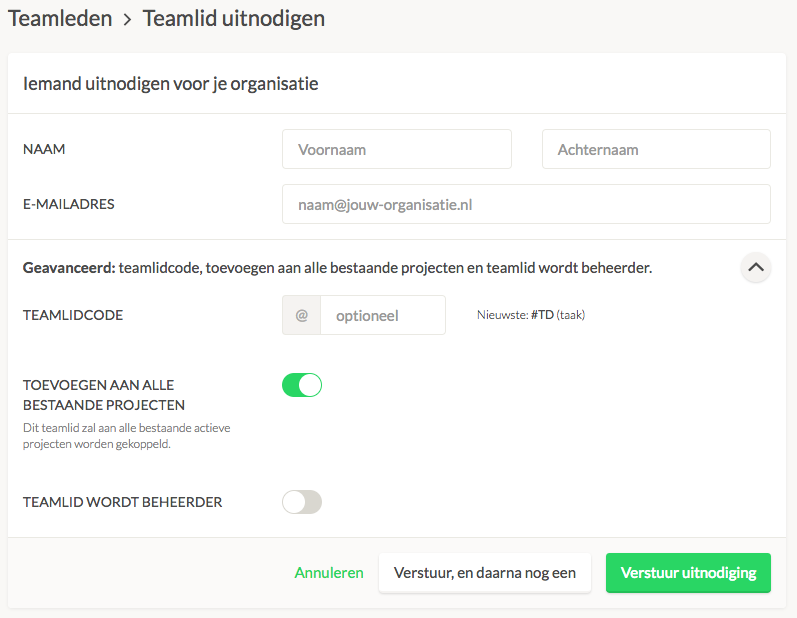
In the next screen, you can enter the details of your new team member. After the invitation is sent, the intended team member must accept it (via email).