How do I archive, delete, or mark a team member as active?
Archiving a Team Member
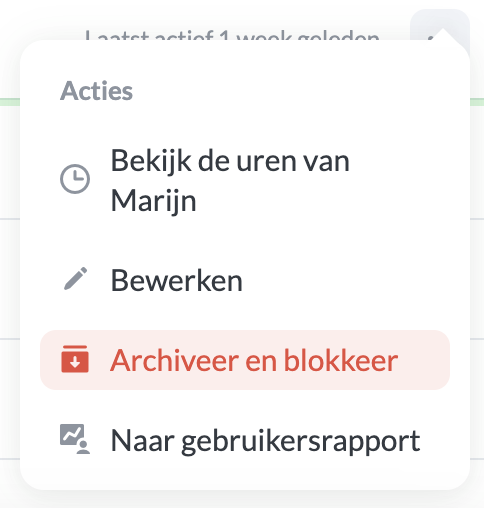
As the organisation owner, you can archive team members as follows. Click on Team in the menu bar. In the overview, you can archive and block a team member using the menu icon.
Viewing Archived or Inactive Team Members
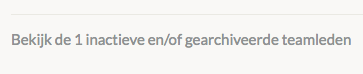
If you have archived or inactive team members, you can navigate to their overviews on the Team page via the left menu. Here you can also restore their access.
Removing a Team Member
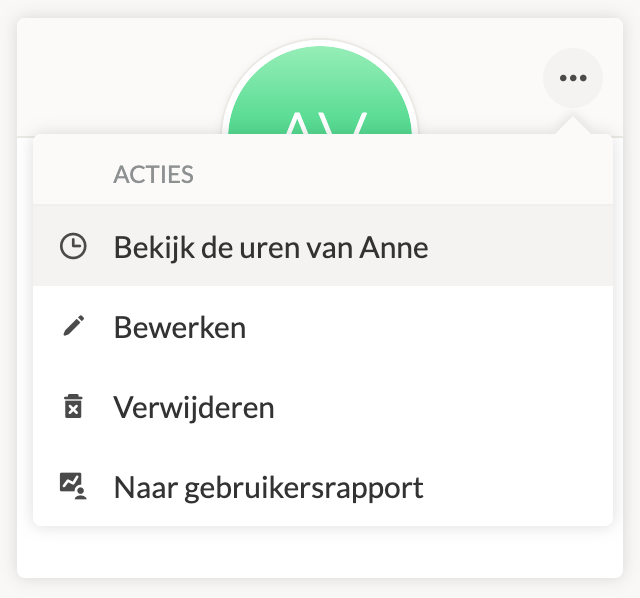
You can only remove team members if they do not have any linked registrations. You can find the created registrations using View Team Member's Hours.
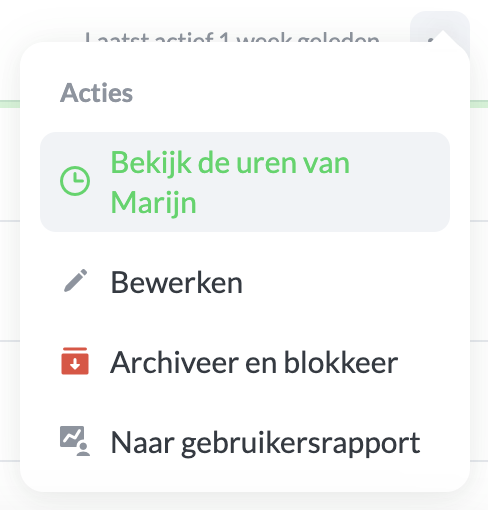
If there are no time registrations for the team member, you can remove them immediately.
Marking a Team Member as Active
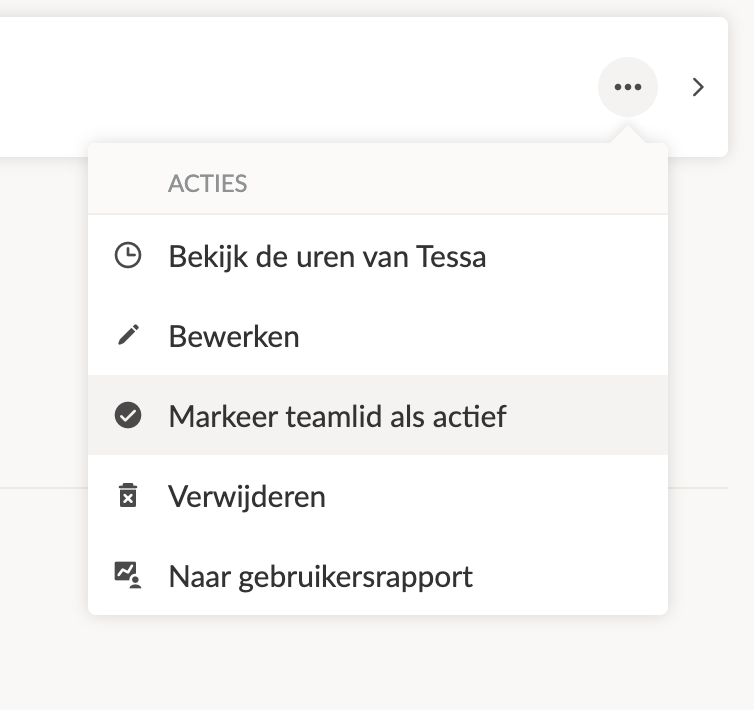
When a team member is marked as inactive, you can manually mark them as active. This may be necessary when the team member has not logged in for a while and you want to add them to a project. Click on the menu on the right and select Mark Team Member as Active.
Note: When the team member is marked as active, they will be counted as an active user within the subscription.