Delete organisation
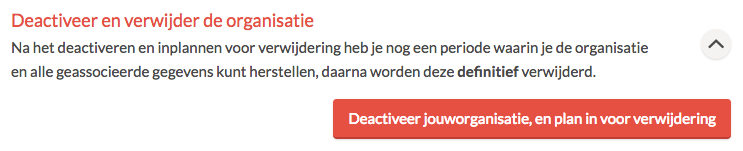
Only an organisation owner can delete an organisation. To do this, go to Settings → Organisation. Click on Deactivate organisation name, and schedule for deletion.
Do you have a subscription? Make sure to cancel your subscription first. You can read how to cancel a subscription here.
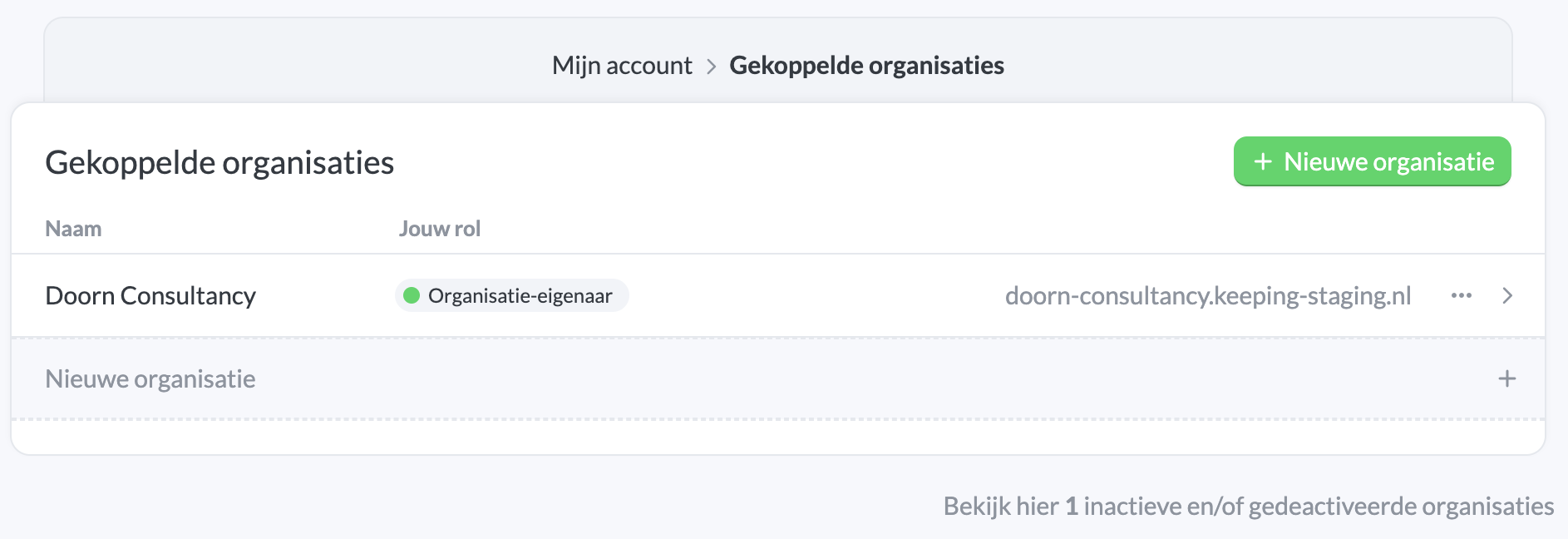
You will then be taken to the linked organisations in your account overview. At the bottom of the page you’ll see a link to view deactivated organisations.
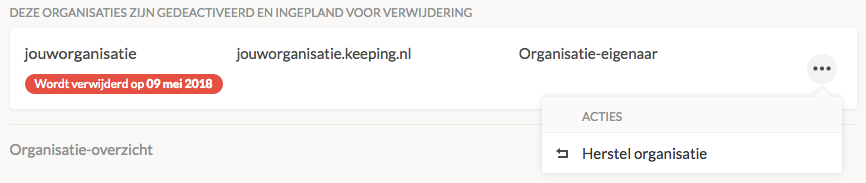
In this overview you can choose from the menu to restore your organisation.
Note: All data within an organisation will be permanently lost at the time of deletion. If you want to keep this data or export it to another system, you can create an export of all available data within your organisation. You can do this by navigating to the Export tab under Settings → Organisation.

