How do I swap between organisations?
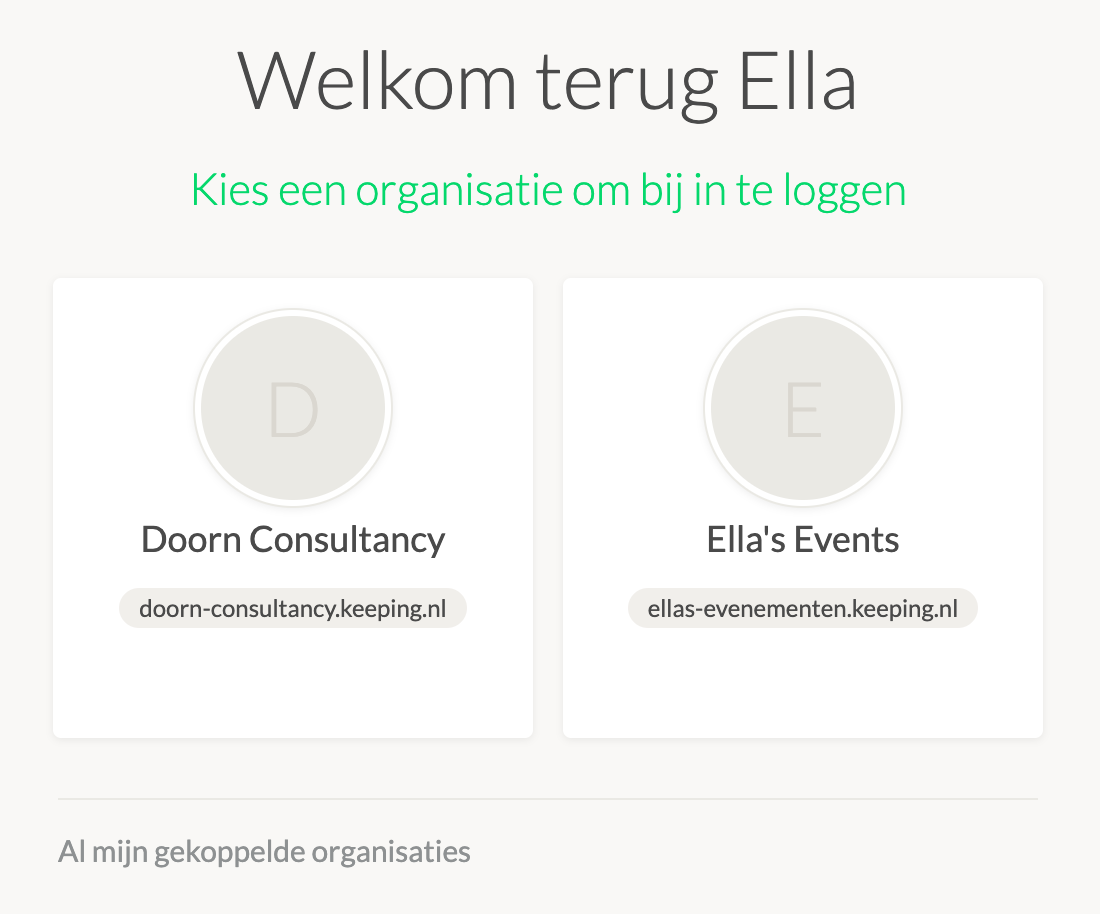
If you are a member of multiple organisations with a single user account, you can switch between organisations in various ways. When you log in, you will be taken to a screen where you can choose which account to use.
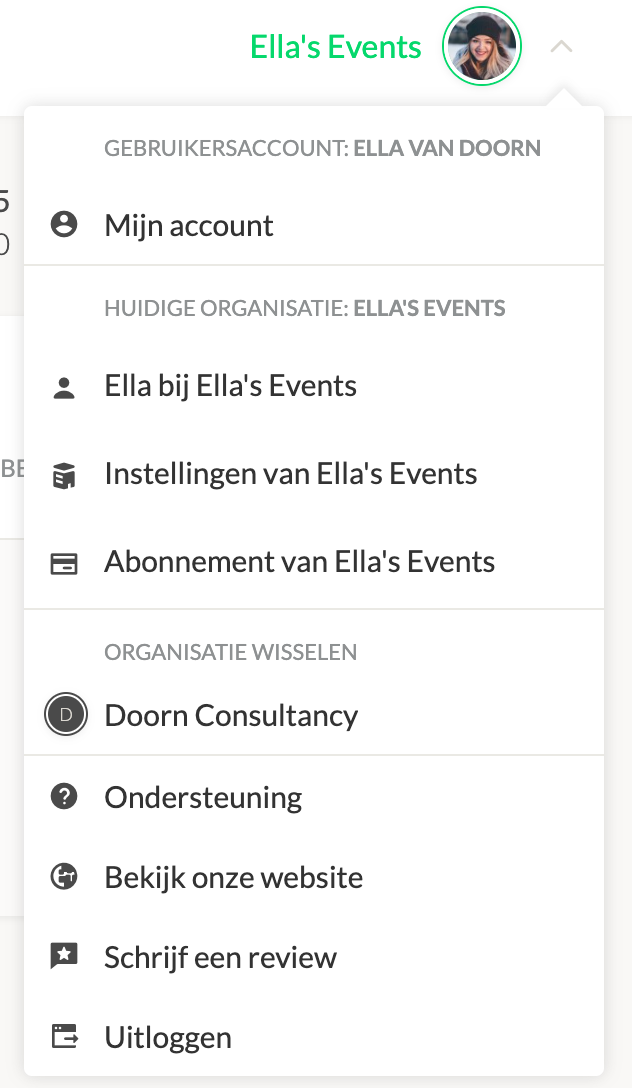
If you are already active in an organisation, you can switch organisations as follows: Click on the user icon in the top right corner of the screen. In the menu, you can see which organisations you are a member of, your current organisation, and there is a link to your other organisation(s). Clicking on this link will take you to the environment of the other organisation.
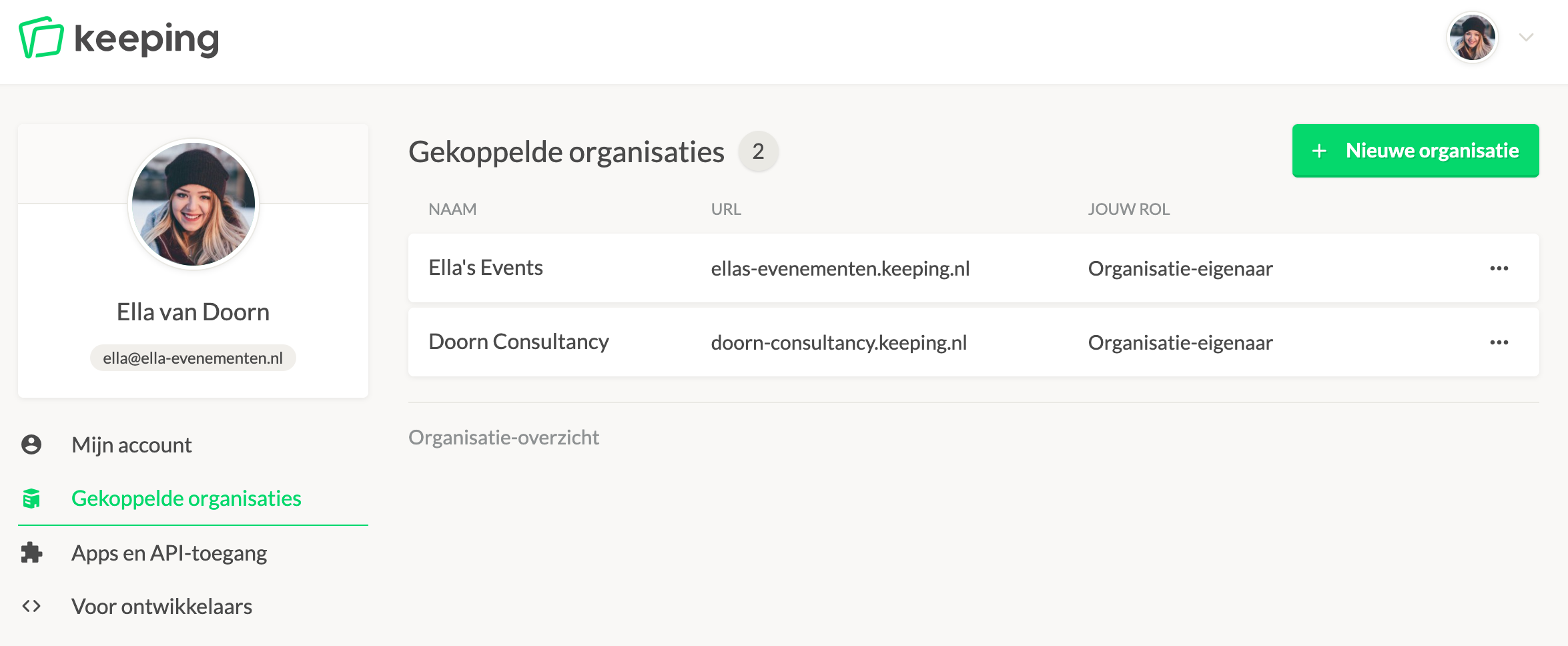
You can also go to 'My Account' from the user menu. In the left menu, there is a link for linked organisations. Here you will find an overview of all organisations you are a member of and your user role. By clicking on an organisation, you will enter the organisation environment.