How do i change the name of my organisation
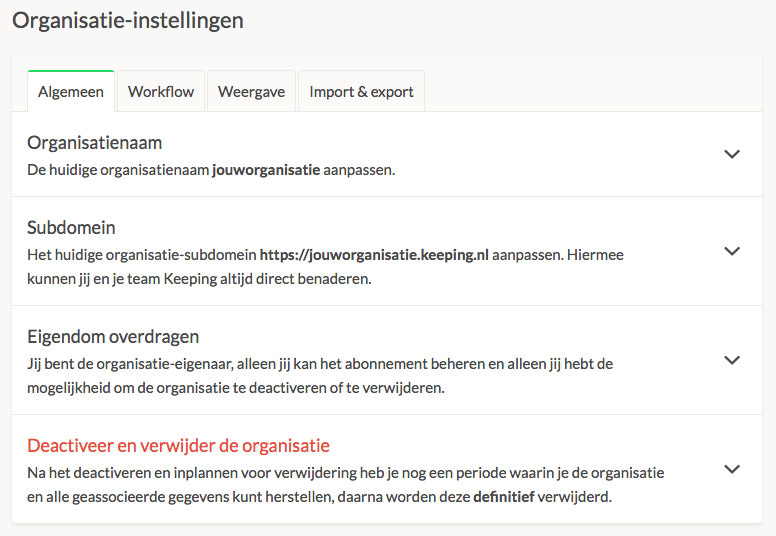
Go to the organisation whose name you want to change, then navigate to Settings → Organisation → General. Under ‘Organisation Name,’ you can adjust the name of your organisation.
Note! Only the organisation owner can make this change. If you are not the owner, you will only see who the organisation owner is in this screen.