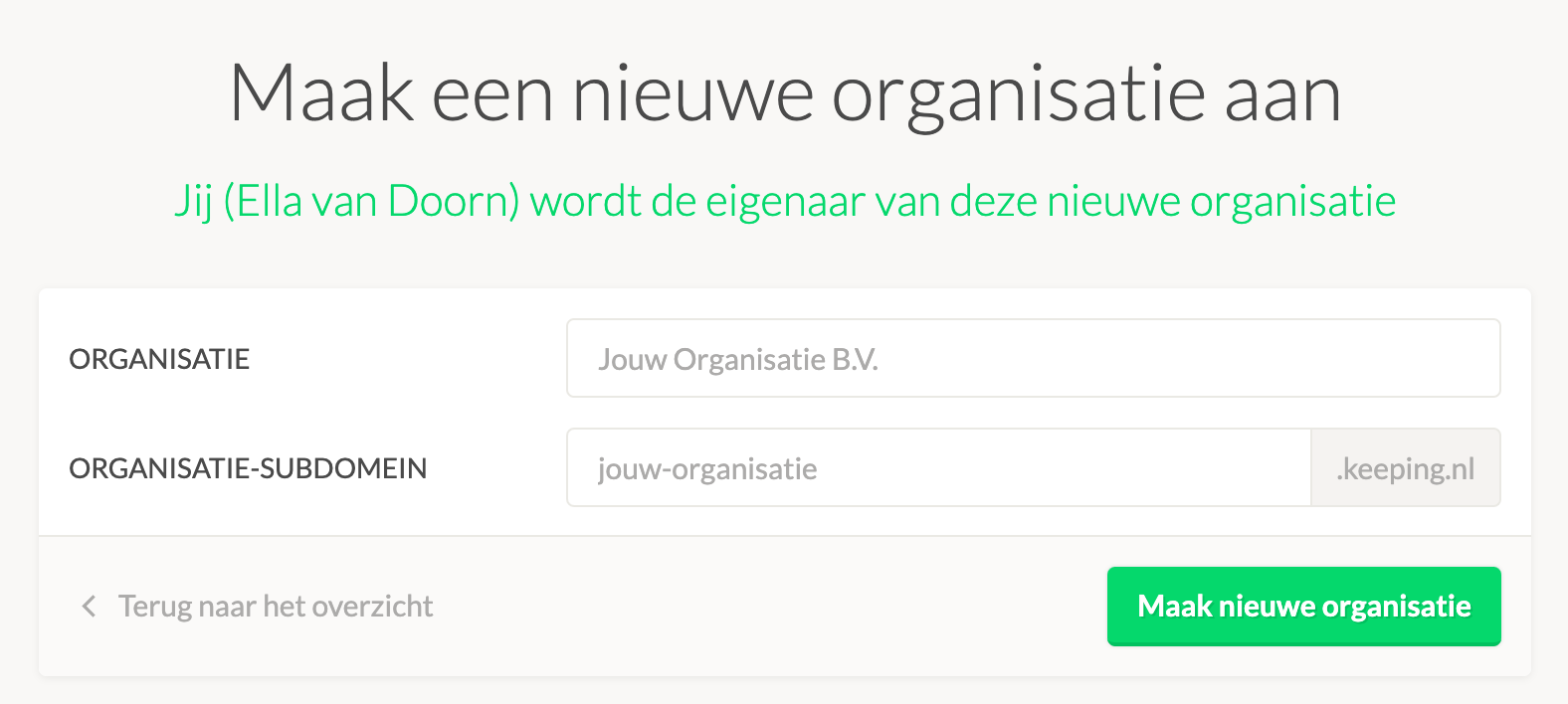
How to create a new organisation?
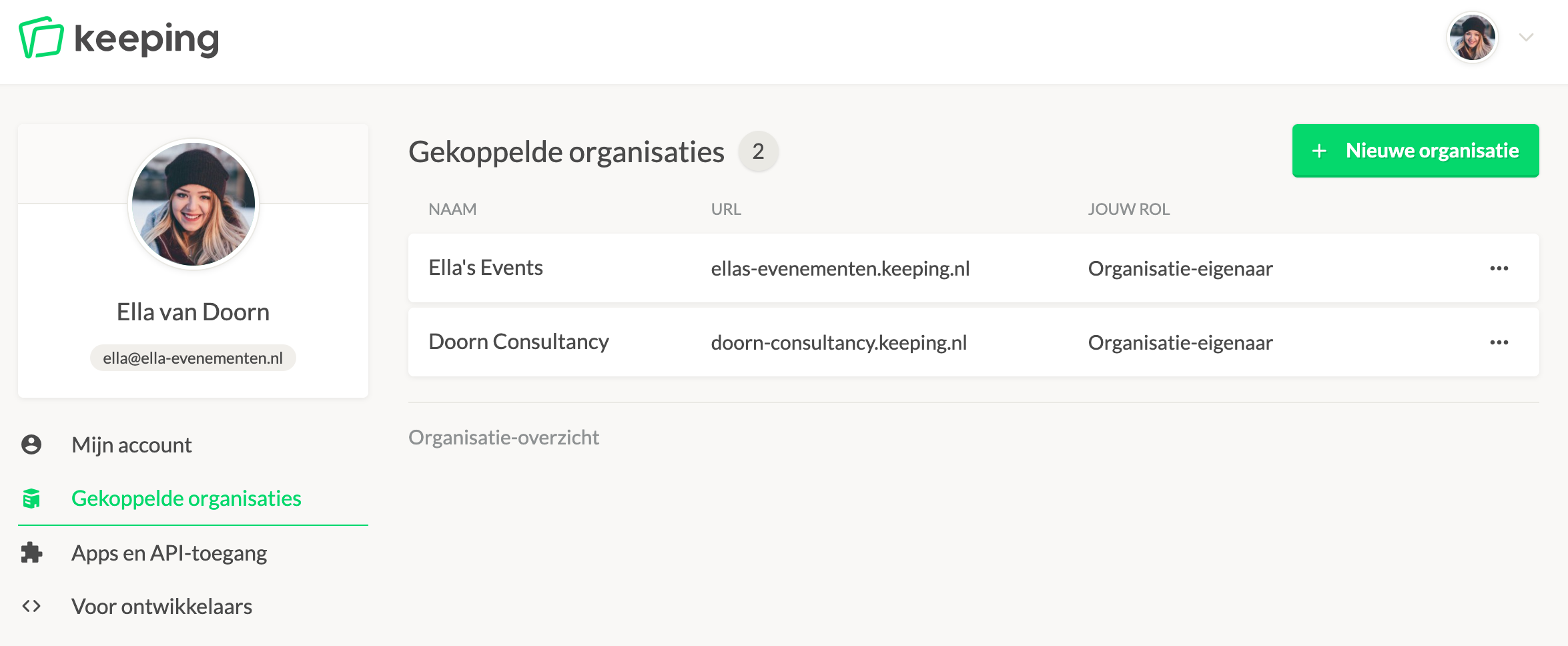
You can create a new organisation when you first set up a user account. If you're already a member of an organisation, you can create a new one in your organisation overview. Navigate to the organisation overview through the user menu and click the "new organisation" button.
You will then arrive at the screen below, where you can adjust the organisation details.