How do I edit my sub-domain?
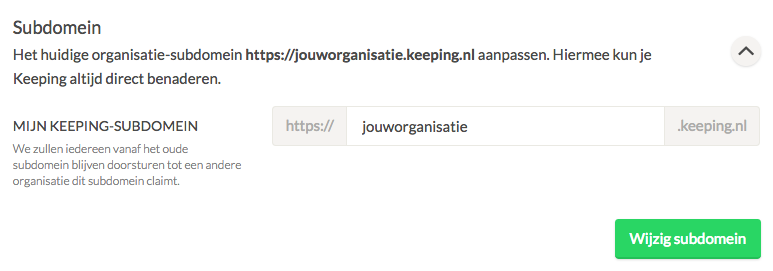
The subdomain is the direct link to your organisation's environment, for example, https://yourorganisation.keeping.nl. You can adjust this independently of the organisation name. To do this, navigate to Settings → Organisation. Under Subdomain, you can make the changes. Note: Your old subdomain will then become available for other users, so think carefully if you want to change this.