Download mobile reports
Downloading Reports on Mobile
With reports, you can quickly get insights on your phone into how you spend your hours. It is now also possible to save these reports directly from your phone.
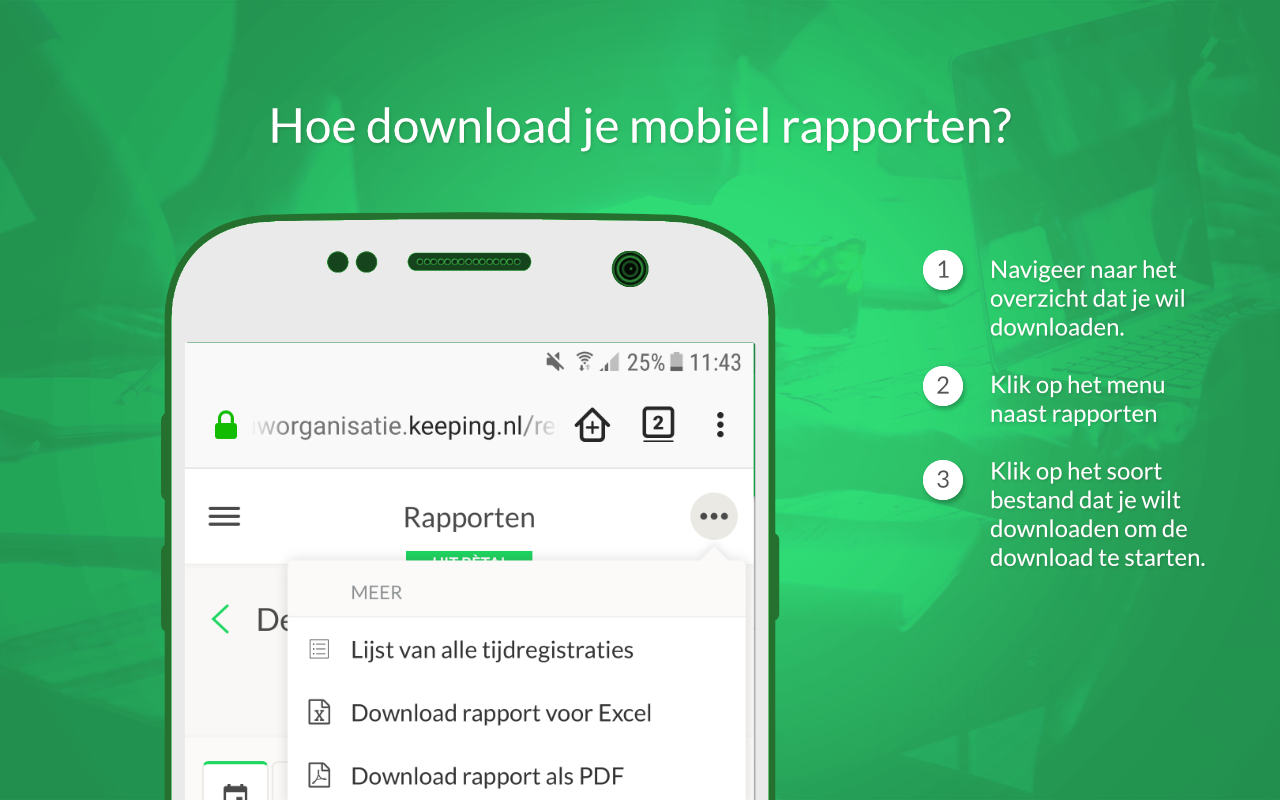
To do this, navigate to the overview you want to download, for example, a client’s report for a specific period. Click on the menu next to Reports. Select the file format (PDF or Excel) in which you want to download your report to start the download.