Printing reports
This support page assumes you have read the pages on downloading reports and detailed reports.
Navigate to Reports in the main menu.

Choose Your Report and Click Print
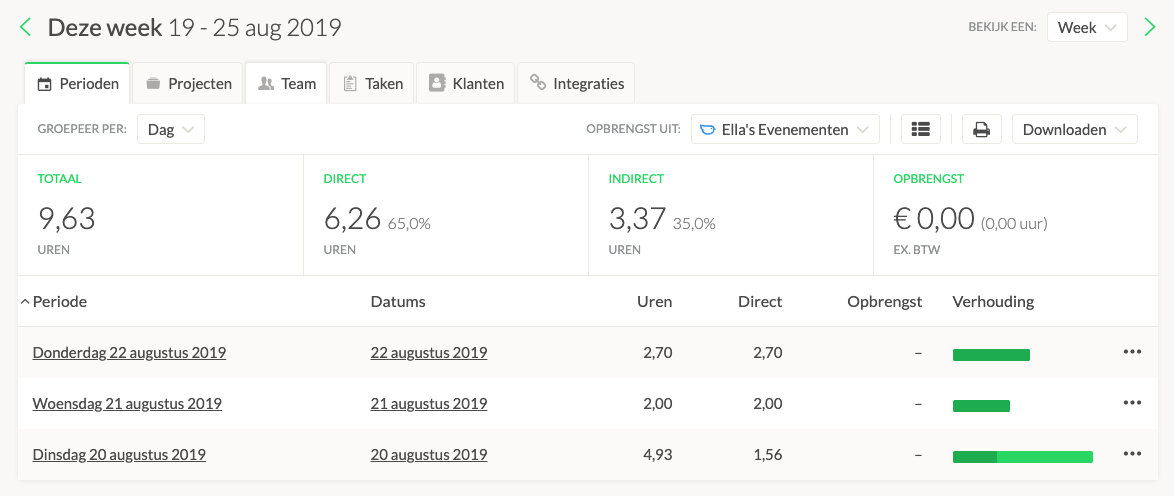
You can print summary reports by clicking on the button with the printer icon, which is located next to the download button. You can print reports for almost all overviews, which means you can download both regular reports and detailed reports in the same way.
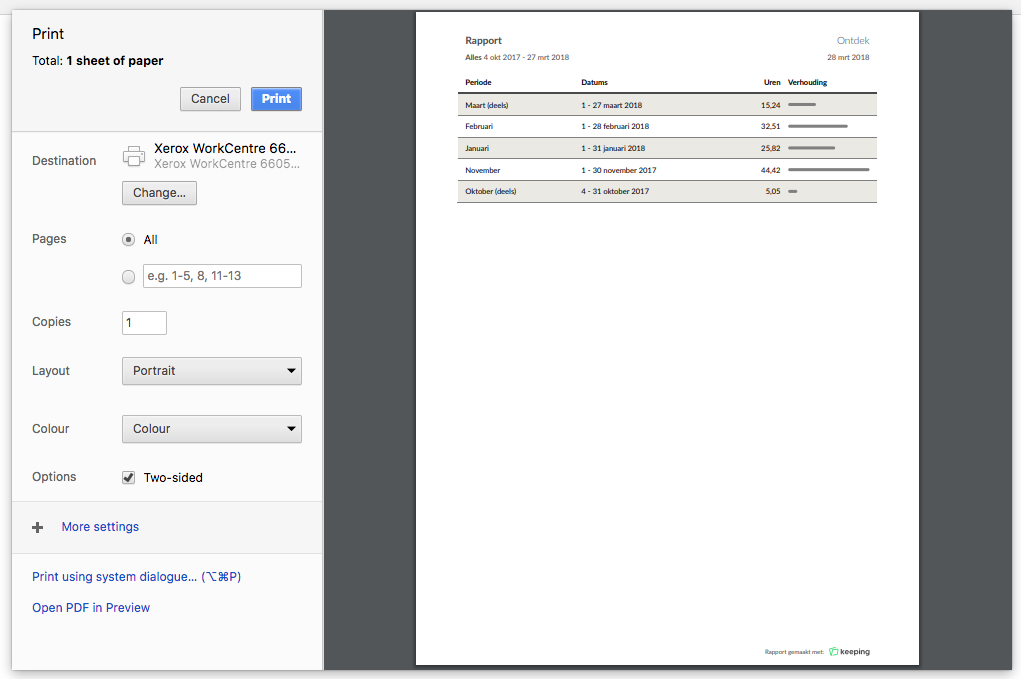
Once you click the print button, a dialog will appear showing a final overview. In this final overview, you can adjust any print options if needed. This dialog window may vary in appearance depending on the browser and operating system you are using.