How do I hide the revenue in the reports?
To connect with an invoicing program, you need at least a Plus subscription. A separate account for the invoicing program is required.
Hiding Revenue in Reports
The revenue from invoices in the linked invoicing program automatically appears in the reports.
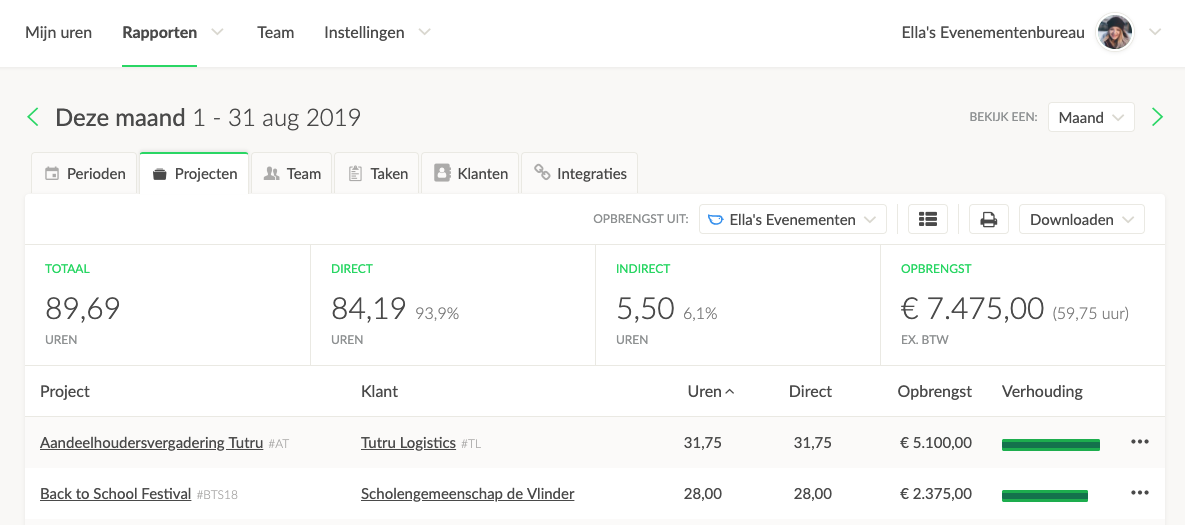
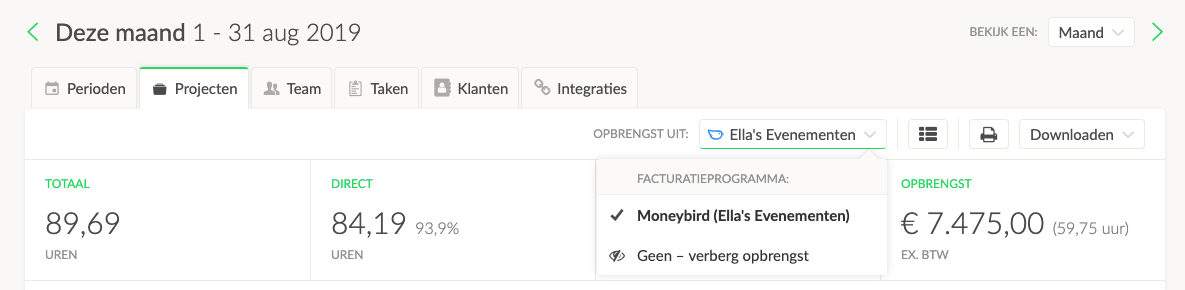
You can hide this by clicking the None - hide revenue button.
Showing Revenue Again
After the revenue has been hidden, a small (euro sign) € button will appear in the report bar. By clicking this button, the revenue will reappear in the reports.


