The audit trail (audit log)
All details of a time registration
The audit trail is designed to keep track of all details and changes of a time registration. For instance, you can see when a time registration was created, modified, or deleted in the audit trail.
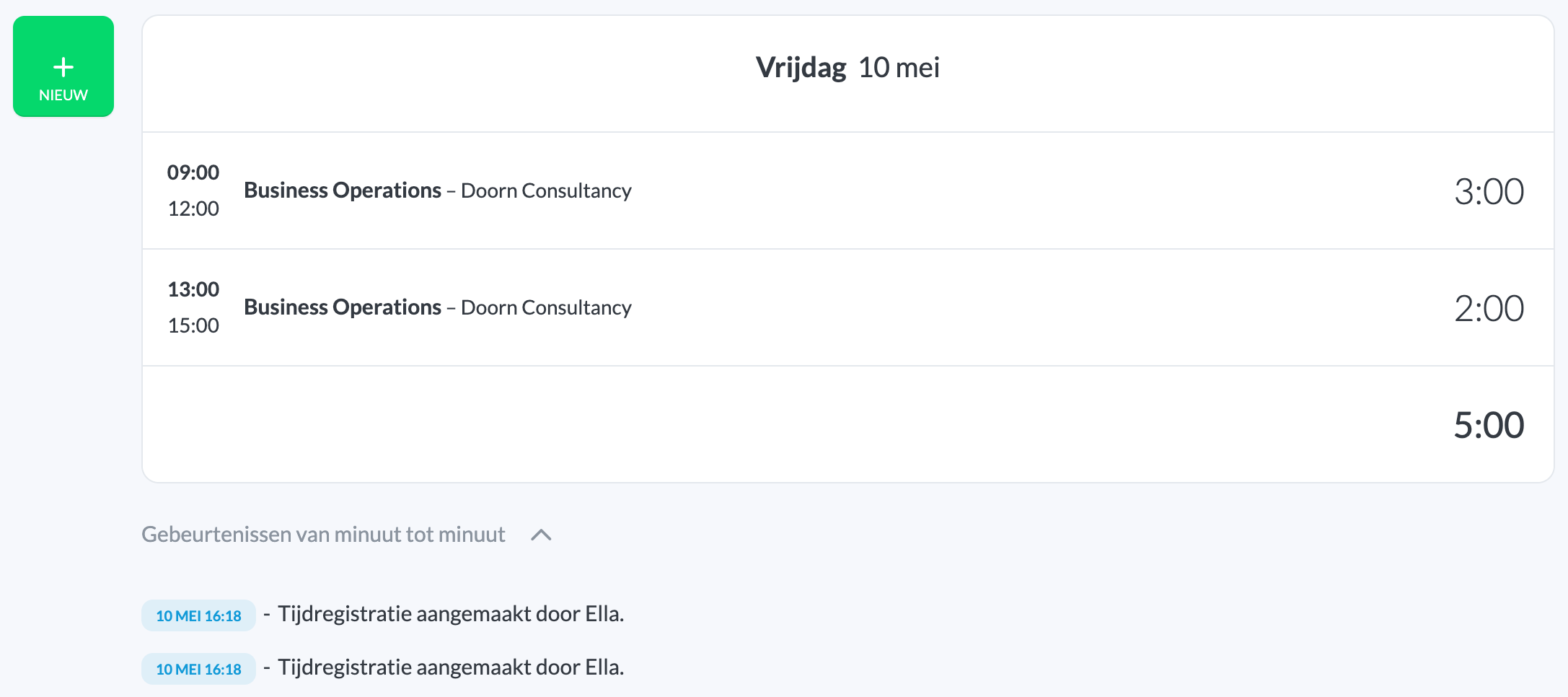 You can find the audit trail under My Hours → Minute-by-minute events ⌄ (under your time registrations).
The audit trail looks like this:
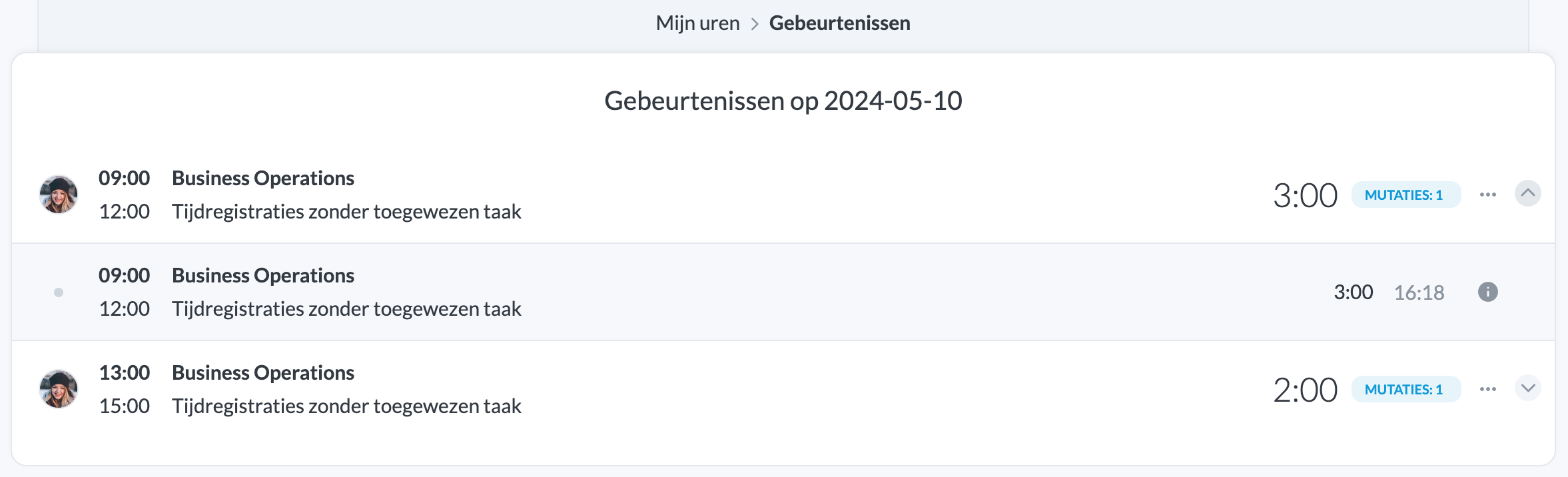
You can click on any event to view more details.
Details of an event
You can expand the extra details of an event:
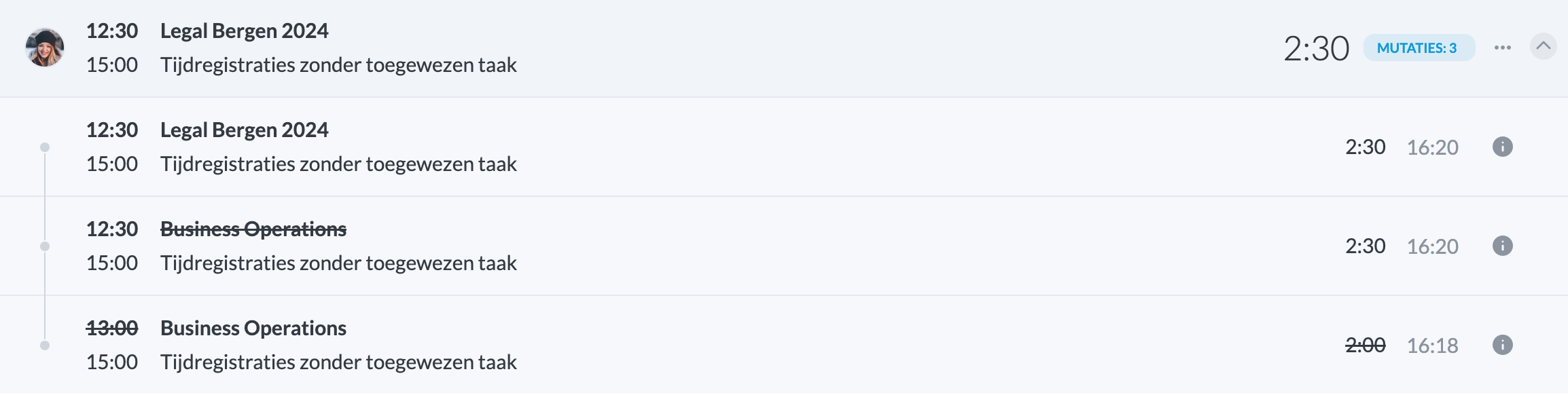 At the top, you see the final (current) time registration. Below, you see the changes that have been made to it.
Which events can I see?
As an administrator or organisation owner, you can see the audit trail of all time registrations within the organisation. As a team member, you can only see your own audit trail.

