Adjust hour entry
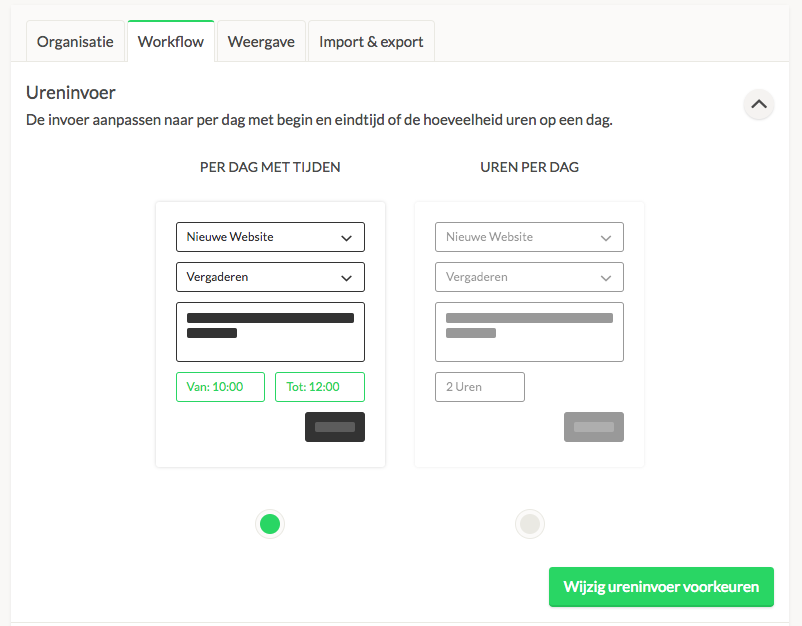
In Keeping, you can set how you want to enter your hours: per day with times or the number of hours per day. You can set this by navigating to Settings → Features → Workflow. Under the Time Entry section, you can then adjust this according to your preferences.
This is an organisation-wide setting.

