Register hours
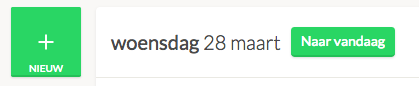
On the homepage of your organisation, you can start your time entry. Make sure you are on the day you want to register your hours, and then click the green new button next to the date.
Depending on your settings, you can either enter a number of hours here or track your worked time from minute to minute.
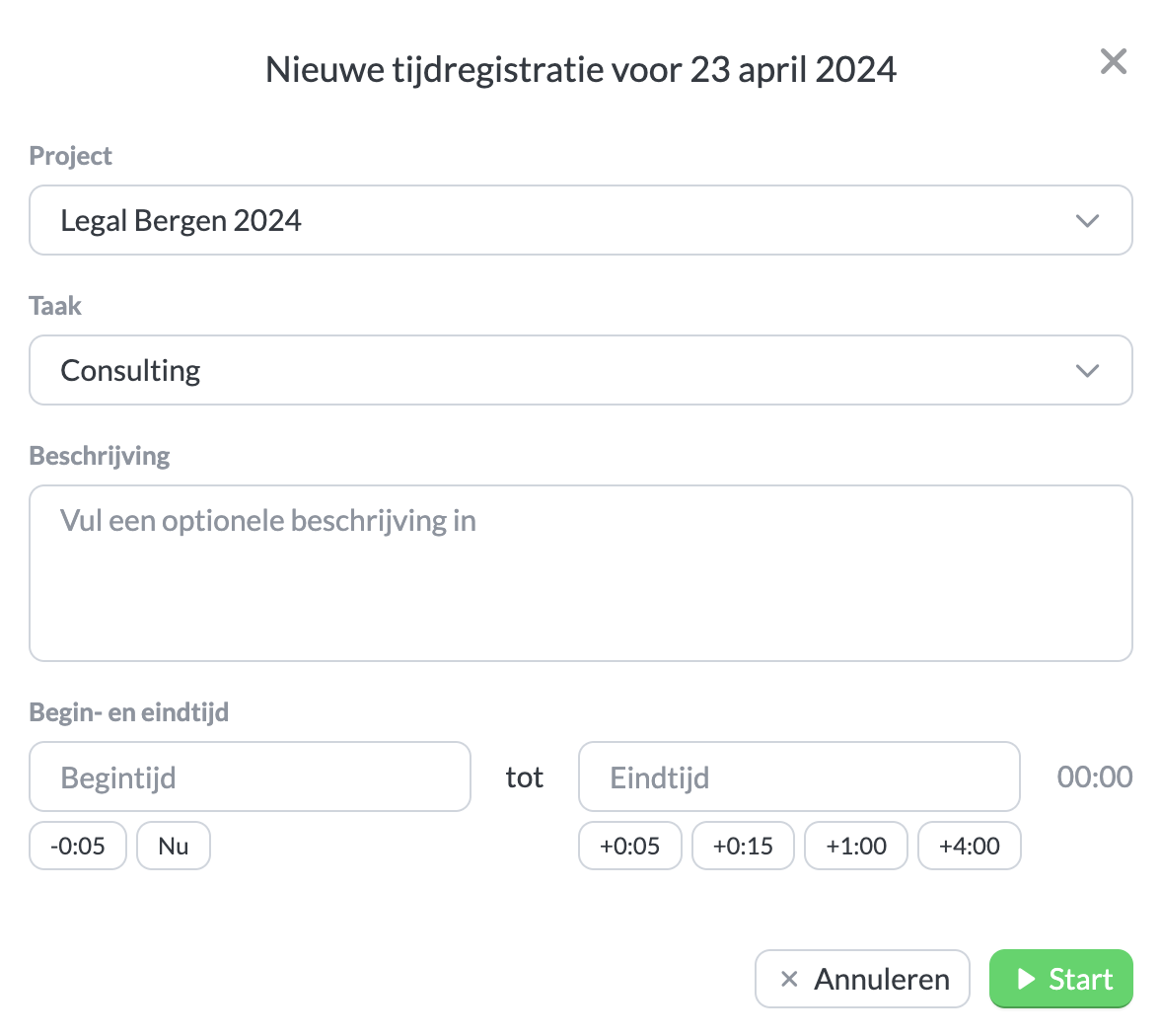 Example of tracking hours with exact times.

