Submitting hours
To use submitted hours, you need at least Keeping Pro.
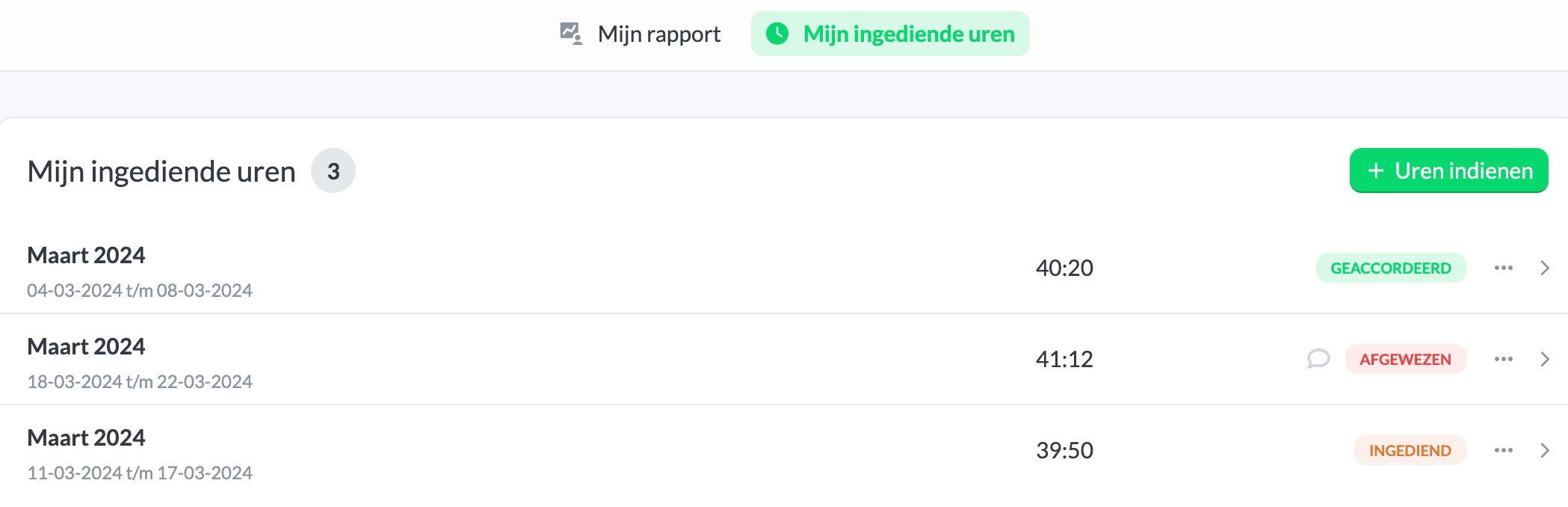
If your organization uses submitted hours, you can submit your hours and view their status via Overviews > My submitted hours.
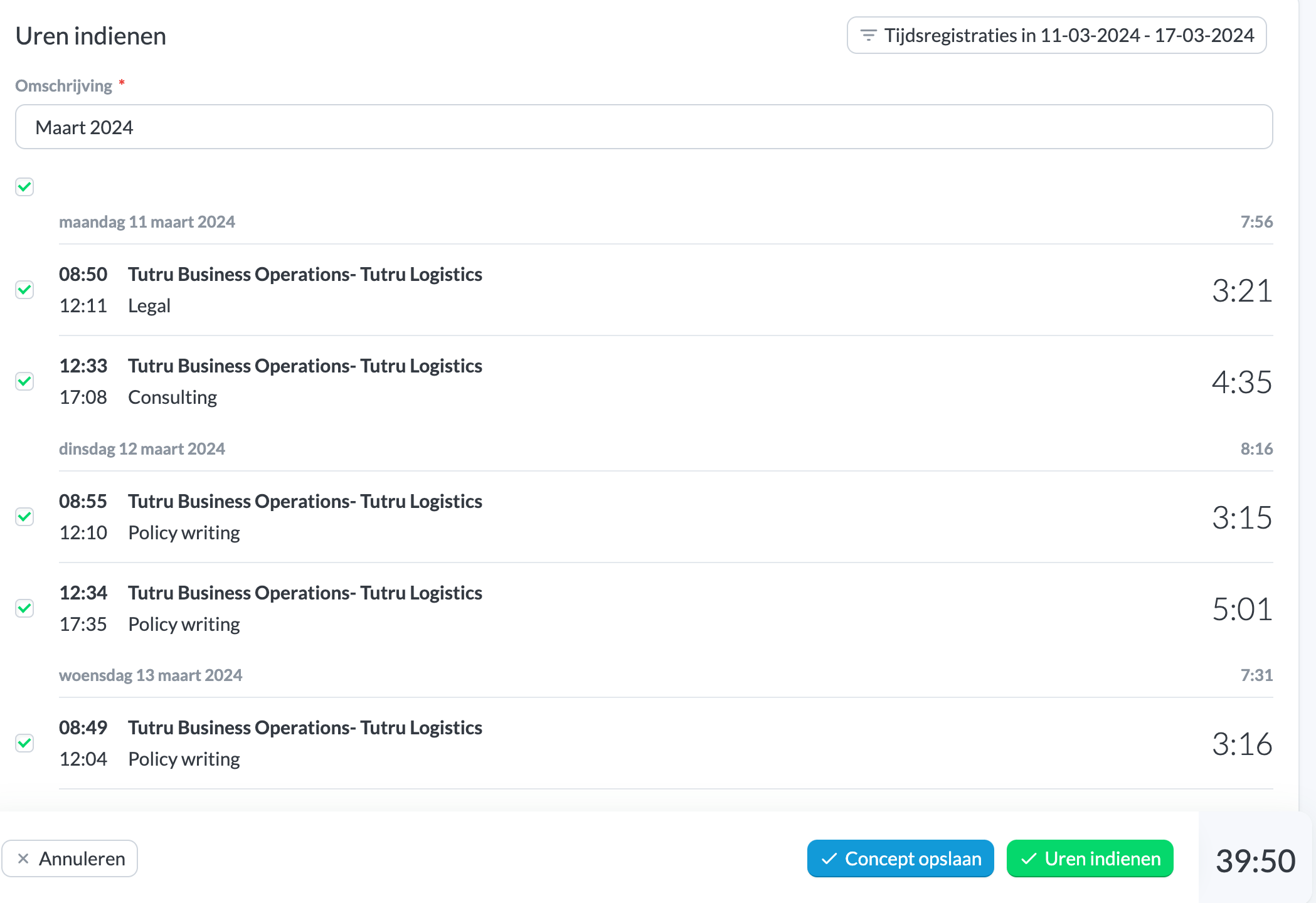
To submit hours, click Submit hours. In the window, select the period for which you want to submit hours. You will then see a list of all your entries for that period. You can deselect entries if needed. You can save your selection in progress with Save as draft. At the bottom of the page, you will see the total hours. Finally, click Submit hours.