Link invoicing from e-Boekhouden.nl with Keeping time registration
To create better invoices, you often need time registration data. Now, with Keeping, you can create an invoice directly from your trusted environment in e-Boekhouden.nl.
To link with an invoicing program, you need at least Keeping Plus. Additionally, a separate e-Boekhouden.nl subscription is required, which is not included.
What is e-Boekhouden.nl?
E-Boekhouden.nl positions itself as a user-friendly accounting program that understands you. It offers numerous functions like invoicing, quotations, customer management, inventory management, and more. Connect Keeping with e-Boekhouden.nl now for seamless time tracking and invoicing for all billable hours.
Invoicing billable hours
Linking e-Boekhouden.nl with Keeping enables highly accurate hour-based invoicing. Thanks to the integration, you can send all recorded hours to the minute to e-Boekhouden.nl with just a few clicks. The rest functions as you are accustomed to in e-Boekhouden.nl.
See how you can create an invoice in just a few clicks from your reports. Use the selection options to customize and format your invoice as desired. Then, click "Continue" to view and send the invoice in e-Boekhouden.nl.
That’s it: your invoice, based on _exact_ hours in Keeping, has now been sent. Precise and easy.
Associating existing invoices with your recorded hours
You can just as easily associate existing invoices with hours in Keeping to get a complete picture of your invoicing. It works almost the same as creating a new invoice from Keeping—convenient, right? Check how you can associate existing invoices with hours.
See the invoiced revenue in your reports
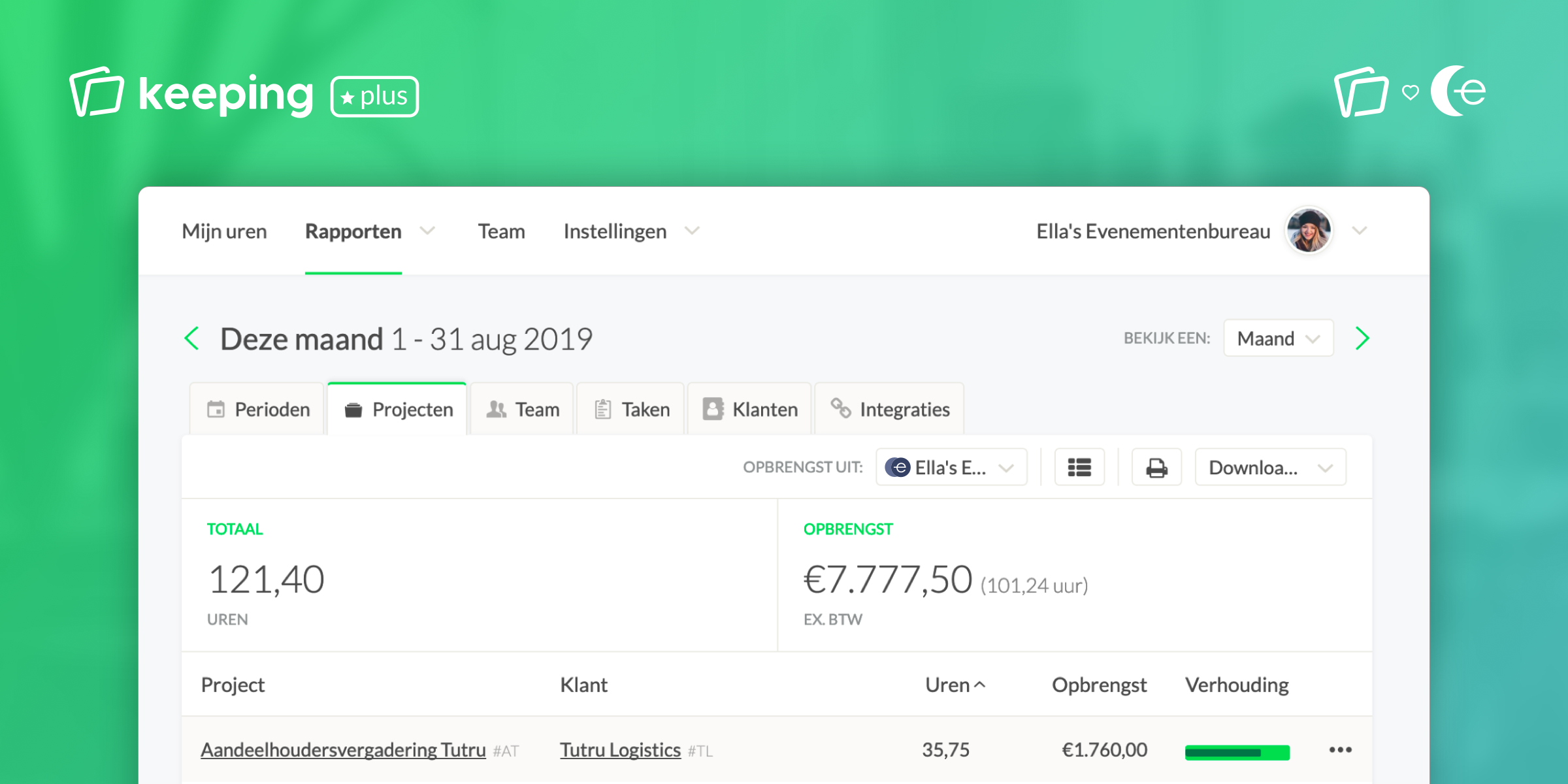
To round it off, you’ll see the revenue from your invoiced hours directly in the reports in Keeping. It’s convenient for staying informed without constantly switching between applications. You can also gain insights into the ratio between invoiced and non-invoiced hours, for example.
Refine your work with direct and indirect hours
Want to invoice even better and easier? Use direct and indirect hours, which are especially useful if you want to quickly see what is billable and what isn’t. You can, of course, set up direct and indirect hours however you like: setting up direct and indirect hours.
When creating and associating an invoice, you can then choose to include only direct hours or to also include indirect hours on your invoice—adding flexibility.
Linking e-Boekhouden.nl and Keeping?
To link your Keeping organisation with your e-Boekhouden.nl account(s), you can follow this simple step-by-step guide.

