Manage the integrations through the Keeping extension
How Can I Change the Visibility of the Keeping Button?
To connect with external project management integrations, you need at least a Plus subscription. A separate account is required for project management integration.
Navigate to the Options in the Keeping Extension
Here’s how to access the options:
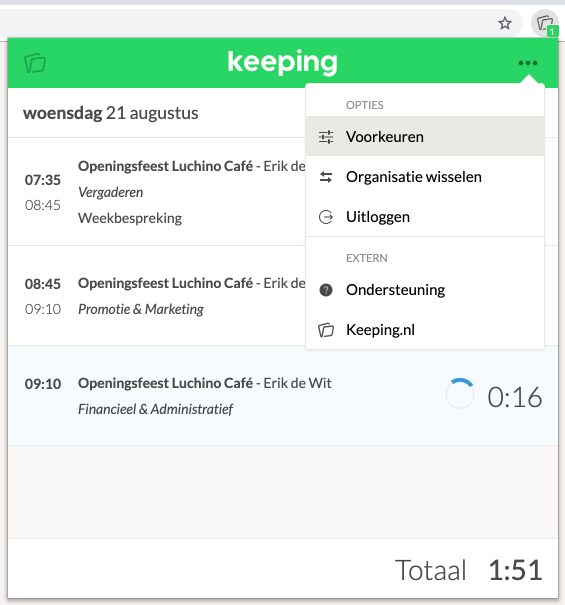
Click the Keeping icon to open the extension, then navigate to Preferences via the options button (···).
View Your Current Preferences
Here’s what the preferences page looks like:
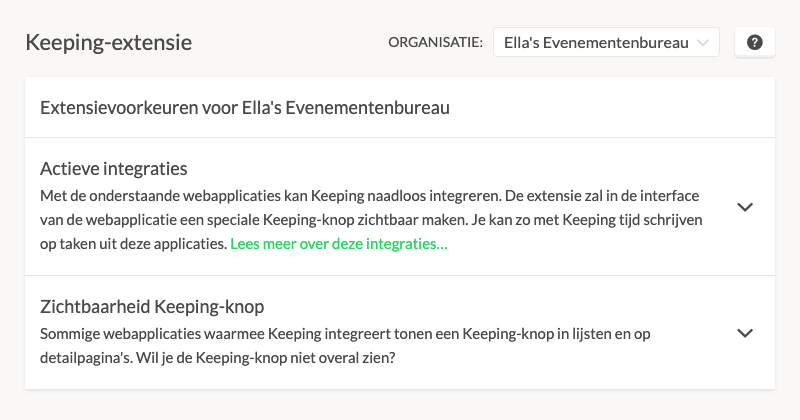
As you can see, you have preferences for integrations and for the placement of the Keeping button.
Enable or Disable Integrations
Expand the menu for Active Integrations:
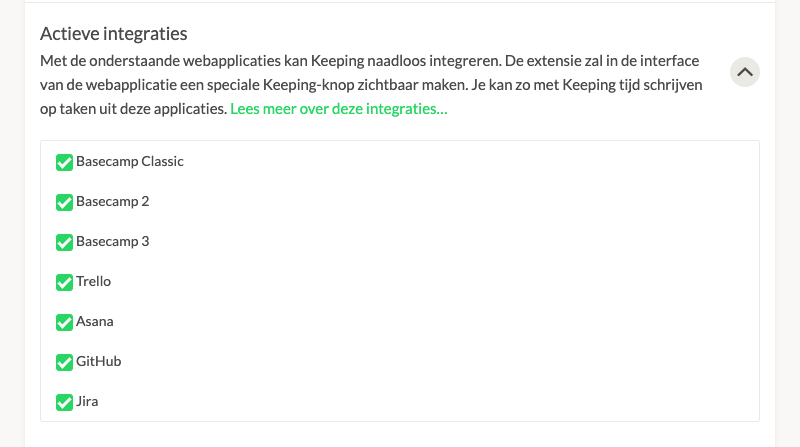
Use the checkboxes to enable or disable an integration.
Adjust the Visibility of the Keeping Button
To adjust the visibility of the Keeping button, open the Keeping Button Visibility menu:
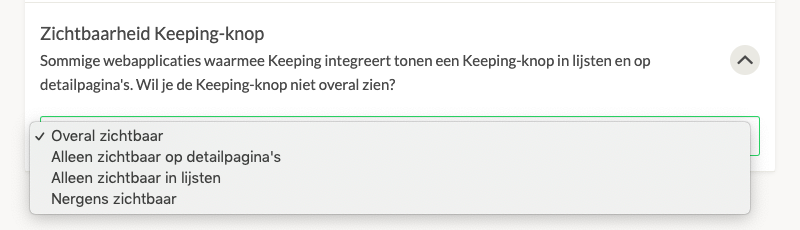
Select your preferred option.

