Using Basecamp 3 with Keeping
To integrate with an external project management program, you need at least Keeping Plus. A separate Basecamp account is required, and any necessary Basecamp subscription is not included.
See also the Basecamp page.
For integration with Basecamp 3, an active Chrome extension or Firefox Add-on is needed.
Article Overview
This article explains various aspects of Basecamp 3 integration. For each specific section, use the navigation below.
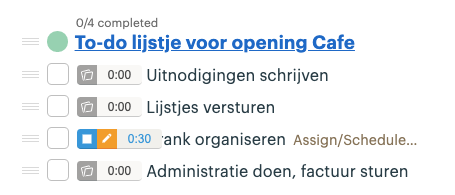
The Keeping button is located in two different places in Basecamp.
Next to each to-do in a list of to-dos:
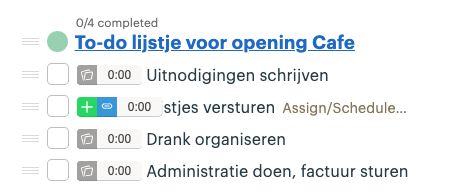
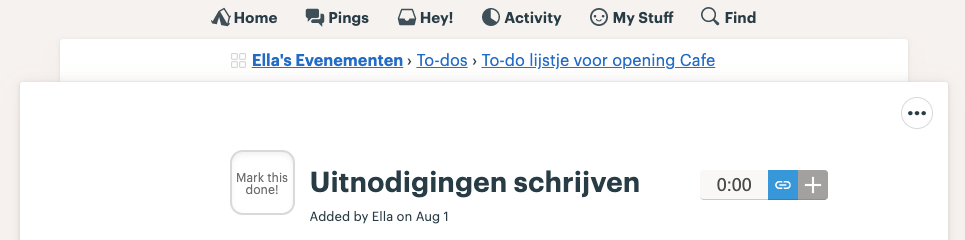
To the right of the title of a to-do on the detail page:
How Do I Start a New Time Tracking via Basecamp 3?
You can start a new time tracking entry directly from Basecamp 3 by using the Keeping button next to a to-do in your list or in the detail screen.
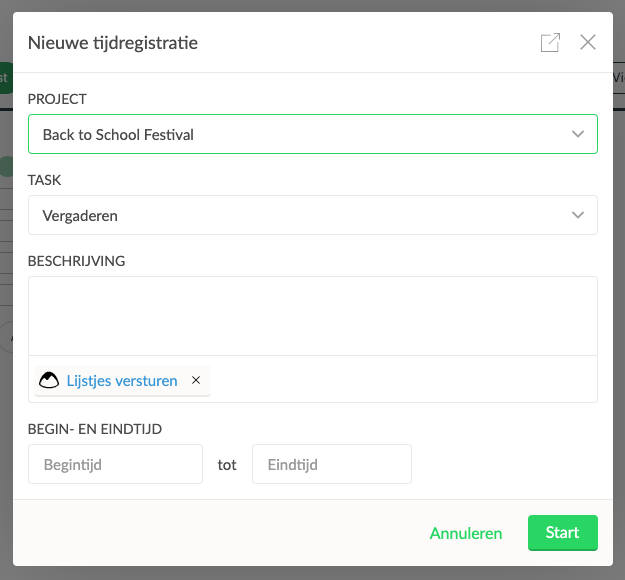
To-Do Is Linked Immediately When Starting Time Tracking
In the new window that appears, you can fill in the details of your time tracking and click start. The Basecamp 3 to-do you clicked on is automatically linked to the new time tracking entry.
How Do I Link an Ongoing Time Tracking to a Basecamp 3 To-Do?
If you have an ongoing time tracking in Keeping, you can use the extension directly in Basecamp 3 to link the current time tracking to a Basecamp 3 to-do.
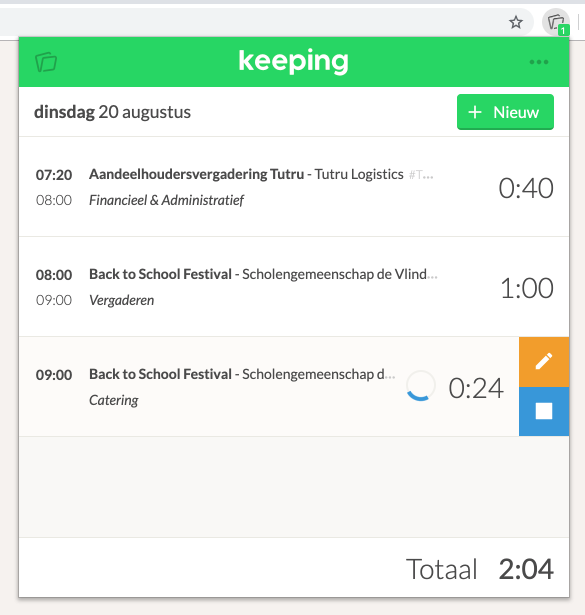
This is an ongoing time tracking without a link.
Creating the Link
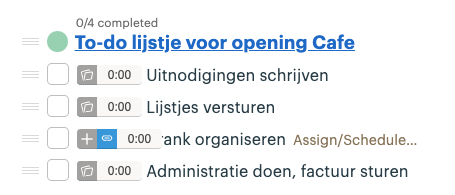
In Basecamp 3, navigate to your to-do list or to-do item and use the blue link button.
Your Time Tracking Is Now Linked
The link with the Basecamp 3 to-do is now complete!