Fitting design
Start quickly
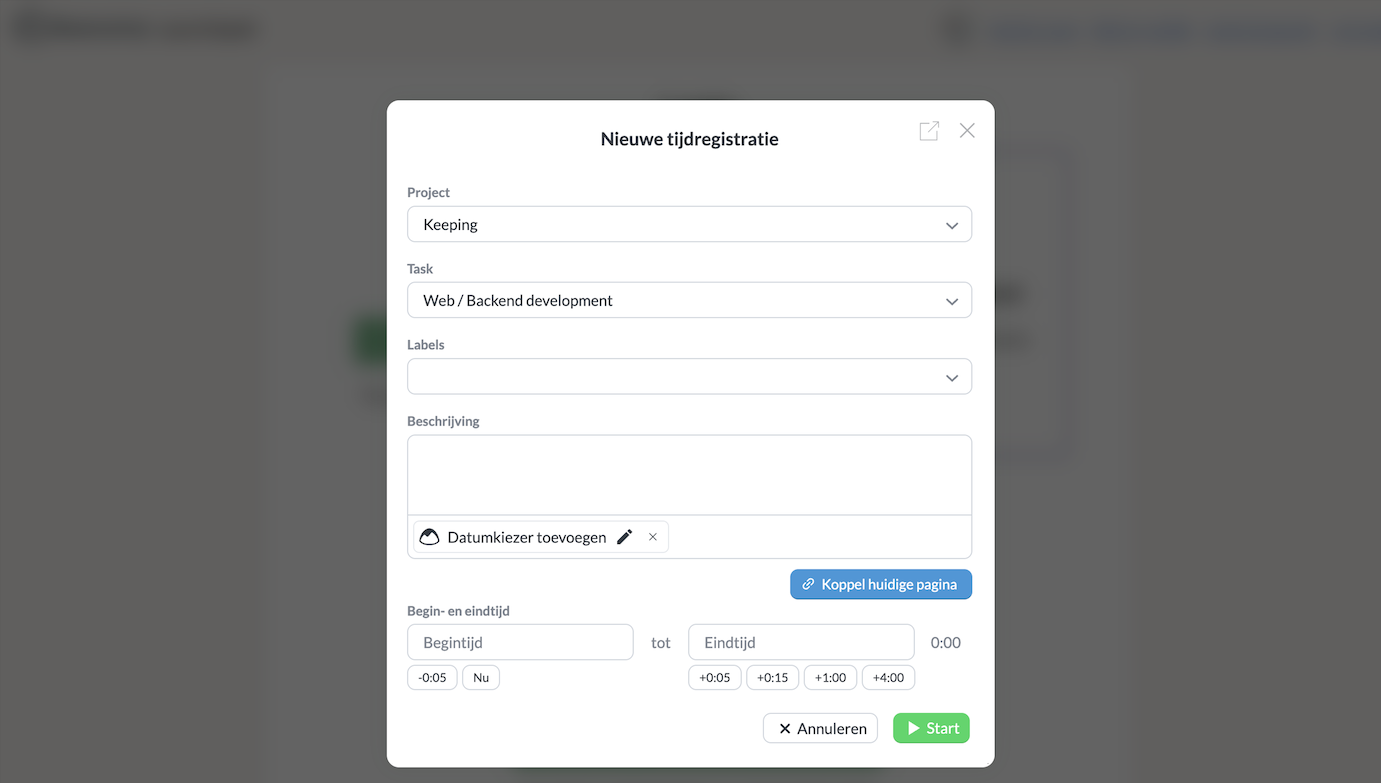
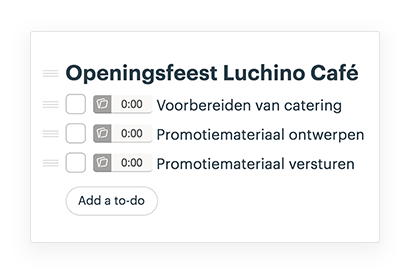
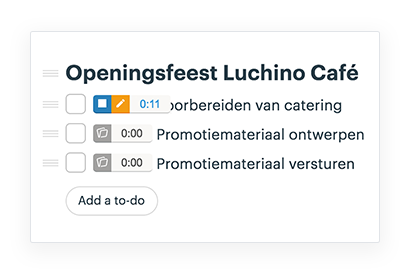
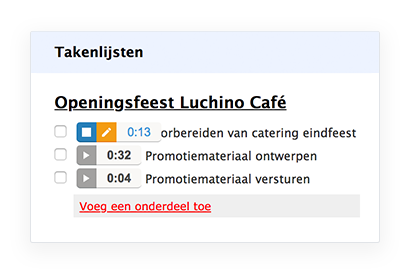
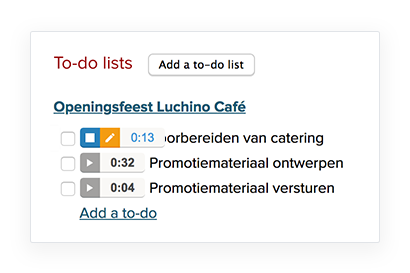
The Keeping button is next to all your to-do items. With a simple click, you start time tracking linked to a specific to-do item in Basecamp.

A project management tool like Basecamp is a great help for your projects. That’s why Keeping integrates with Basecamp, ensuring accurate time tracking for all your projects and tasks in Basecamp.
The integration works with Basecamp Classic, 2, and 3.
Fitting design
The Keeping button is next to all your to-do items. With a simple click, you start time tracking linked to a specific to-do item in Basecamp.
Clear overview
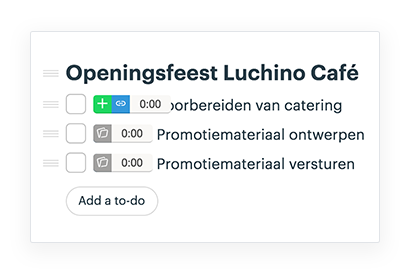
Swipe over the button next to your to-do items to start, link, or see current links. The integration provides a clear overview of how many hours have been logged per to-do item.
Quick to use
Thanks to the smooth integration with Chrome-extensie en Firefox add-on, you can quickly switch between to-do items. Everything is live-synchronized to your account in Keeping.
In-depth integration
The time entries you process in Basecamp are synchronized online with your account in Keeping. This way, you have access to your time entries both through Basecamp and the Keeping website. Additionally, you can see clearly within your projects and tasks which to-do items the time entries belong to.
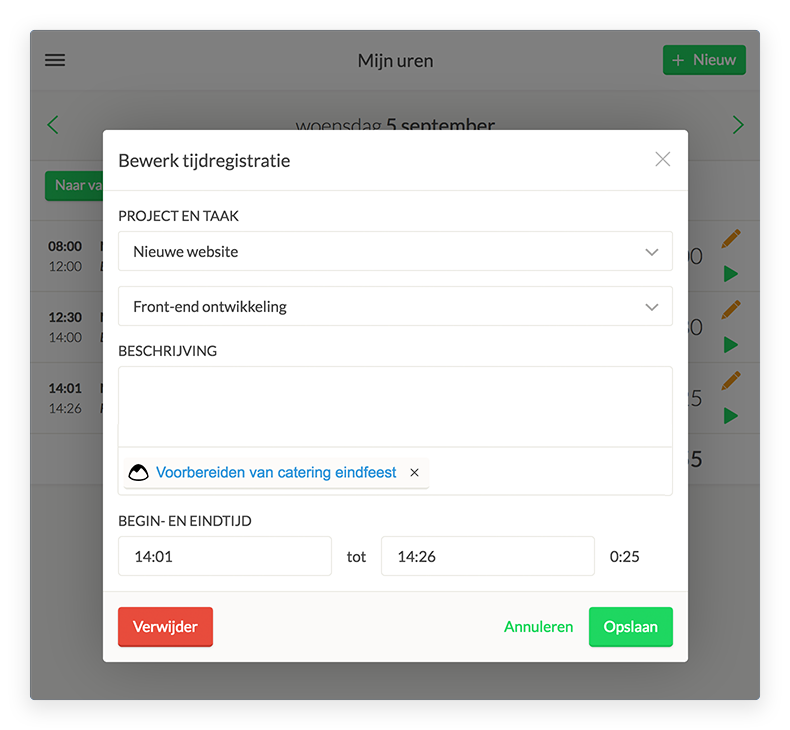
This is the linked item for the specific time entry. The link remains active so you can quickly navigate to the specific to-do item in Basecamp.
Chrome-extensie en Firefox add-on
With the external references from Keeping, you add depth to your time tracking. You link specific time registrations within projects and tasks to to-do items in Basecamp, making it clearer where the bottlenecks of a project lie.
The Chrome extension provides you with a clear overview of your current day directly in your browser, regardless of which website you are on.
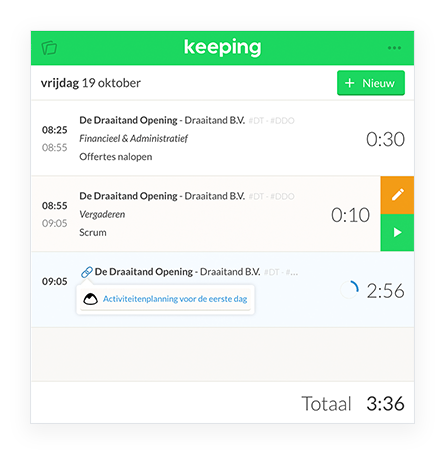
All the conveniences of the Keeping Chrome-extensie en Firefox add-on that you experience in Basecamp 3 are available in Basecamp Classic and Basecamp 2 as well.
You can automatically make use of the GitHub integration. Ensure your organization has the Plus subscription and that you have installed the Chrome-extensie en Firefox add-on.
Widely applicable
Keeping offers integrations that allow you to easily track your hours or send them to an accounting program.
Over 25.000 entrepreneurs are already using Keeping to make time tracking easier for them and their team. Sign up below and start using Keeping for free.